Rap video tools
Video tools use your photo and your audio only. No original songs, no artist likenesses.
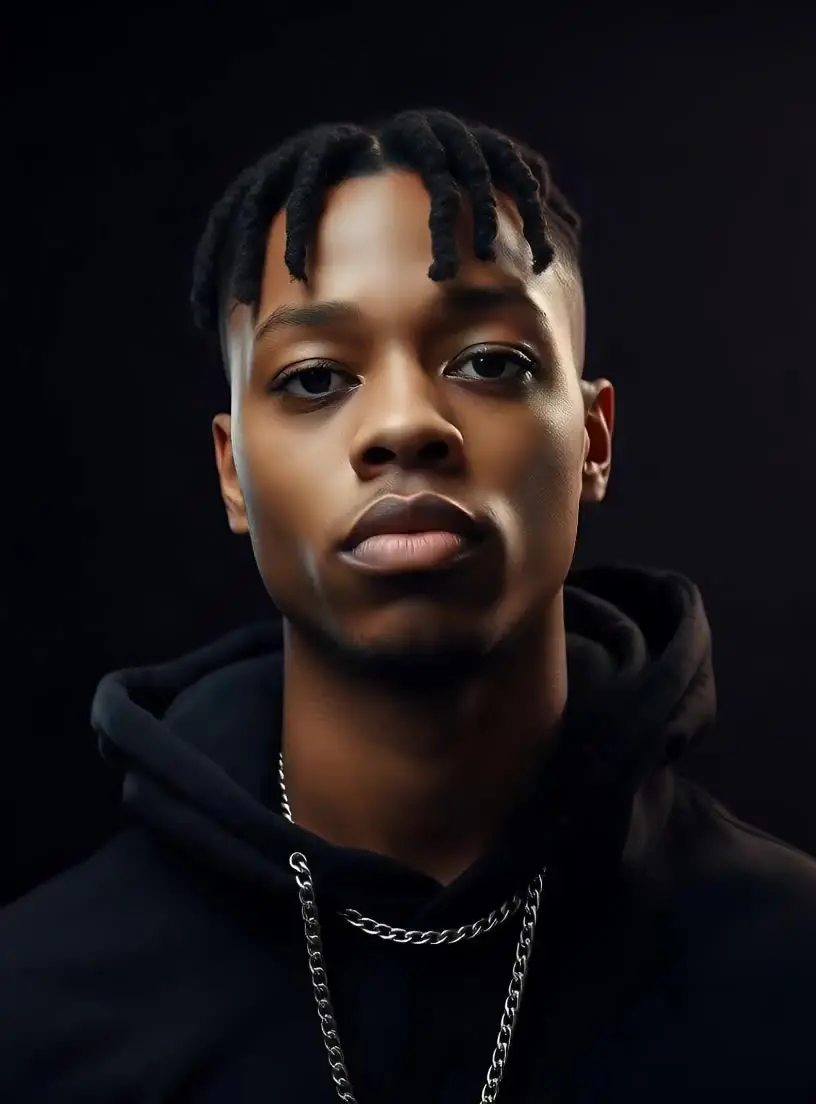
AI Rap Video Generator
Upload a photo of yourself and a clip of your rap, and get a lip-synced MP4 of you performing it in a few minutes. Each video costs 20 credits up to 15 seconds, 40 up to 30.
From 20 credits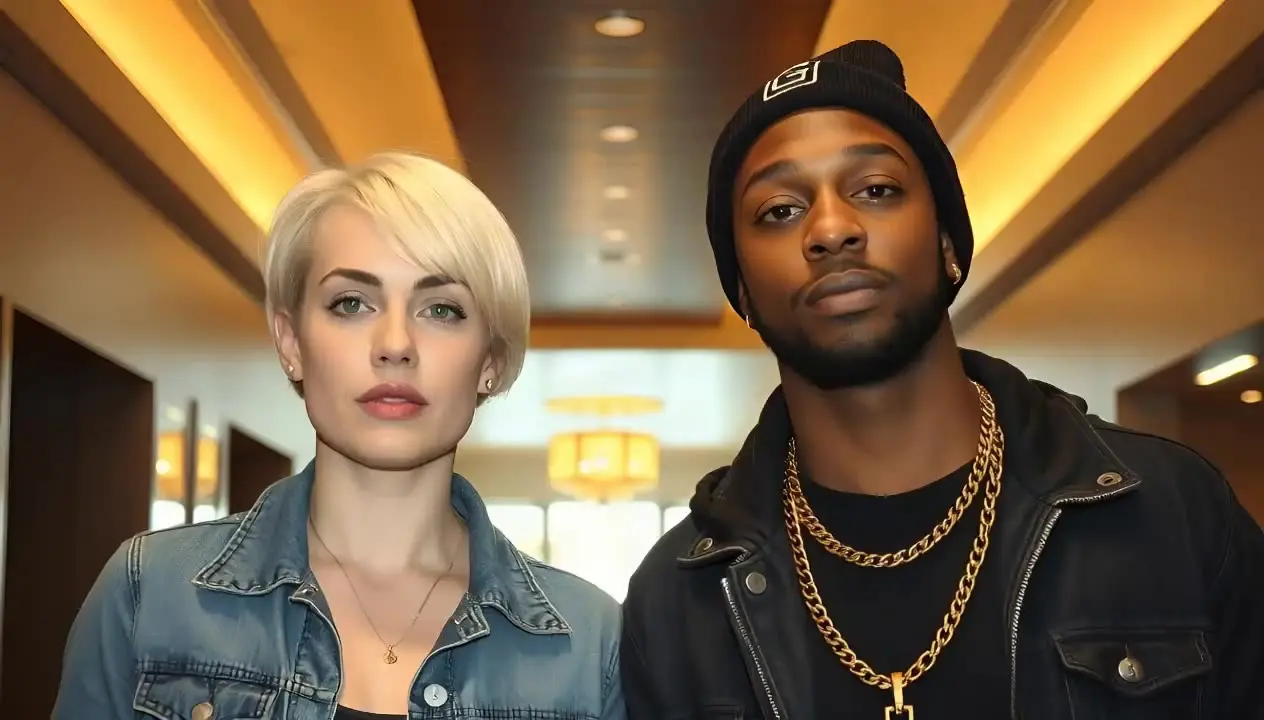
Rap Duo Video Maker
Upload one photo of two people and a clip of your rap, and get a lip-synced MP4 in a few minutes. Both of you perform the clip together; for a back-and-forth, make a clip for each of you. 20 credits up to 15 seconds, 40 up to 30.
From 20 creditsWhat the video tools can and cannot do
Upload a clear, front-facing photo and 10 to 15 seconds of rap audio, choose a template, and the face in the photo performs the clip with matching mouth movement. The duo template is for one photo of two people trading lines; cypher is for a group shot. Rendering takes a few minutes and returns a private MP4.
A video costs 20 credits up to 15 seconds and 40 up to 30, and credits come back if a render fails. You must confirm the photo is yours or that everyone in it agreed and is an adult. No celebrity photos, no copyrighted songs. If you have no audio yet, make the track first with the AI rap generator.
Rap videos FAQ
What do I need to make a rap video?
A clear photo of yourself facing the camera and a 10 to 20 second clip of your rap. The video tool animates the photo so it performs the clip, for 20 credits up to 15 seconds or 40 up to 30.
Can I make a lyric video for TikTok or Reels instead?
Yes. In the Studio, after you record and mix your song, the Clips step cuts 9:16 videos with your lyrics timed word by word, your artist name and cover, and exports them as MP4.
Can I use someone else’s photo?
Only with their permission, and never of anyone under 18 or of a public figure. You confirm this before each video.
What if a video fails?
The credits come back to your balance automatically, and you can try again with a sharper photo or a cleaner audio clip.