Tattoo Font Generator
Type the words you want inked and choose a lettering style. In about 20 seconds you get a landscape image of the phrase in black on white, for 1 credit, to show your tattoo artist.
1 credit per image·6 lettering styles·Landscape format
Letter your tattoo
3. Your result
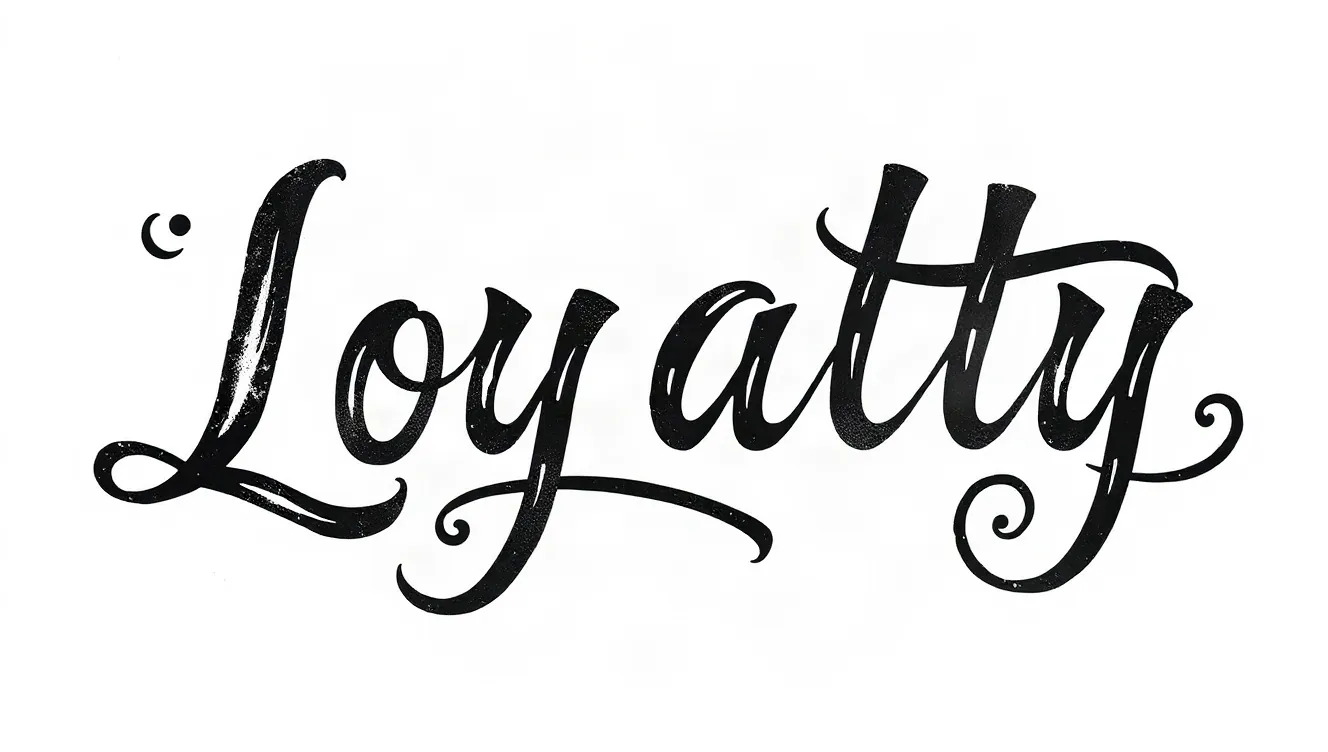
Example made with this tool: “Loyalty”, Chicano script style. Yours appears here, usually in under 20 seconds.
See it in action
 Bold block
 Chicano script
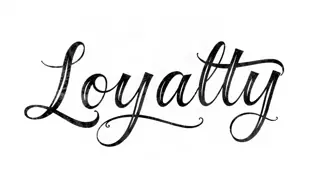 Fine line cursive
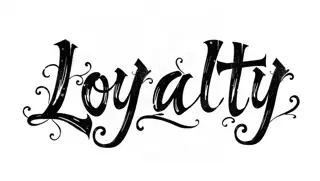 Graffiti
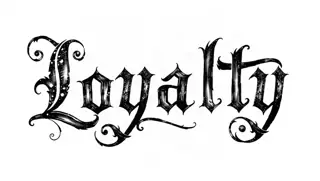 Old English
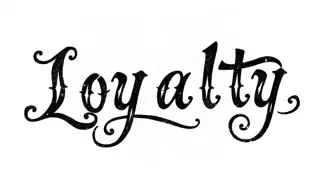 Typewriter
What this tattoo font generator produces
Despite the name people search for, this does not hand you a font file to install. It draws your phrase as a finished piece of lettering: one image, black ink on a white background, with the flourishes that belong to the style you picked. That is closer to what a lettering artist does than what a font does.
Type the phrase in the "Words to letter" box and choose from Chicano script, Old English, Fine line cursive, Graffiti, Typewriter or Bold block. The image comes back wide, in landscape, which matches how phrases sit across a chest, a collarbone or along a forearm.
The model is told to spell the phrase exactly as typed. It mostly does. Lettering is the hardest thing for image models, so proofreading the result is part of using this tool, not an optional extra. Each attempt costs one credit, and a failed job gives it back.
Why try a tattoo lettering generator first
Drawn lettering, not typed text
A font repeats the same "e" every time. Drawn lettering lets letters lean on each other and share flourishes, which is why a script tattoo done by a lettering artist looks alive. The images here imitate that.
Six styles with different jobs
Chicano script and Fine line cursive flow, Old English and Bold block stand upright, Typewriter is plain and small, Graffiti bends the letters. Seeing your own phrase in two of them settles most arguments.
Black on white, ready to print for a consult
There is no skin, shadow or background in the image. Print it or show it on your phone, and the artist can judge the letterforms and tell you what size the phrase needs to be.
How to use the tattoo font generator
- 01
Type the words
Enter the phrase with the capitals and punctuation you want. Short phrases of one to four words come out most accurately. For longer quotes, generate one line at a time.
- 02
Choose a lettering style
Tap one of the six buttons. Chicano script is the default. If the phrase will be small, lean towards Typewriter or Bold block, which stay readable at sizes where script closes up.
- 03
Generate and proofread twice
Press "Generate lettering tattoo" after signing in. Compare the image with what you typed, letter by letter, then have someone else read it aloud before it goes anywhere near a studio.
What to type so tattoo lettering comes out clean
Type only the words. The box feeds straight into the lettering, so a note like "in fancy writing" may end up drawn as part of the tattoo. Decide on capitals before you start: all caps in Old English is hard to read, while script wants a capital only at the start of each word.
Fewer characters means fewer mistakes and a tattoo that can be done larger. If your phrase runs past five words, ask whether three of them carry the meaning. Phrases like these fit the box well.
- Loyalty Over Everything
- Still Here
- Trust the Work
- Born Twice
- No Days Off
Tattoo lettering legibility: size, spacing and time
Ink does not stay exactly where the needle put it. Over the years lines soften and widen a little under the skin. In lettering, that means the small enclosed spaces inside letters such as e, a and o are the first thing to fill in. Thin connecting strokes in fine script are the first thing to fade.
So the rule artists give is simple: the more ornate the style, the bigger it has to be. Old English and heavy Chicano script need room. If you want something tiny on a finger or behind an ear, choose a plain style and expect your artist to open up the spacing beyond what the image shows.
- Ask your artist for the minimum letter height for the style you chose
- Leave visible gaps between letters and between lines
- Avoid very thin strokes on hands, feet and fingers, which wear fastest
- Check foreign words and dates with a second source before the appointment
Tattoo font generator FAQ
Do I get a downloadable font file?
No. You get an image of your phrase drawn as lettering. It cannot be installed or typed with. If you need an installable typeface, look for a licensed font; use this page when you want a one-off drawn version to show a tattoo artist.
How much does the tattoo font generator cost?
One lettering image is 1 credit, and you must be signed in to generate. The form can be filled in first. A render that fails does not cost you: the credit is put back.
Can I trust the spelling in the image?
Check it every time. AI image models sometimes drop, double or reshape letters, and ornate styles make errors harder to spot. Read it against your original, and if anything is off, generate again or shorten the phrase.
Is the lettering ready to use as a tattoo stencil?
Treat it as a reference. Your artist will usually redraw the lettering by hand or on a tablet so the spacing, stroke weight and curve suit the body part. The image is not guaranteed to be skin-ready as it stands.
Which style is easiest to read as a small tattoo?
Typewriter and Bold block, because their letters are simple and open. Fine line cursive can work small if the artist spaces it generously. Old English and Chicano script look right at larger sizes, such as across a chest or forearm.
Can it write in languages other than English?
You can type any text, but accuracy drops with accents and non-Latin scripts, and you may not be able to spot an error in a language you do not read. Have a fluent reader verify the image before using it.
Related reading
Related tools
Tattoo Lettering Generator
Type the phrase you want tattooed and see it in flowing script. The page opens on Fine line cursive, each image is done in around 20 seconds for 1 credit, and it is a reference for your artist.
Old English Font Generator
Type a word or short phrase and receive it in Old English blackletter, black ink on a white background. It is a picture, not an installable font, ready in about 20 seconds for 1 credit.
Name Tattoo Generator
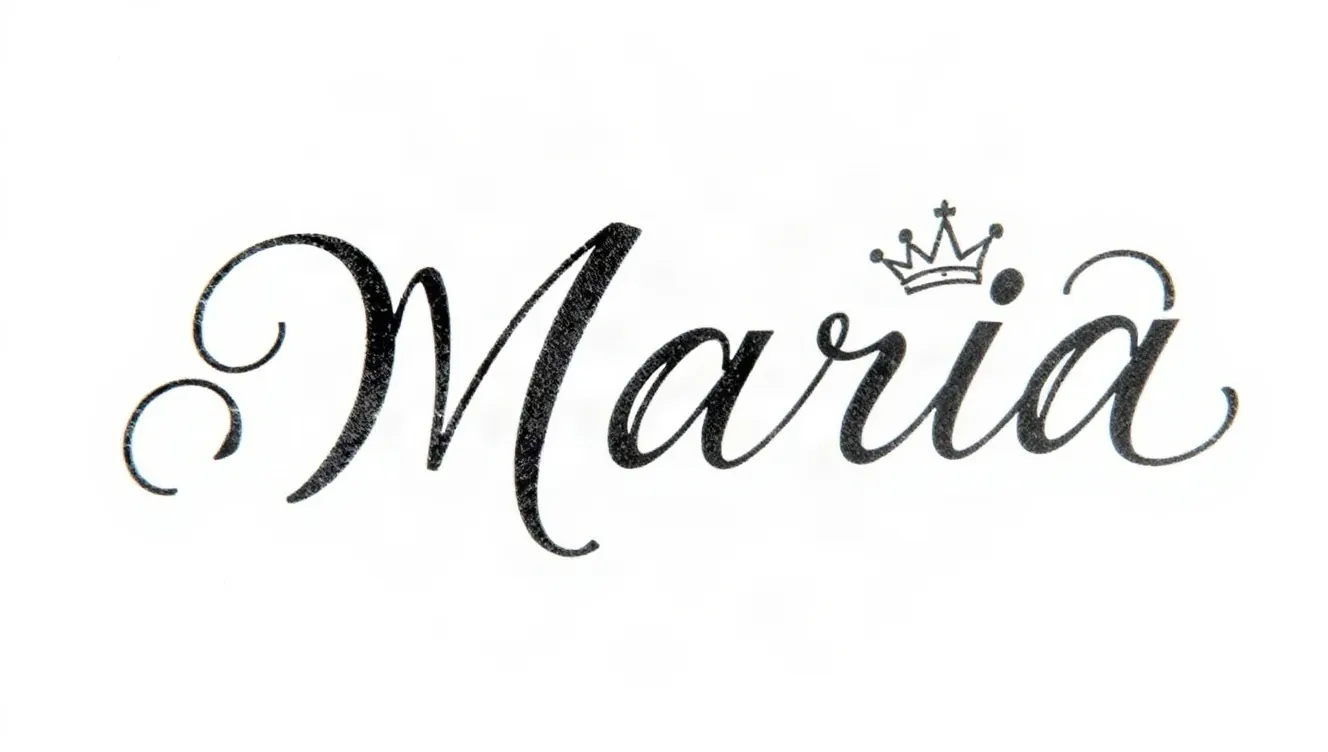
Enter a name, add an optional small element such as a crown, a date or a rose, and pick a script. A black-ink design on white arrives in around 20 seconds and costs 1 credit.
AI Tattoo Generator
Describe the tattoo, choose an ink style and get a single design on a white background, usually in under 20 seconds. Each image costs 1 credit, and it is a reference for your artist, not a stencil.
Last updated November 12, 2026