Album Cover Generator
Describe what is on the cover, type the artist and title if you want them on the art, and pick a style. A square cover comes back in about 20 seconds for 1 credit.
1 credit per image·Square format·8 cover styles
Make your album cover
3. Your result
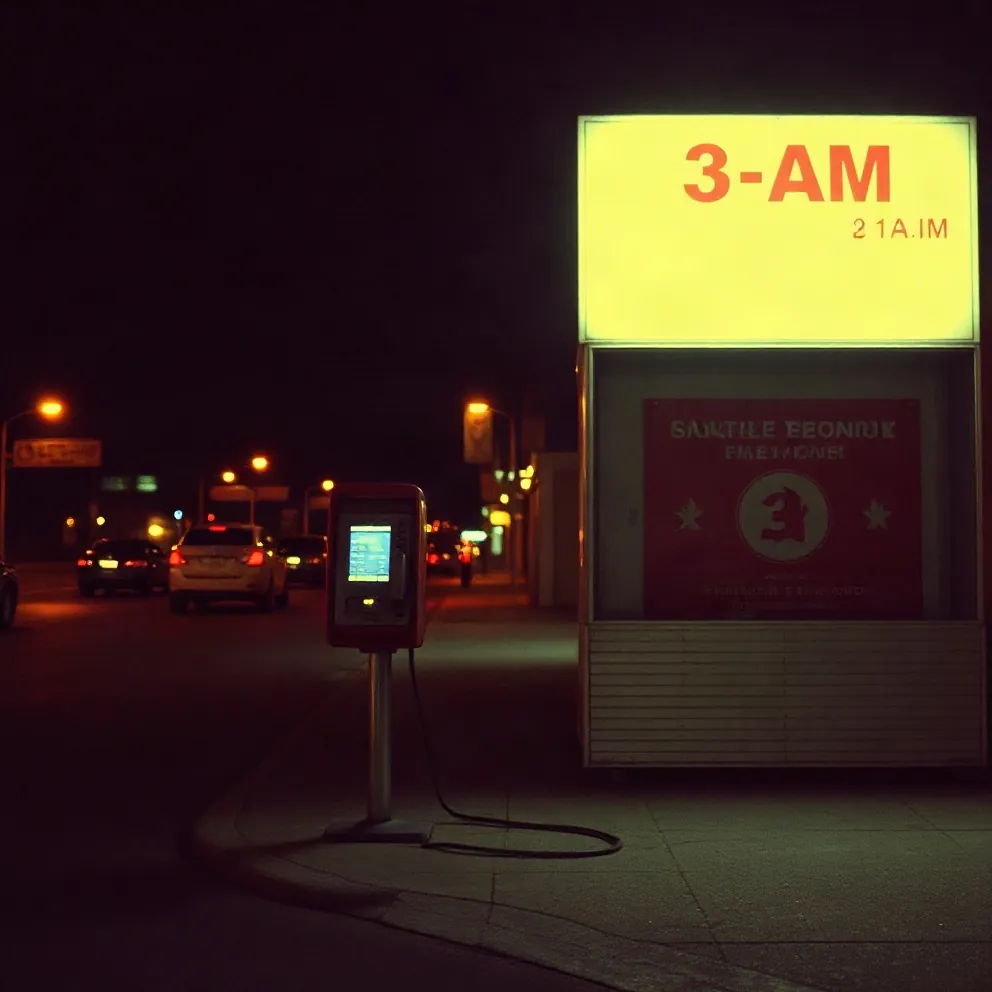
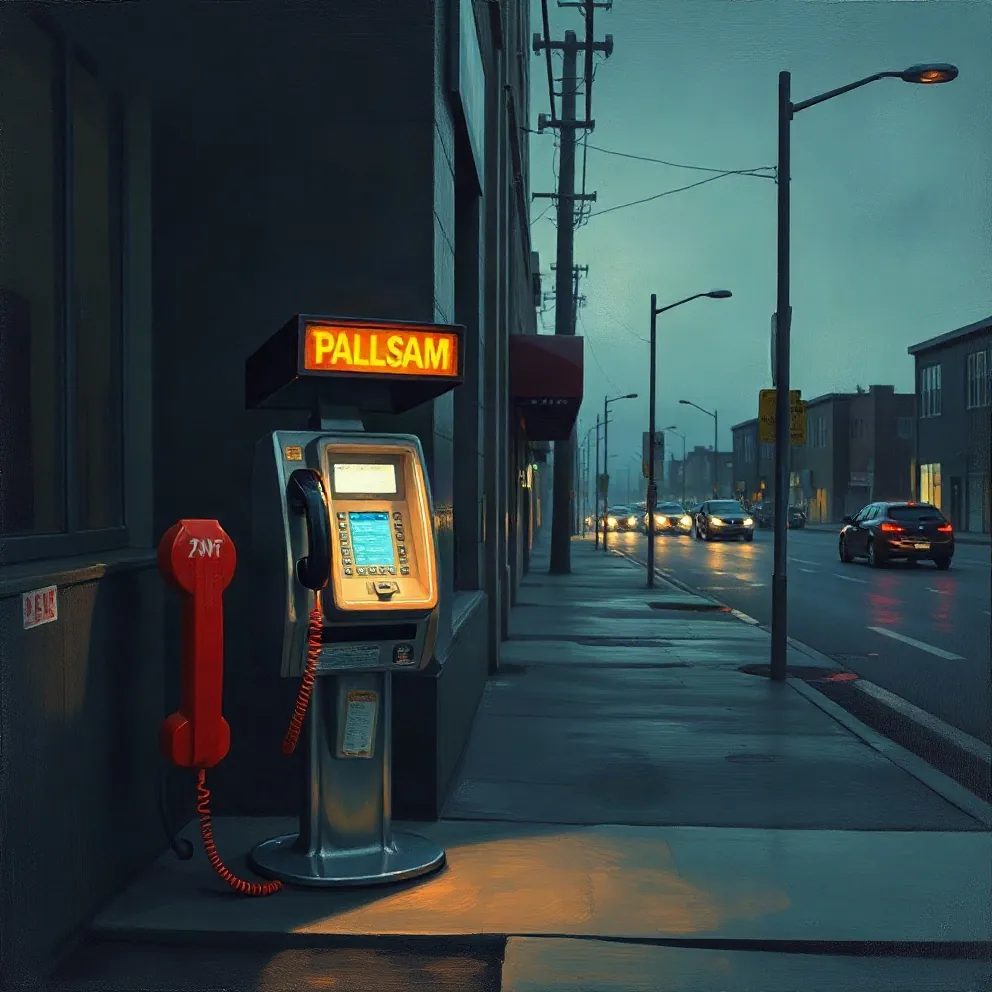
Example made with this tool: “a payphone glowing on an empty street at 3 AM”, Film photo style. Yours appears here, usually in under 20 seconds.
See it in action
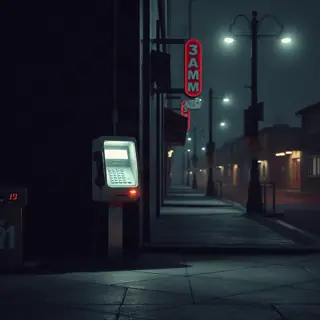 3D render
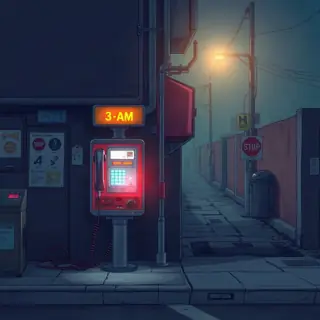 Anime
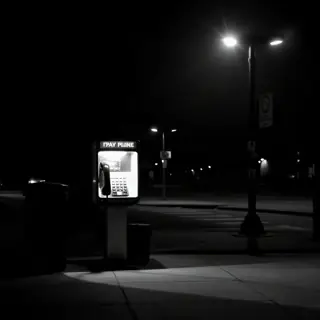 Black and white
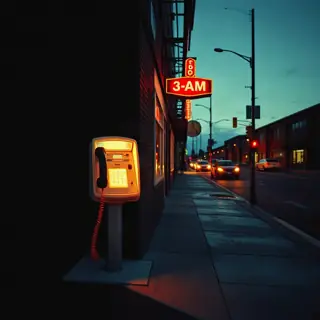 Collage
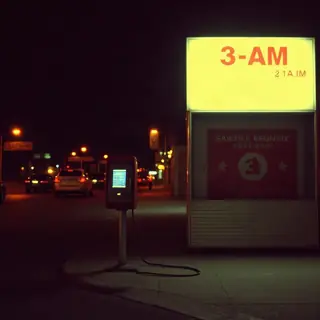 Film photo
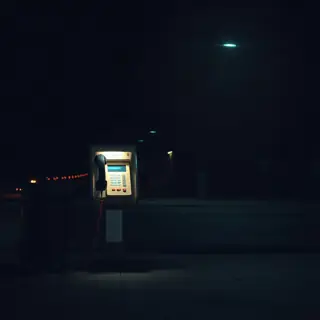 Minimal type
What this album cover generator does
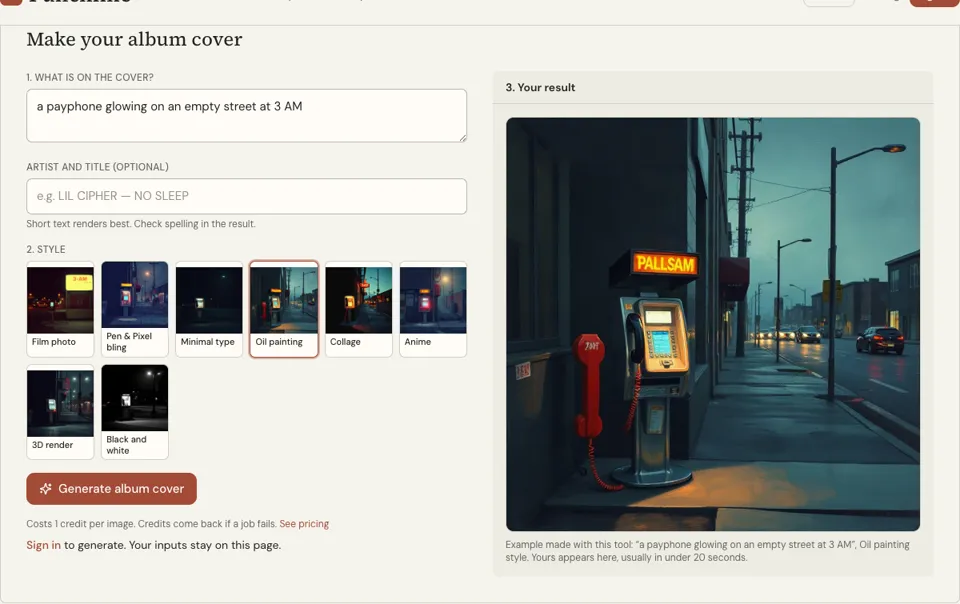
The first box asks "What is on the cover?" and takes up to 300 characters. The second, optional box takes the artist and title, up to 80 characters. Then you choose one of eight looks: Film photo, Pen & Pixel bling, Minimal type, Oil painting, Collage, Anime, 3D render or Black and white.
Behind the button, your scene is wrapped in a brief for a hip hop album cover: square, one strong focal point, bold composition. If you typed a title, the model is told to set those exact words as typography. If you left the box empty, it is told to draw no text at all, which gives you clean art to letter yourself.
If you saved a rapper name with "Use this" on one of the name generators, it is already sitting in the title box in capitals when you arrive. Delete it or add the album title after it. The finished cover shows up in the result panel with a Download button.
Why make cover art with this album cover maker
Built around one focal point
The brief sent to the model asks for a single subject and a bold composition. That is what survives when a cover is shrunk to a row in a playlist, where busy scenes turn to mud.
Text on the art, or none at all
Fill the artist and title box and the words are set on the cover. Leave it blank and you get a text-free image you can open in any editor and typeset with a font you chose.
Eight looks rap covers actually use
From grainy Film photo to the gold-and-diamonds Pen & Pixel bling of late-90s Southern covers, each button is a real cover tradition. Switching style and rendering again costs one more credit.
How to use the album cover generator
- 01
Say what is on the cover
Describe one scene: a place, an object, a time of day. "A payphone glowing on an empty street at 3 AM" is a cover. "Something about struggle and success" is a theme, and themes do not render.
- 02
Add the artist and title, then a style
Type the words exactly as they should appear, keeping them short. Then tap a style. Film photo is selected by default; Minimal type puts the lettering in charge of the layout.
- 03
Generate, check the spelling, download
Sign in and press "Generate album cover". Read every letter of the title in the result before you download, because image models sometimes swap or drop a character.
How to describe an album cover that renders well
Think of the cover as one photograph, not a collage of everything on the record. Pick the object or place that the album keeps coming back to, then add light and time: night, dawn, a single streetlamp, a TV left on. Those two details do more for mood than any adjective.
Keep people generic or leave them out. The tool does not draw real people or celebrity likenesses, and a faceless figure seen from behind often makes a stronger cover anyway. These scene descriptions are ready to paste and edit.
- A payphone glowing on an empty street at 3 AM, wet pavement, no people
- A childhood bedroom with trophies on the shelf and a suitcase by the door
- A gold chain coiled on a kitchen table next to an unpaid bill, morning light
- A figure in a hoodie seen from behind on a rooftop, city lights out of focus
- An old car covered in snow under one orange streetlight
Album cover size and the thumbnail test
Most stores ask for a square image of 3000 × 3000 pixels; check your distributor’s current spec before you upload. Compare the file you download here against that spec, and if it is smaller, enlarge it with an upscaler before you submit. Distributors also tend to reject covers with web addresses, prices or references to a store on them.
Then run the thumbnail test. Shrink the cover on your screen until it is the size of a postage stamp, which is how most listeners will ever see it. If you can still tell what the subject is and read the artist name, the cover works. If not, crop tighter or cut the text.
- One subject, readable when the cover is stamp-sized
- Title and artist name spelled the same as in your release metadata
- High contrast between text and background
- No logos, no faces of real people, no text you did not write
Album cover generator FAQ
How much does an album cover cost to generate?
One credit per cover. You sign in, press Generate, and one credit is taken for each image. A failed render returns the credit. Every pack and monthly plan is listed on the pricing page.
Will the title be spelled correctly?
Often, but not always. AI image models can misspell text, double a letter or invent one. Check the result letter by letter. If it is wrong, generate again, shorten the title, or leave the box empty and add the type yourself in an editor.
Can I upload this cover to Spotify or Apple Music?
You upload through a distributor, and each one publishes its own artwork spec, usually a large square image. Check that spec against the file you downloaded and resize if needed. We make no promise that a store will accept a given cover.
Can I put a real person or a famous logo on the cover?
No. The generator is instructed not to draw real people, celebrity likenesses or the logos and trademarks of existing brands. Describe objects, places and anonymous figures, which also keeps your release clear of obvious takedown trouble.
What is the Pen & Pixel bling style?
It is the loud late-1990s Southern rap look: gold lettering, diamonds, cars and stacked cut-outs filling every corner. Choose it when you want a cover that is knowingly over the top, and keep your scene description short so the style has room.
Do I own the cover I generate?
We do not make statements about the copyright or licence status of AI images, and rules differ by country. If ownership matters for your release, read your distributor’s terms on AI artwork and ask a qualified adviser.
Related reading
Related tools
Mixtape Cover Maker
Type the scene, your name and the tape title, then pick one of five mixtape looks. You get a dense, loud square cover in roughly 20 seconds, and each one costs 1 credit.
Cover Art Maker
Give the song one image and, if you like, its title. The tool returns simple square cover art made to stay readable as a thumbnail, usually within 20 seconds, for 1 credit.
Album Name Generator
Press Generate for five album titles in about a second. Add your artist name to get self-titled options such as "The Education Of" plus your name. Free, no sign-up, built in your browser.
Design an Album Cover
You will be able to brief or build a cover that reads at phone size: one image idea, clear type, a limited palette and a file your distributor will accept.
Last updated November 12, 2026