AI Tattoo Generator
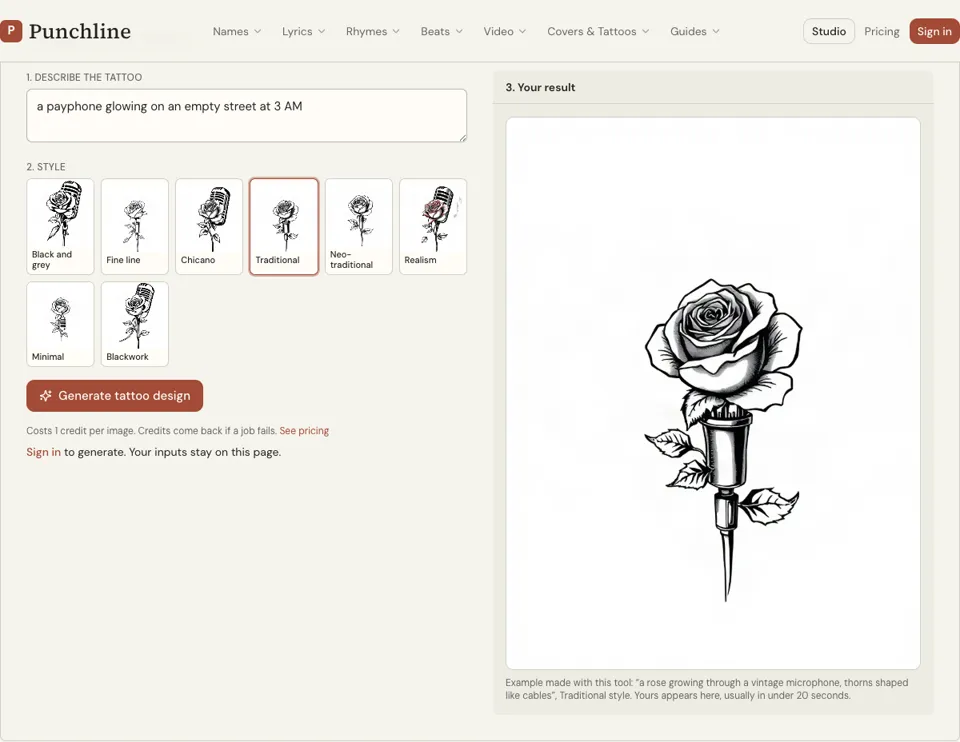
Describe the tattoo, choose an ink style and get a single design on a white background, usually in under 20 seconds. Each image costs 1 credit, and it is a reference for your artist, not a stencil.
1 credit per image·8 ink styles·Portrait format
Design your tattoo
3. Your result
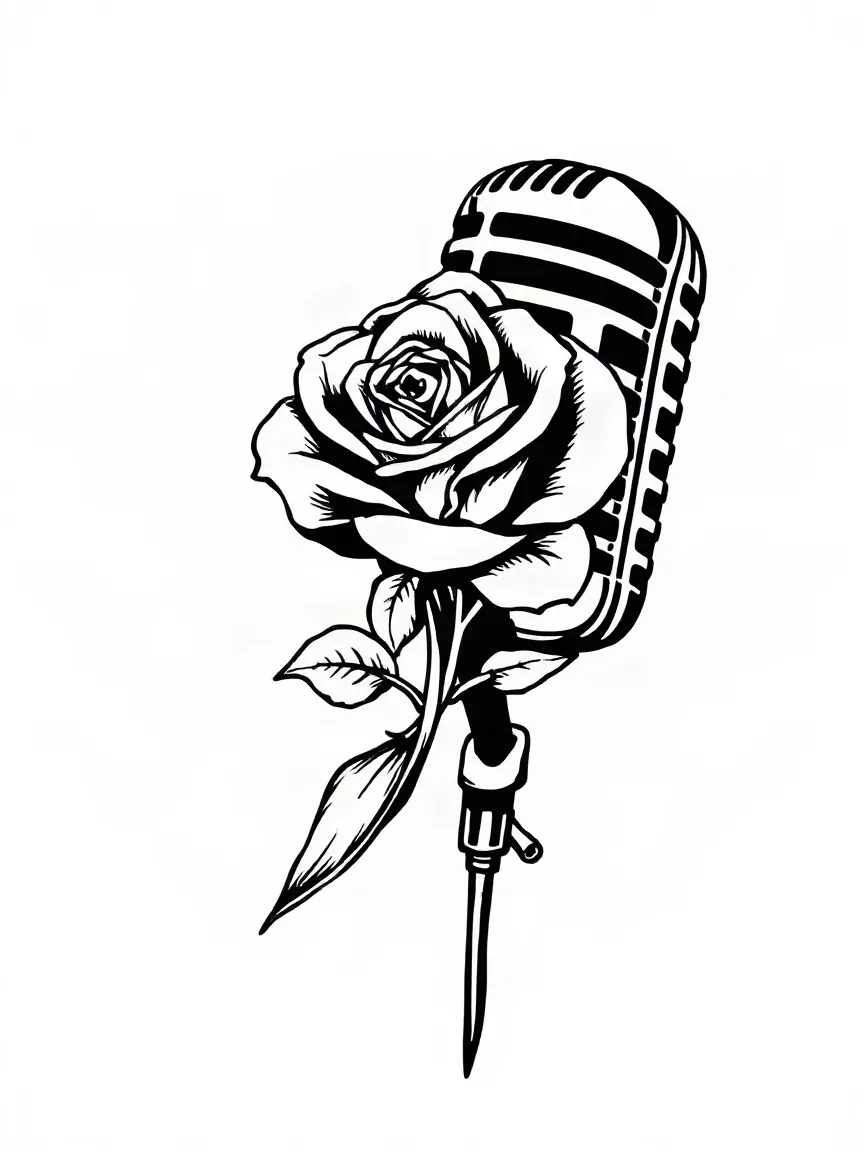
Example made with this tool: “a rose growing through a vintage microphone, thorns shaped like cables”, Black and grey style. Yours appears here, usually in under 20 seconds.
See it in action
 Black and grey
 Blackwork
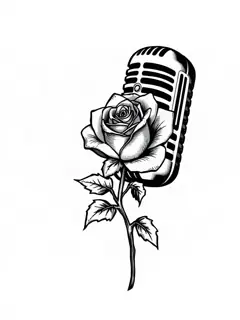 Chicano
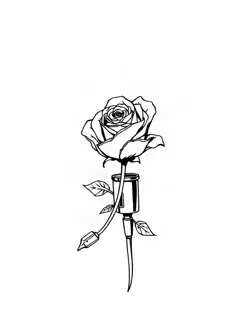 Fine line
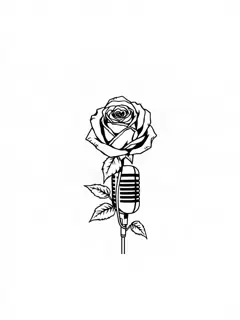 Minimal
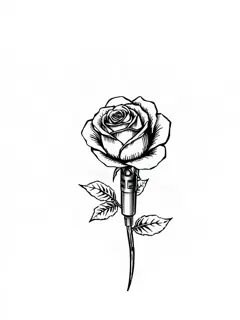 Neo-traditional
What this AI tattoo generator makes
You type the idea in the "Describe the tattoo" box, up to 300 characters, and pick one of eight styles: Black and grey, Fine line, Chicano, Traditional, Neo-traditional, Realism, Minimal or Blackwork. The tool sends that to an image model with instructions to draw flash: one centred design, clean linework, a plain white background, no skin and no body.
The result is a portrait image, taller than it is wide, which suits forearms, calves and the centre of a back. It arrives in the result panel with a Download button. There is no text box on this page, because lettering has its own tool with its own script styles.
What you hold at the end is a picture of an idea. A tattoo artist will redraw it to fit the muscle it sits on, thicken lines that would blur and drop detail that will not survive healing. That redraw is the job you are paying them for.
Why use an AI tattoo design generator before the consult
Flash on white, not a photo of an arm
Every design is drawn alone on a white background with no skin under it. Your artist can read the linework straight away and you are not judging the idea by somebody else’s forearm.
Eight real tattoo styles
The style buttons use the words a studio uses: Traditional means bold outlines and flat colour, Fine line means thin single-needle work, Blackwork means solid black shapes. Trying two styles on one idea costs two credits.
One credit, one design, credit back on failure
A design costs 1 credit and usually renders in under 20 seconds. If the job fails the credit is returned to your balance, so a broken render never costs you anything.
How to use the AI tattoo generator
- 01
Describe the tattoo
Name the main object, what it is doing and one detail that makes it yours. "A rose growing through a microphone, thorns as cables" gives the model far more to work with than "music tattoo".
- 02
Pick a style
Tap one of the eight style buttons. Black and grey is selected when the page opens. If you are unsure, render the same sentence in two styles and compare them side by side.
- 03
Generate and download
Sign in, press "Generate tattoo design" and wait for the image. Download it, then take it to a tattoo artist as a reference along with the size and placement you want.
How to describe a tattoo so the design comes out right
Write it the way you would explain it across a studio counter: subject first, then what makes it different, then anything it must not include. One subject and one twist is enough. Three subjects in one sentence usually come back as a crowded design that no artist would want to shrink onto a wrist.
Leave the style words out of the description and use the buttons for that. Leave body placement out too, since the tool draws flash on white and ignores skin. Here are descriptions you can paste into the box and change.
- A rose growing through a vintage microphone, thorns shaped like cables
- A cassette tape with ribbon unspooling into a city skyline
- Two hands passing a lit match, small flame, heavy shadow under the wrists
- A crowned lion head facing forward with a cracked crown, no background
- A boombox with wings, feathers falling from the left wing
How to brief a tattoo artist with an AI design
Bring the image, but open with the facts the picture cannot tell them: where on the body, how big in centimetres or inches, black only or colour, and your budget. Then say what you like about the reference. "I like the cracked crown and the heavy outline" is something an artist can build on. "Make it exactly like this" is not.
Expect changes. Ink spreads slightly under the skin over the years, so gaps between lines that look crisp on a screen can close up on a small piece. AI art also draws details that are impossible to needle, like hair-thin gradients. A good artist will simplify, and the tattoo will age better for it.
- Placement and size, measured on your body
- Two or three references, with a note on what you like in each
- Anything that must be exact, such as a date or a number of petals
- Whether you want their take on it or a close copy of the idea
Matching the ink style to size and placement
The eight style buttons are not only a matter of taste. Each style has a size it works at, and choosing with that in mind saves a redraw later. Treat this as a rough guide that your artist may adjust.
- Minimal and Fine line: suit small pieces on the wrist, ankle or behind the ear, though thin lines soften with age and may need a touch-up
- Traditional and Neo-traditional: bold outlines tend to hold their shape for many years and read from across a room; palm-sized or larger
- Black and grey and Chicano: smooth shading needs space, so think forearm, calf or chest
- Realism: needs the most room of all, and an artist who specialises in it
- Blackwork: solid fills are hard to alter or cover, so be sure of the shape
Three mistakes to avoid with a generated design
The first is judging it on a screen. Print the design at the real size, cut it out, tape it where the tattoo would go and look in a mirror from two metres away. Detail you loved at full screen often vanishes.
The second is skipping the meaning check. Some symbols, numbers and hand signs carry religious, cultural or gang associations in certain places. Search the motif, and ask your artist, who has seen what people come back to cover. The third is treating the file as finished. Take the design to a tattoo artist as a starting point, not as an order.
Ai tattoo generator FAQ
Is the AI tattoo generator free?
No. Each tattoo design costs 1 credit and you need to sign in to generate. Credit packs are listed on the pricing page. If a render fails, the credit goes back to your balance automatically.
Can I take the design straight to a tattoo shop as a stencil?
Take it as a reference, not a stencil. The image is not guaranteed to be skin-ready: line weights, spacing and detail need a tattoo artist’s eye, and most artists will redraw it to fit your placement before they make their own stencil.
Which tattoo styles can I choose?
Eight: Black and grey, Fine line, Chicano, Traditional, Neo-traditional, Realism, Minimal and Blackwork. The style changes line weight, shading and colour, so the same description looks very different from one button to the next.
Can it draw a portrait of a real person or a celebrity?
No. The tool is set up to refuse real people, celebrity likenesses and existing brand logos. For a memorial or family portrait, take a clear photo you own to a realism artist, who will work from the photo directly.
Can I add words or a name to the design?
Not on this page. Use the tattoo font generator for a phrase or the name tattoo generator for a single name, then ask your artist to combine the lettering with the image. They will space it properly for the body part.
How long does a design take?
Usually under 20 seconds from pressing the button. The image appears in the result panel on the same page, and you can change the description or style and generate again for another credit.
Related reading
Related tools
Tattoo Font Generator
Type the words you want inked and choose a lettering style. In about 20 seconds you get a landscape image of the phrase in black on white, for 1 credit, to show your tattoo artist.
Name Tattoo Generator
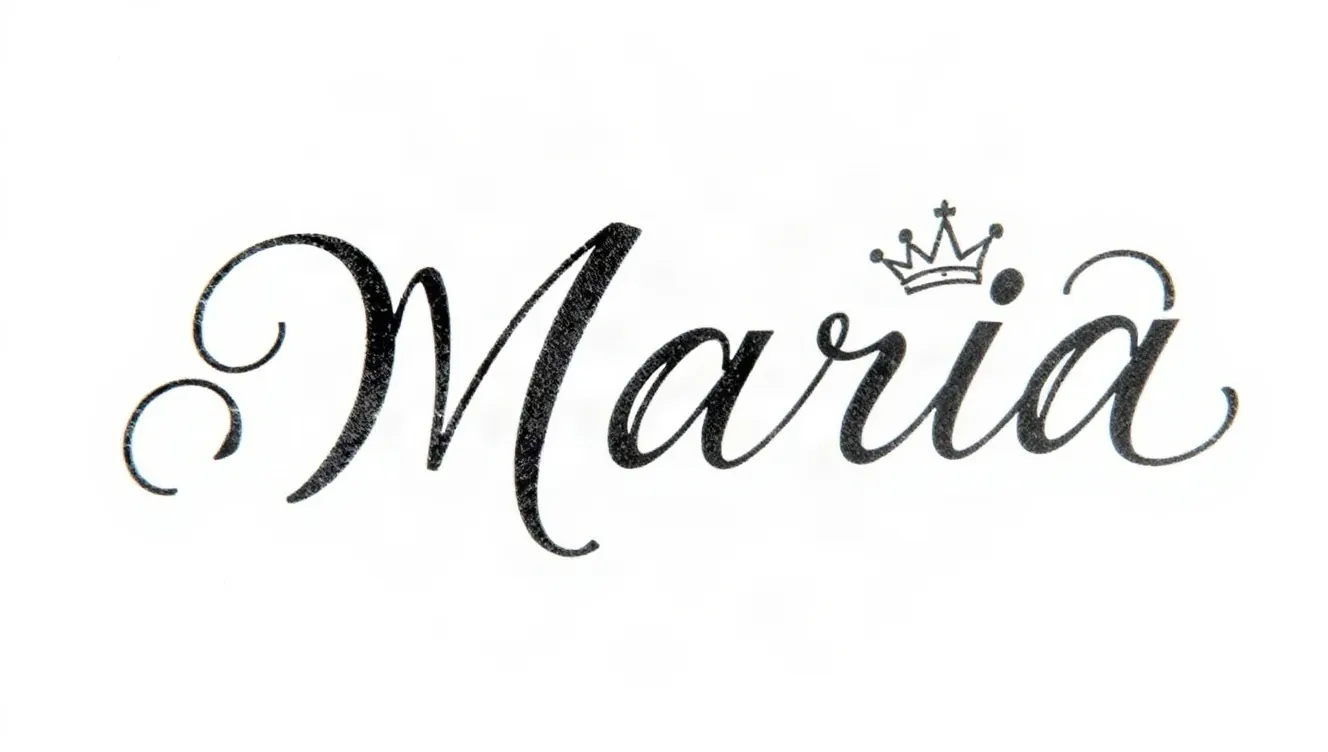
Enter a name, add an optional small element such as a crown, a date or a rose, and pick a script. A black-ink design on white arrives in around 20 seconds and costs 1 credit.
Graffiti Generator
Type a word or a name and pick a graffiti style. You get a landscape image of it sprayed on a brick wall, with outlines, highlights and drips, in under 20 seconds on most runs. 1 credit each, sign-in required.
Tattoo Lettering Generator
Type the phrase you want tattooed and see it in flowing script. The page opens on Fine line cursive, each image is done in around 20 seconds for 1 credit, and it is a reference for your artist.
Last updated November 13, 2026