Graffiti Font Generator
Type a name or a word and get it back as graffiti lettering, as an image and not a font file. The page opens on the Tag style, a render takes about 20 seconds and uses 1 credit.
1 credit per image·Opens on Tag·Not a font
Letter your word in graffiti
3. Your result
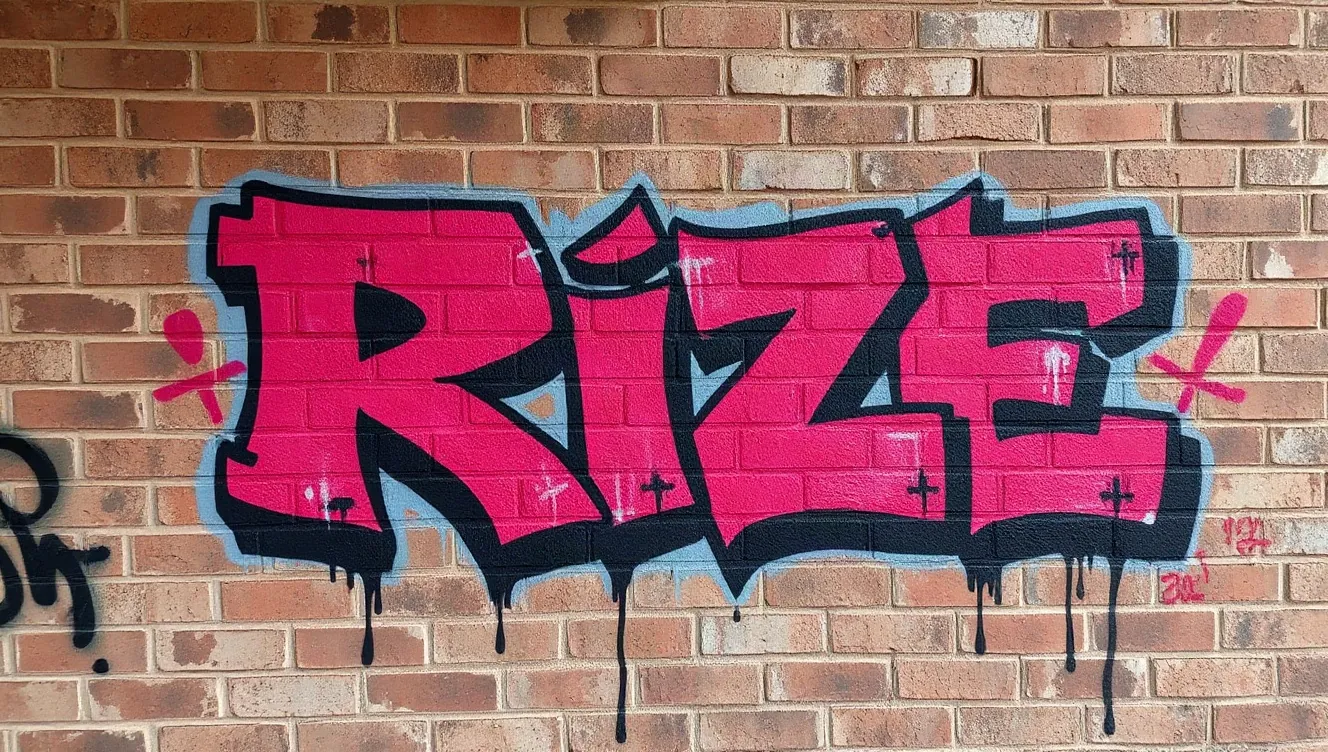
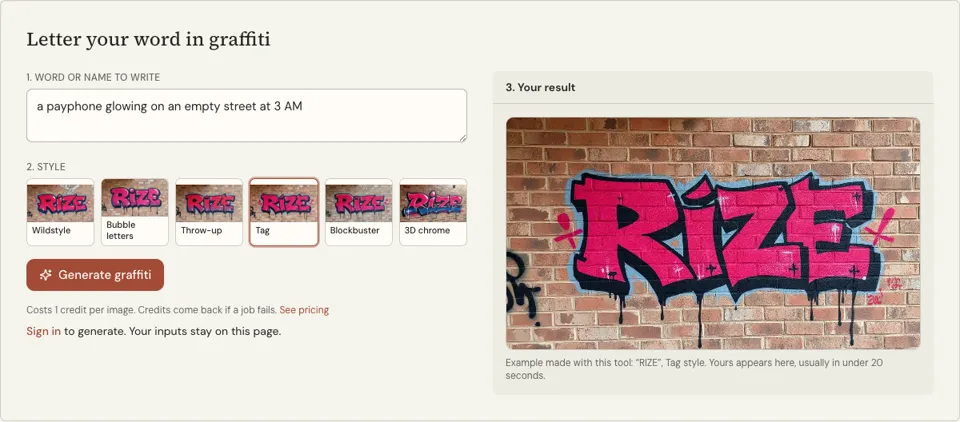
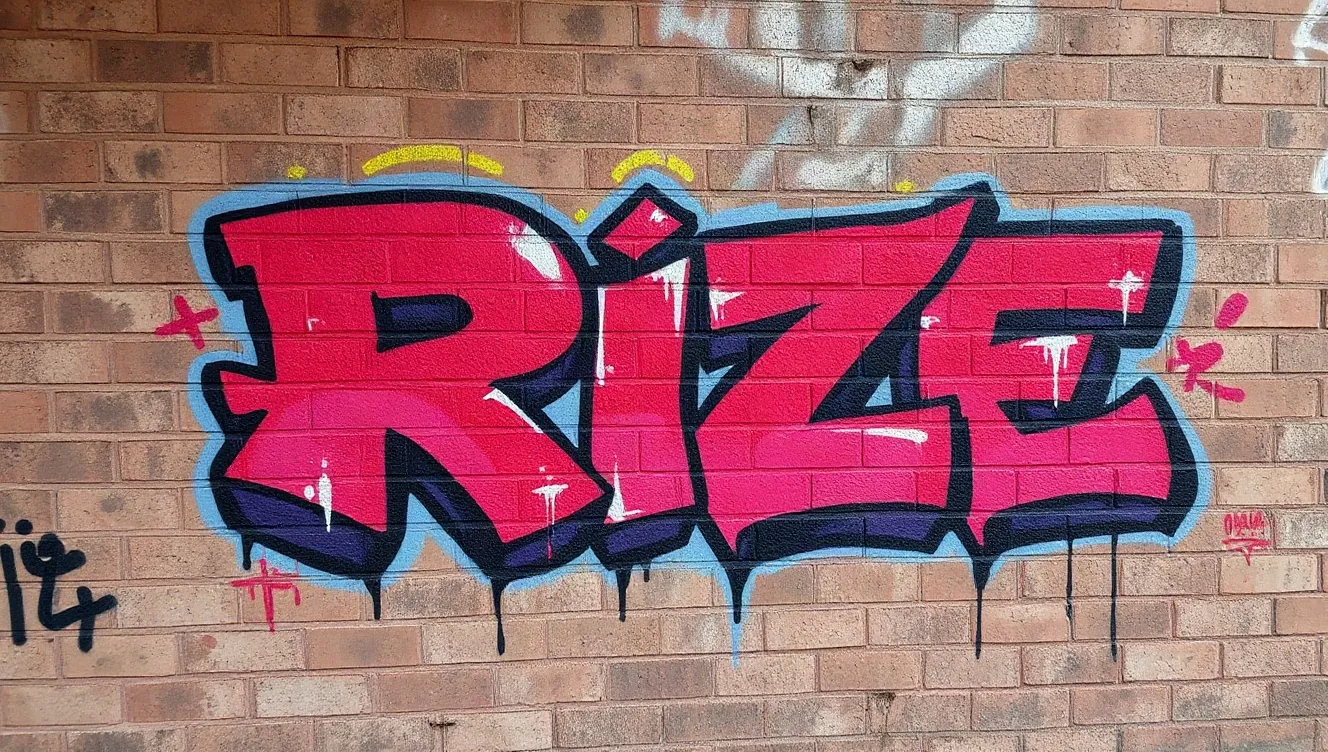
Example made with this tool: “RIZE”, Tag style. Yours appears here, usually in under 20 seconds.
See it in action
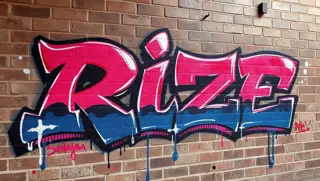 3D chrome
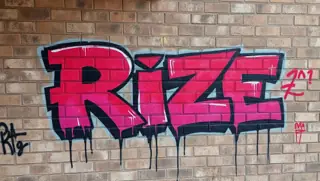 Blockbuster
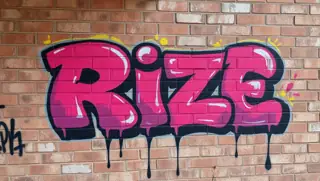 Bubble letters
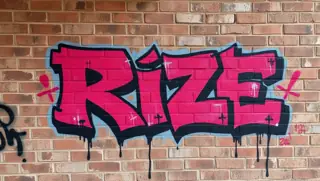 Tag
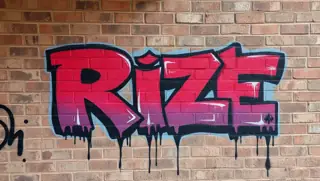 Throw-up
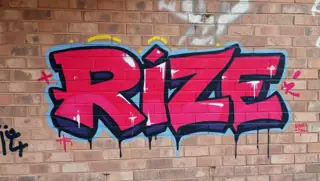 Wildstyle
What this graffiti font generator actually gives you
People searching for a graffiti font usually want one thing: their name, a crew name or a slogan in graffiti letters, to drop into a logo draft, a poster or a sketchbook. This page does that directly. You type the letters, and an image model paints them as a one-off piece of lettering.
It opens on the Tag style, the fast handwritten signature that is the closest thing graffiti has to a typeface; five other graffiti styles are one tap away: Wildstyle, Bubble letters, Throw-up, Blockbuster and 3D chrome. The lettering is shown sprayed on a brick wall in a landscape frame.
There is no font file at the end, and nothing to install. Each render is a picture of the exact word you typed. That is also its advantage over a font: letters overlap, lean and connect the way a writer would do them, where a font can only repeat the same shapes.
Why use a graffiti lettering generator and not a font
Letters drawn for your word only
A handstyle is judged on how one letter flows into the next. Because the image is made for your word alone, the joins and the final flourish belong to that word, which no downloaded typeface can offer.
Starts on Tag, switches in a tap
Tag is preselected because it reads most like writing. If you need something heavier for a poster headline, tap Blockbuster or Throw-up and render the same word again for one more credit.
A reference you can redraw
Designers and beginners use the image as a guide: trace the letter shapes, simplify them, and build a clean logo or a marker sketch from there. Spending is capped at one credit per attempt.
How to use the graffiti font generator
- 01
Type the name or word
Put only the letters you want drawn into the "Word or name to write" box. One word of up to eight letters is the sweet spot. Capitals give the clearest shapes.
- 02
Keep Tag or choose another style
The Tag chip is already highlighted when the page loads. Leave it for a marker-style signature, or tap any of the other five chips to change the lettering before you generate.
- 03
Generate and check every letter
Sign in, press "Generate graffiti" and wait for the picture. Read the word back slowly, since stylised letters can hide a spelling slip, then download the file.
What to type to get readable graffiti lettering
Handstyles reward short names. A tag is written in one motion, so three to five letters look natural and ten look like a sentence. If your name is long, try the nickname, the initials or the first syllable, and see which one has the most interesting letters to connect.
Do not add notes such as "in red" or "for a logo" to the box, because the tool will try to spell them out on the wall. These inputs show the kind of word that suits the Tag style.
- JAYO
- NOVA
- KASH
- DUSK ONE
- MILES
From a graffiti letter image to a logo or poster
The download is a photo-style picture of paint on brick. It has a background, it is not a vector, and it will not scale cleanly to a billboard. For a poster you can crop it and use it as it is. For a logo, treat it as a sketch: trace the letters in a drawing app, close the shapes and fill them with one flat colour.
Handstyle has its own rules, and they are worth copying when you redraw. Letters share a consistent slant. Each one is finished in as few strokes as possible. The last letter often throws a line back under the word, which acts as an underline and ties the tag together.
- Keep one slant across every letter
- Let the first letter be the largest
- End with an underline, arrow or halo, but only one of them
- Test the traced version in plain black before adding colour
Graffiti font generator FAQ
Does the graffiti font generator give me a font file?
No. The output is an image of your word in graffiti lettering, not an installable font such as a TTF or OTF. You cannot type with it. For each new word you generate a new image, which costs 1 credit.
What does it cost?
One credit for each image, and you have to be signed in to press Generate. If a job fails, the credit is returned to you. Credit packs are shown on the pricing page.
Why does the page start on the Tag style?
Tag is the handwritten signature style and the nearest match to what people mean by a graffiti font. It is only the starting selection. Wildstyle, Bubble letters, Throw-up, Blockbuster and 3D chrome are on the same row of chips.
Can I use the lettering as my logo?
You can use it as a starting point. It is not a vector and it sits on a wall background, so most people redraw it. Before adopting any name or mark, check that it is not already in use; we make no claims about trademark status.
The spelling in my image is wrong. Is that normal?
It happens. AI image models can misspell text, and graffiti styles bend letters until errors are easy to miss. Compare the image with what you typed and generate again if a letter is missing, doubled or swapped.
Can I get the letters without the brick wall?
Not from this tool. Every graffiti style here is painted on brick, and there is no transparent or plain-background option. A background remover or a manual trace is the way to lift the letters off the wall.
Related reading
Related tools
Graffiti Generator
Type a word or a name and pick a graffiti style. You get a landscape image of it sprayed on a brick wall, with outlines, highlights and drips, in under 20 seconds on most runs. 1 credit each, sign-in required.
Bubble Letter Generator
Type a word and get it in fat, rounded graffiti bubble letters with outlines and shine marks. The page opens on the Bubble letters style, the image takes roughly 20 seconds and costs 1 credit.
Graffiti Name Generator
Type your first name and get five graffiti tag names in about a second: short tags, tags with a writer’s suffix, and your own name with the vowels dropped. Free, no account.
DJ Logo Maker
Type your DJ name, suggest a symbol if you want one, and pick a logo style. A centred logo concept on a black square comes back in about 20 seconds and costs 1 credit.
Last updated November 12, 2026