Graffiti Generator
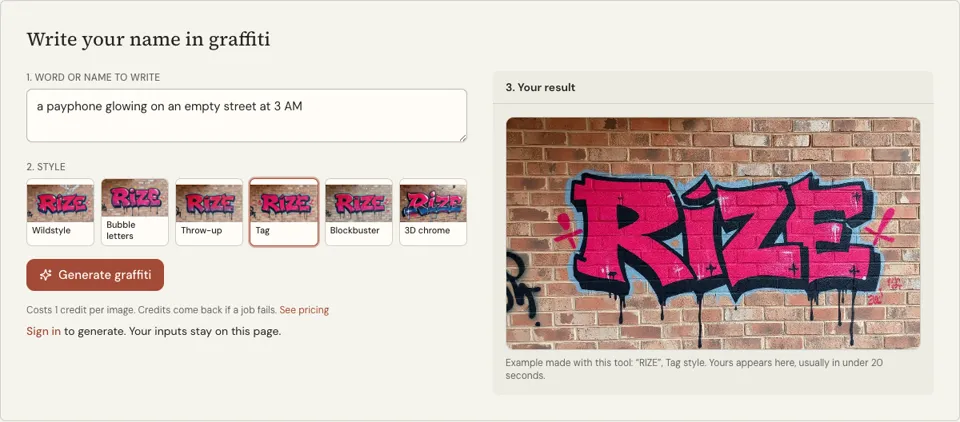
Type a word or a name and pick a graffiti style. You get a landscape image of it sprayed on a brick wall, with outlines, highlights and drips, in under 20 seconds on most runs. 1 credit each, sign-in required.
1 credit per image·6 graffiti styles·Landscape format
Write your name in graffiti
See it in action
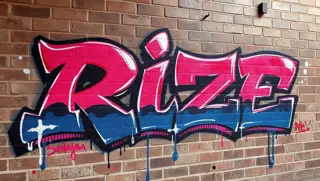 3D chrome
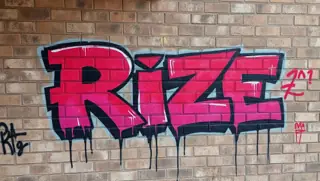 Blockbuster
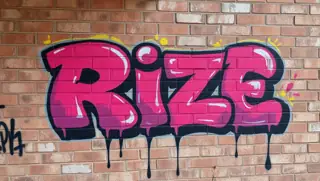 Bubble letters
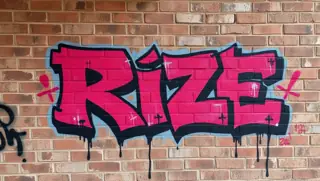 Tag
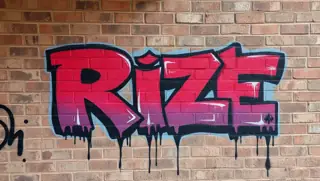 Throw-up
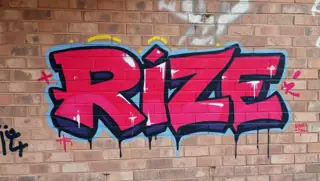 Wildstyle
What the graffiti generator paints
You give it letters, it gives you a wall. The "Word or name to write" box takes the text, and six buttons set the style: Wildstyle, Bubble letters, Throw-up, Tag, Blockbuster and 3D chrome. The model is asked to paint that word on brick in vivid spray colours and photograph it straight on.
The frame is landscape, because pieces run wide. Outlines, highlights and drips are part of the brief, so the image looks like finished paint and not a font on a texture. Colours are chosen by the model; if you need a specific palette, there is no control for it on this page.
Styles differ in how readable they are. Bubble letters and Blockbuster are easy to read from across a street. Wildstyle is meant to be hard to read, and the model takes that seriously, so check that your letters are all actually in there.
Why use this graffiti name generator
Six styles named the way writers name them
A Tag is a one-line signature, a Throw-up is two fast colours, a Blockbuster is huge square letters, Wildstyle is interlocked and arrowed. The buttons follow that ladder, so you learn the vocabulary by using it.
A wall, not a typeface
The result is a photo-like image of paint on brick with drips and highlights. It works as a sketch reference, a profile picture, a flyer background or a mock-up to show a mural client.
Short words, quick tries
Graffiti names are short by tradition, and short text is what image models spell most reliably. Four letters, one credit, one image: it is quick to run a name through several styles.
How to use the graffiti generator
- 01
Type the word
Enter the word or name in capitals, three to six letters if you can. Leave out instructions and colour notes, since everything in this box is treated as the letters to paint.
- 02
Pick a graffiti style
Wildstyle is selected by default. Choose Bubble letters or Blockbuster when the word must be readable at a glance, and Tag when you want a quick handstyle signature.
- 03
Generate and count the letters
After you sign in, press "Generate graffiti". Trace the letters in the result one by one. Complex styles sometimes merge or add a letter, in which case run it again.
Words that work in a graffiti generator
Writers pick names for the shapes of the letters as much as the meaning. Letters with strong verticals and open curves, like R, S, K, E and A, give a piece rhythm. A word full of I and L has little to stretch, and one with repeated letters gives you a chance to show two versions of the same shape.
Type the word alone and in capitals. If you do not have a name yet, the graffiti name generator on this site will give you some to test. These are inputs that tend to render cleanly.
- RIZE
- SAKE
- KRONE
- EMBER
- ZEAL
Graffiti letter structure, from tag to piece
Every style on this page sits on the same skeleton: plain capital letters built from bars of equal thickness. Writers learn to draw that skeleton first, then bend it. A Throw-up inflates the bars into soft shapes that overlap. Wildstyle stretches bars into extensions, adds arrows and locks one letter into the next. If the skeleton underneath is weak, no amount of decoration saves it.
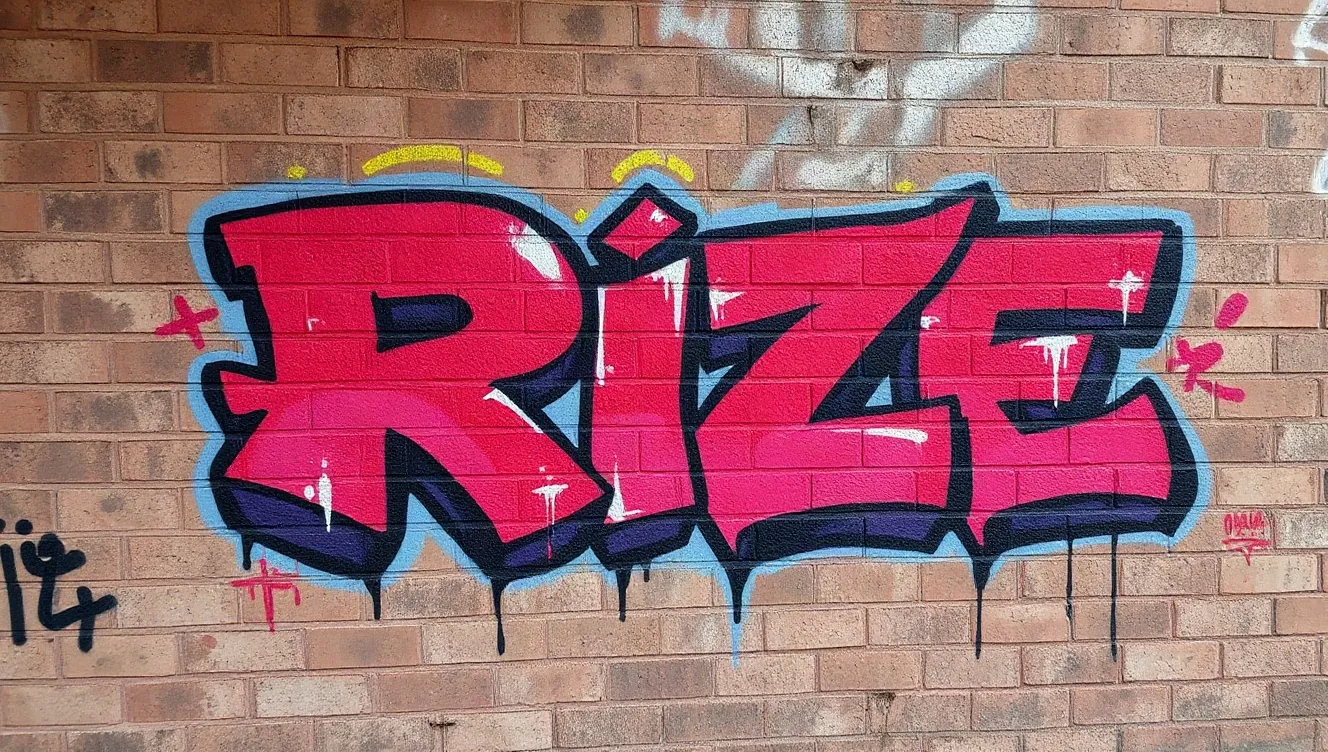
A finished piece is layered in a fixed order, and you can see each layer in the generated image. Use the output as a study sheet: sketch the letters on paper, find where the skeleton is, and redraw it yourself. Only paint on walls where you have permission, such as legal walls or commissioned work.
- Fill: the colour inside the letters
- Outline: the dark line that defines each letter
- 3D or drop shadow: gives the letters depth, always falling the same way
- Highlights: thin white marks where light would hit
- Background or cloud: separates the piece from the wall
Graffiti generator FAQ
Does the graffiti generator cost anything?
Yes. Every graffiti image uses 1 credit and you need an account to generate. Should a render fail, that credit is returned. See the pricing page for the credit packs on offer.
Why is one of my letters missing or wrong?
AI image models draw text as shapes, and graffiti distorts letters on purpose, so mistakes are more common here than in plain lettering. Check the result against your word and generate again if it is off. Shorter words and simpler styles are more accurate.
Can I get the graffiti as a vector or with a transparent background?
No. The output is a flat image of paint on a brick wall, not a vector file and not a cut-out. For stickers, vinyl or large prints you would need to trace or redraw it in vector software.
Can I choose the colours?
There is no colour control. The model picks a vivid spray palette to suit the style, and 3D chrome leans silver. If the colours do not suit you, generating again will give a different palette.
What is the difference between a tag, a throw-up and a piece?
A tag is a fast one-colour signature. A throw-up is quick bubble-style letters in two colours, an outline and a fill. A piece, short for masterpiece, is a full multi-colour work with 3D, highlights and background, which Wildstyle and Blockbuster belong to.
Is it legal to paint what I generate?
Generating and studying the image is fine, but painting on property without the owner’s permission is illegal in most places. Use legal walls, your own boards or canvas, or paid mural commissions.
Related reading
Related tools
Graffiti Font Generator
Type a name or a word and get it back as graffiti lettering, as an image and not a font file. The page opens on the Tag style, a render takes about 20 seconds and uses 1 credit.
Bubble Letter Generator
Type a word and get it in fat, rounded graffiti bubble letters with outlines and shine marks. The page opens on the Bubble letters style, the image takes roughly 20 seconds and costs 1 credit.
Graffiti Name Generator
Type your first name and get five graffiti tag names in about a second: short tags, tags with a writer’s suffix, and your own name with the vowels dropped. Free, no account.
YouTube Banner Maker
Describe what the banner should show, add your rap name and pick a style. A wide landscape image with the subject held in the centre arrives in about 20 seconds. Each banner is 1 credit.
Last updated November 12, 2026