Cover Art Maker for Singles
Give the song one image and, if you like, its title. The tool returns simple square cover art made to stay readable as a thumbnail, usually within 20 seconds, for 1 credit.
1 credit per image·Square format·Thumbnail-first
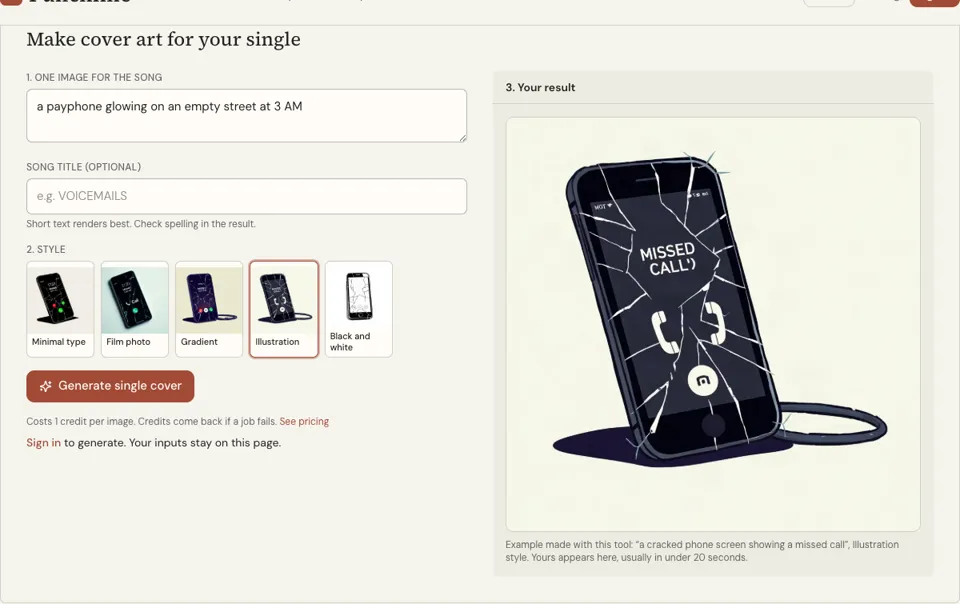
Make cover art for your single
3. Your result
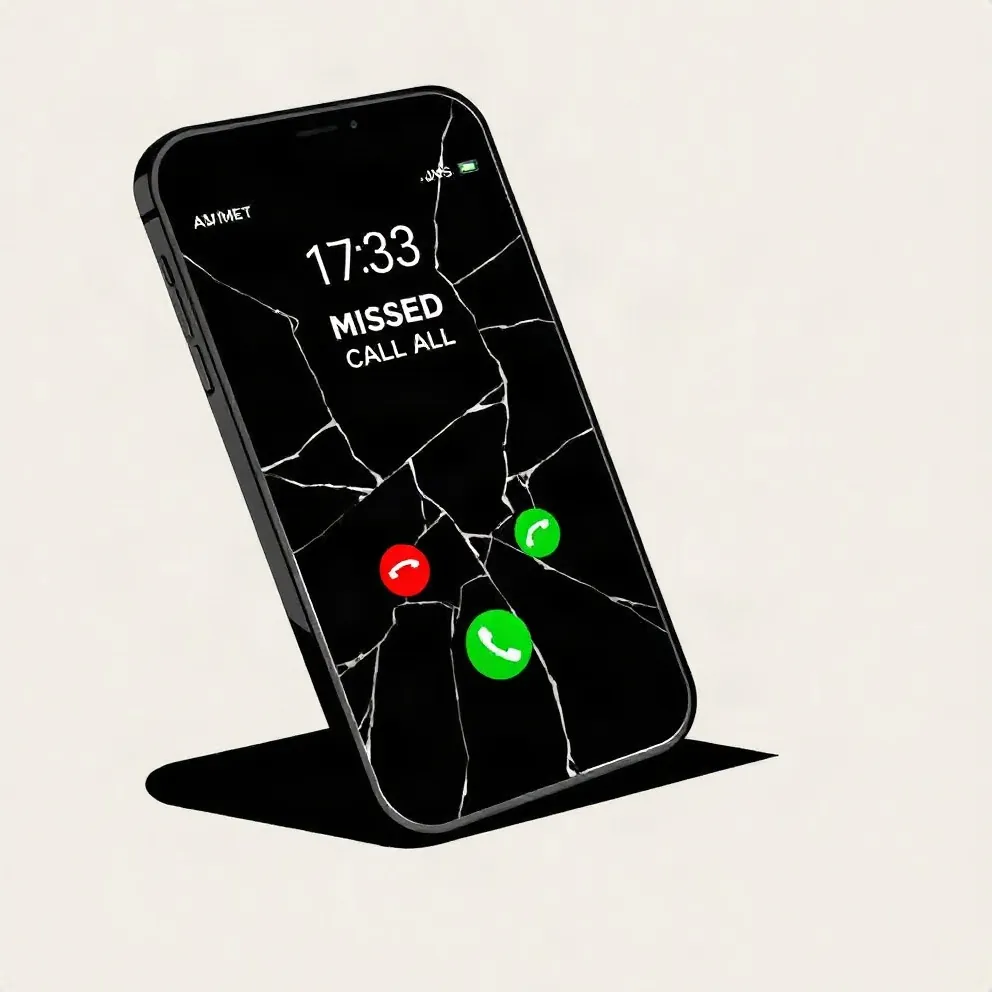
Example made with this tool: “a cracked phone screen showing a missed call”, Minimal type style. Yours appears here, usually in under 20 seconds.
See it in action
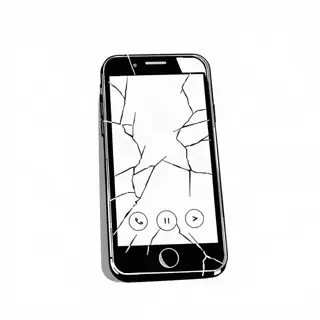 Black and white
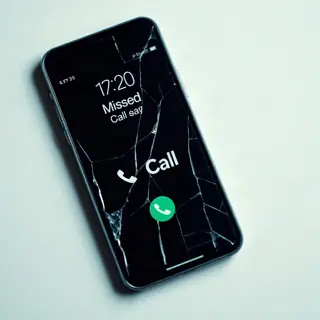 Film photo
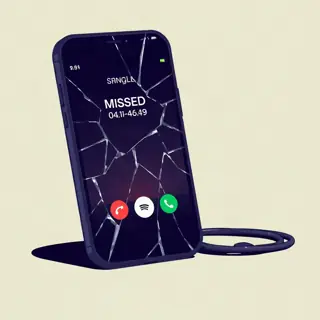 Gradient
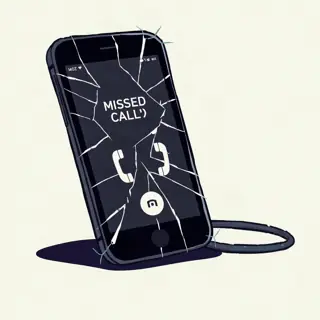 Illustration
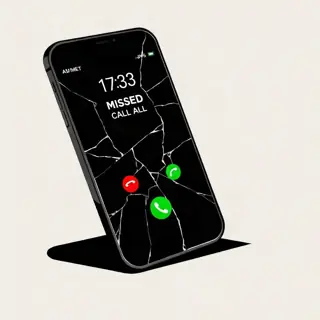 Minimal type
What this cover art maker is for
A single needs less than an album. It needs one picture that tells a stranger what kind of song this is in the half second before they scroll past. So the main box here is labelled "One image for the song", and the brief sent to the model asks for something simple and readable at thumbnail size.
There are five styles: Minimal type, Film photo, Gradient, Illustration and Black and white. Minimal type is selected first. The optional "Song title" box sets the title on the art; leave it empty and the model is told to draw no text. Type the title exactly as it will appear on streaming services.
Because singles come out often, the tool is quick to rerun. Change one word in the description, press the button again, and a new square appears in the result panel. Each run is one credit, returned if the job fails.
Why use a single cover art generator
Designed for the size people see
Most plays start from a tile about as wide as a thumb. The prompt behind this page asks for a cover that holds up at that size, so you get fewer tiny details and more shape.
One object is enough
A cracked phone, a set of keys, an empty chair. The form asks for a single image because single covers that try to show a whole story end up showing nothing.
Five quiet styles
Gradient and Minimal type give you colour and lettering with almost no scene. Film photo, Illustration and Black and white add a subject without adding clutter. None of them is the loud mixtape look.
How to use the cover art maker
- 01
Name one image
Type the single object or moment the song is about. If the song is about an ex who never calls back, "a cracked phone screen showing a missed call" already does the work.
- 02
Add the song title and a style
The title box is optional and holds up to 80 characters, though one to three words render most reliably. Tap one of the five styles to set the look.
- 03
Generate and shrink it
Sign in, press "Generate single cover" and download the result. Before you upload it anywhere, view it very small on your phone and confirm the title is still legible and correctly spelled.
How to pick the one image for a song
Read your hook and underline the nouns. One of them is the cover. Songs about money rarely need money on the art; they need the thing the money was for. Songs about a person need an object that person left behind. Concrete beats symbolic every time at this size.
Then give the object a condition: cracked, burning, wrapped, half-packed, left on. That single adjective is what turns a stock picture into a cover. These lines can go straight into the box.
- A cracked phone screen showing one missed call, dark room
- A single house key on a red string against a plain wall
- A motel sign with two letters burnt out, shot at dusk
- A pair of white sneakers left on a wet doorstep
- A paper crown on the back seat of a taxi
Single cover basics: size, text and series
Stores treat single art the same as album art. Most stores ask for a square image of 3000 × 3000 pixels; check your distributor’s current spec, and resize the file you download if it falls short. The title on the art should match the title you enter for the release, without extra words like "out now".
If you plan several singles before a project, decide on one rule now and keep it: same style button, same title position, a different object each time. A listener who sees three covers that clearly belong together starts to recognise you before they remember the name.
- Three words or fewer on the art
- Title in the same corner across a run of singles
- One accent colour per song
- Test at thumbnail size on a phone, in both light and dark mode
What gets single artwork rejected by stores
Distributors check artwork before a release goes live, and a rejected cover can push your date back. Rules vary a little by service, so read your distributor’s own list, but the same few problems account for most rejections.
- The name of an artist who is not on the release, a label you are not signed to, or any brand logo
- Web addresses, social handles, QR codes, prices, or phrases such as “out now” and “exclusive”
- A title or artist name on the art that differs from the release details
- A blurry or stretched image, or a file below the store minimum, commonly 3000 × 3000 px
- A photo of a CD case or other physical packaging
A worked example, from song to upload
The song is called Last Train. In the image box: an empty station bench under one lit lamp, night. Style: Film photo. Song title: Last Train. Suppose the first render spells the title correctly but sets it across the glare of the lamp, where it fades at thumbnail size. A second credit, with “wide dark sky above the bench” added to the description, gives the letters a dark area to sit on.
The download is then resized to 3000 × 3000 pixels in an image editor if it is smaller, saved as a JPG or PNG, and looked at once more at the size of a fingernail before it goes to the distributor.
Cover art maker FAQ
What does it cost to make cover art here?
Each piece of cover art is 1 credit. You need to be signed in, and credits are bought in packs shown on the pricing page. When a job fails you get the credit back without asking.
What is the difference between this and the album cover generator?
This page is tuned for singles: one subject, calmer styles, legible when tiny. The album cover generator offers eight styles and a bolder composition, and the mixtape cover maker is deliberately crowded. All three produce square images.
Can I make a cover with no text?
Yes. Leave the "Song title" box empty and the model is instructed to draw no lettering. That is the safest route if you want exact typography, since you can add the title yourself in any image editor.
Does the tool always spell the title right?
No. Image models can misspell, especially with long or unusual words. Look closely at each letter in the result. A second attempt for another credit, or a shorter title, usually fixes it.
Can I use a photo of a real artist or a brand logo in the art?
The tool will not draw real people, celebrity likenesses or logos of existing brands, and there is no photo upload. Describe objects and scenes. For art that includes your own face, generate a background and composite your photo separately.
Related reading
Related tools
Album Cover Generator
Describe what is on the cover, type the artist and title if you want them on the art, and pick a style. A square cover comes back in about 20 seconds for 1 credit.
Song Title Generator
Press Generate and five song titles appear in about a second: two-word singles, an interlude and a time-stamped late-night cut. Free, with no account and nothing to install.
AI Rap Generator
Paste your lyrics, pick a style and get a full rap track with vocals and a beat in under a minute. Each track costs 20 credits with one free redo; an eligible verified account can hear its first track free, limited to one per browser.
Mixtape Cover Maker
Type the scene, your name and the tape title, then pick one of five mixtape looks. You get a dense, loud square cover in roughly 20 seconds, and each one costs 1 credit.
Last updated November 13, 2026