AI Rap Video Generator
Upload a photo of yourself and a clip of your rap, and get a lip-synced MP4 of you performing it in a few minutes. Each video costs 20 credits up to 15 seconds, 40 up to 30.
From 20 credits·Your photo + audio·MP4 download·Adults only
Make your rap video
4. Your video
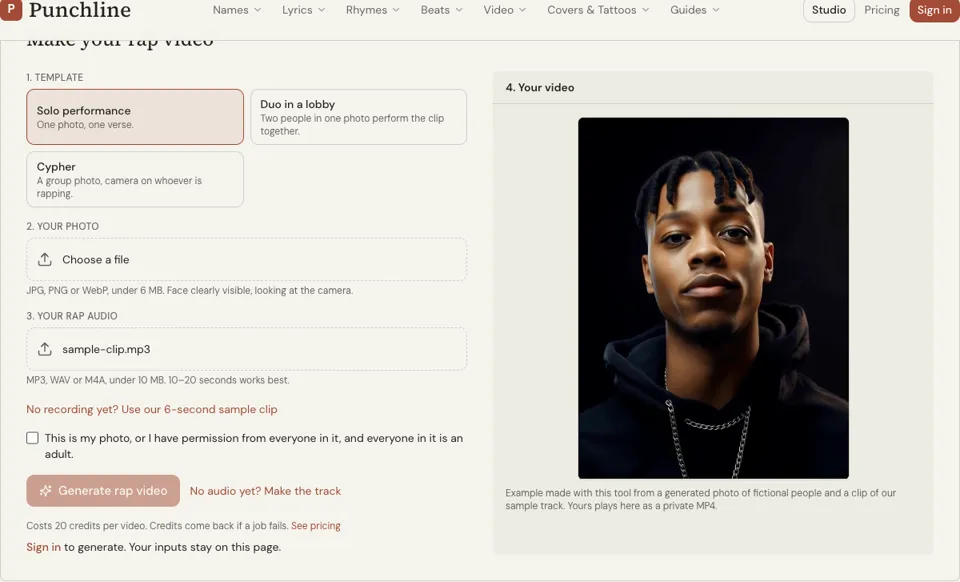
Example made with this tool from a generated photo of fictional people and a clip of our sample track. Yours plays here as a private MP4.
See it in action
What this AI rap video generator makes
It turns one still photo and one audio clip into a short performance video. The face in the photo is animated so the mouth moves in time with the rap in the audio. The result is an MP4 that plays on the page and downloads with one button.
The page opens on the Solo performance template: one person, one verse. Two other templates sit beside it, Duo for a photo with two people and Cypher for a group shot. The photo must be a JPG, PNG or WebP under 6 MB with the face clearly visible and looking at the camera.
Audio can be MP3, WAV or M4A under 10 MB, and 10 to 15 seconds gives the cleanest result. The video does not create music: you bring a finished clip, recorded by you or made with the AI rap generator. Rendering takes a few minutes and the tab needs to stay open.
Why use this AI rap video generator
No camera, lights or editing
A selfie and a voice memo are enough to produce a clip of you rapping. That makes it a quick way to tease a verse on social media before you invest in a real shoot.
Built around consent
You tick a box confirming the photo is yours, or that everyone in it agreed, and that everyone shown is an adult. The tool is for your own face and your own audio, not for putting words in someone else’s mouth.
Price and refund are simple
A video is 20 credits for up to 15 seconds of audio and 40 for up to 30. If the render fails, the credits go back to your balance. Pack prices live on the pricing page, so you can check the cost before you upload anything.
How to make an AI rap video
- 01
Choose Solo and add your photo
Keep the Solo performance template selected. Upload a clear, front-facing photo of yourself: good light, mouth visible, no sunglasses or hand over the face.
- 02
Add your rap audio
Upload 10 to 15 seconds of your verse as MP3, WAV or M4A. Pick the section with the strongest bars, since a short clip is all the video needs.
- 03
Confirm and generate
Tick the consent box, then press Generate rap video. Keep the tab open for the few minutes it takes, and download the MP4 when it appears.
How to pick a photo and audio clip that lip-sync well
The model reads the mouth, so give it one it can see. Face the camera straight on, keep your lips closed or slightly parted, and avoid shadows across the lower face. A plain background and a head-and-shoulders crop hold up better than a wide shot where the face is small.
For audio, clarity matters more than loudness. Choose a section where the vocal is up front and the words are distinct. Start the clip on the first word of a bar and end it on a rhyme, so the video feels finished and not chopped. Trim the file before you upload; the 10 MB limit rules out most full songs in WAV.
- Front-facing, well lit, face fills a good part of the frame
- Nothing covering the mouth
- Vocal clear and louder than the beat
- Clip of 10 to 15 seconds, starting on a bar
- Files within limits: photo 6 MB, audio 10 MB
Ai rap video generator FAQ
How much does an AI rap video cost?
A video costs 20 credits for up to 15 seconds and 40 for up to 30, and you must be signed in. Credit packs are shown on the pricing page. When a render fails, the credits are returned.
Can I use a photo of a celebrity or another rapper?
No. The tool is for your own photo, or one where every person has given permission and is an adult, and you confirm this before generating. Celebrity likenesses and real artists’ faces are not allowed.
Does it write or generate the song for me?
No. This page animates audio you supply. To get audio first, write a verse with the rap lyrics generator and turn it into a track with the AI rap generator, then upload a 10 to 20 second section here.
How long does the video take to make?
A few minutes. Lip-sync rendering is slower than image or audio generation, and the tab has to stay open while it runs. The finished MP4 appears in the result panel.
How long should my audio clip be?
Between 10 and 15 seconds works most reliably, which also suits a short social post. Longer files are harder to keep under the 10 MB audio limit, and anything over that limit is refused before it uploads.
Can I use someone else’s song as the audio?
Use audio you made yourself. The tools here are for original material and are not meant for miming to existing commercial songs or to other artists’ vocals.
Related reading
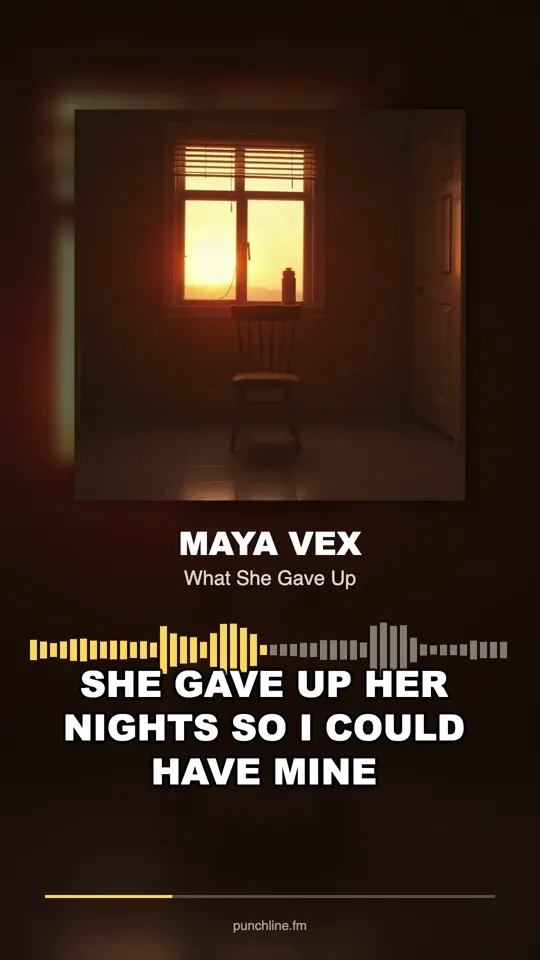 TikTok Rap Songs: How to Shape and Post YoursTikTok rap songs that spread open on the hook, show the words and come in many versions. How to cut your clips, plan a week of posts and release the sound.
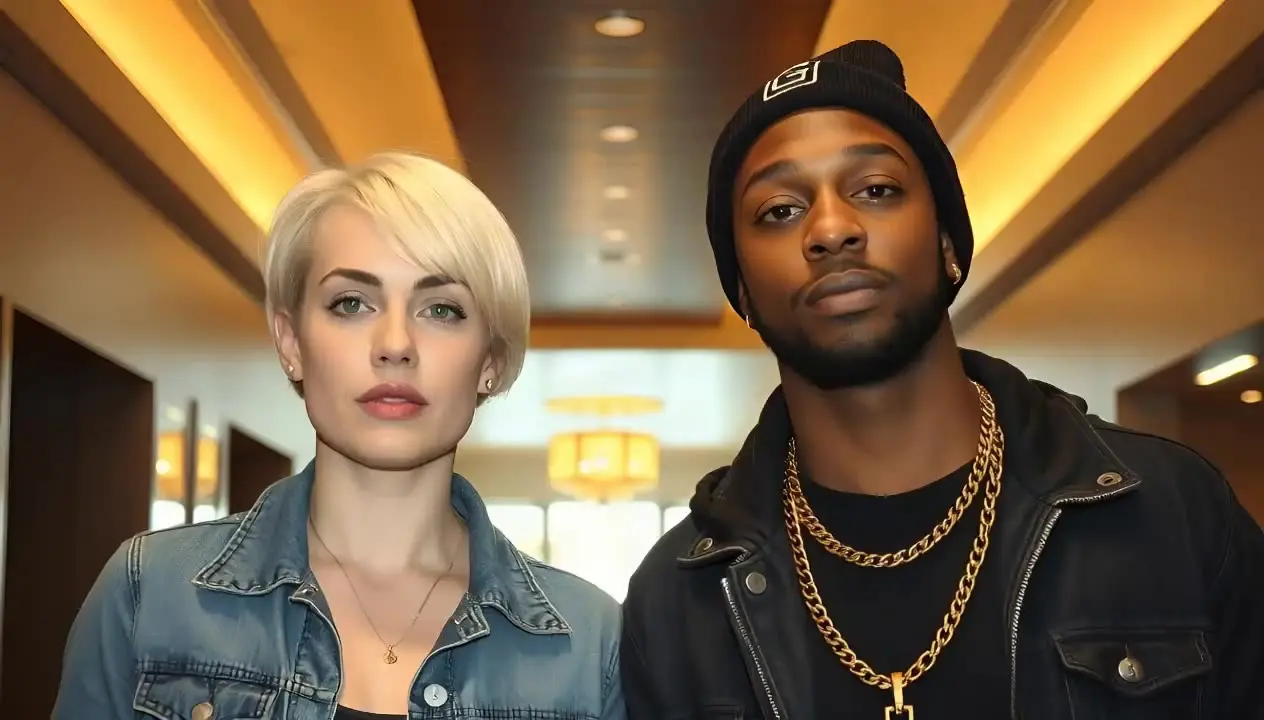 The Rap Duo AI Trend: How It Works and How to JoinThe rap duo AI trend explained: one photo with both faces, one 10 to 20 second clip, both mouthing the same audio. Steps, consent rules and common fixes.
Related tools
AI Rap Generator
Paste your lyrics, pick a style and get a full rap track with vocals and a beat in under a minute. Each track costs 20 credits with one free redo; an eligible verified account can hear its first track free, limited to one per browser.
Rap Duo Video Maker
Upload one photo of two people and a clip of your rap, and get a lip-synced MP4 in a few minutes. Both of you perform the clip together; for a back-and-forth, make a clip for each of you. 20 credits up to 15 seconds, 40 up to 30.
Rap Music Video Guide
After this guide you can plan a rap music video on one page, shoot it on a phone in an afternoon and cut it so the edits hit with the drums.
Album Cover Generator
Describe what is on the cover, type the artist and title if you want them on the art, and pick a style. A square cover comes back in about 20 seconds for 1 credit.
Last updated November 12, 2026