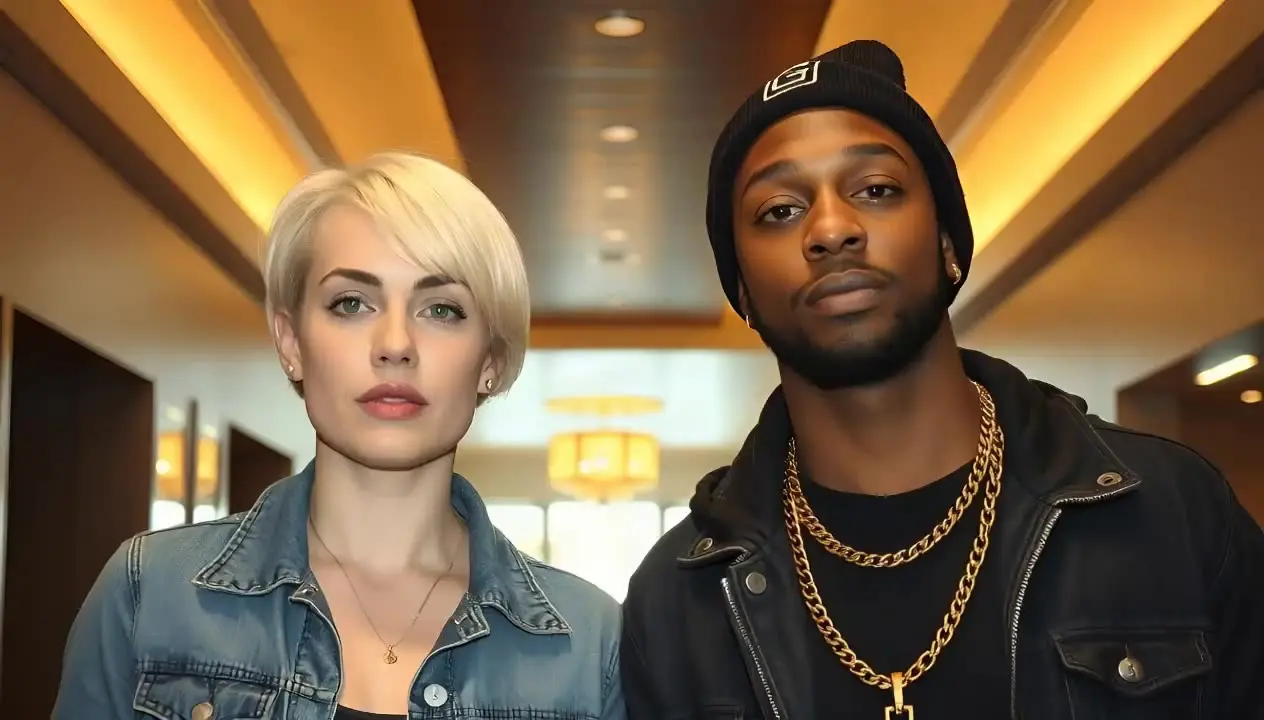
What the clip actually is
A still photo of two people becomes a short performance video. Both faces move their lips to the same audio, so the pair raps in unison, like two friends doing the same verse at a party. It is not a back-and-forth: one clip gives both people the same words at the same moment.
The Rap Duo Video Maker opens with the Duo template selected for exactly this. You upload one photo with two people in it and one audio clip, tick the consent box, and a lip-synced MP4 comes back in a few minutes. Each video costs 20 credits up to 15 seconds and 40 up to 30, and the credits come back if the job fails.
Choose the photo
The photo decides most of the result. The tool takes JPG, PNG or WebP under 6 MB, and it needs to see both faces clearly.
- Exactly two people, both faces turned toward the camera.
- Mouths visible: no hands, drinks, scarves or microphones in front of them.
- Even light on both faces, with no sunglasses.
- Faces at a similar size, so neither one is a small blur at the back.
- Crop out anyone else in the background, since they did not agree to be in a video.
Choose the audio
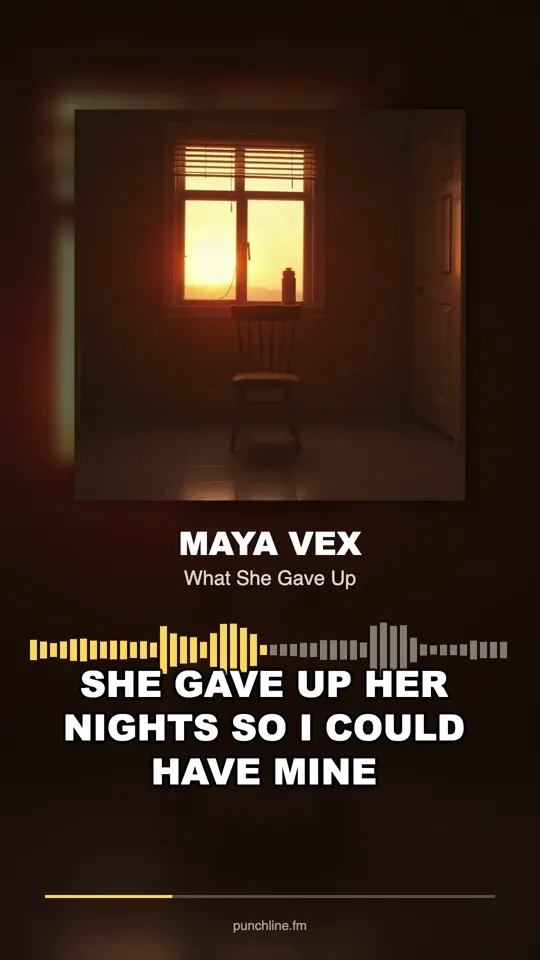
Bring 10 to 15 seconds of rap as MP3, WAV or M4A under 10 MB. Pick the section with the strongest bars, usually the hook or the last four bars of a verse. Use your own verse, not a released song: the tools are built for original material, and they do not use real artists’ voices or songs.
For the clearest version of the trend, record the clip together: both of you rap the same bars into one phone at the same time. The video then shows two people mouthing words that two voices are actually saying. If you want a true back-and-forth, record each person’s part separately and use the AI Rap Video Generator on its Solo template, once per person with a photo of that face, then cut the two clips together.
Consent and limits
Before you generate, the tool asks you to confirm that it is your photo or you have permission, and that everyone in it is an adult. Treat that as the minimum. Ask the other person before you upload, show them the result before you post it, and delete it if they change their mind.
- Both people agree, both to the video and to where it will be posted.
- Both people are adults.
- No public figures, celebrities or real artists, and no photos of people who do not know about it.
- No audio that puts words in someone’s mouth they would object to.
Step by step
- Open the Rap Duo Video Maker and leave the Duo template selected.
- Upload the photo with both faces.
- Upload the 10 to 20 second audio clip.
- Tick the consent box and press Generate rap video.
- Keep the tab open for the few minutes it takes to render.
- Download the MP4 and show it to the other person before posting.
Mistakes and fixes
Most failed clips trace back to the photo or the audio length. Fix those first before generating again.
- One face in profile or half hidden: retake the photo with both people facing the camera.
- Faces too small in a wide shot: crop closer so both faces fill more of the frame.
- Audio over 20 seconds: trim to the strongest 10 to 15 seconds before upload.
- Expecting two different verses from one clip: make one clip per person and edit them together.
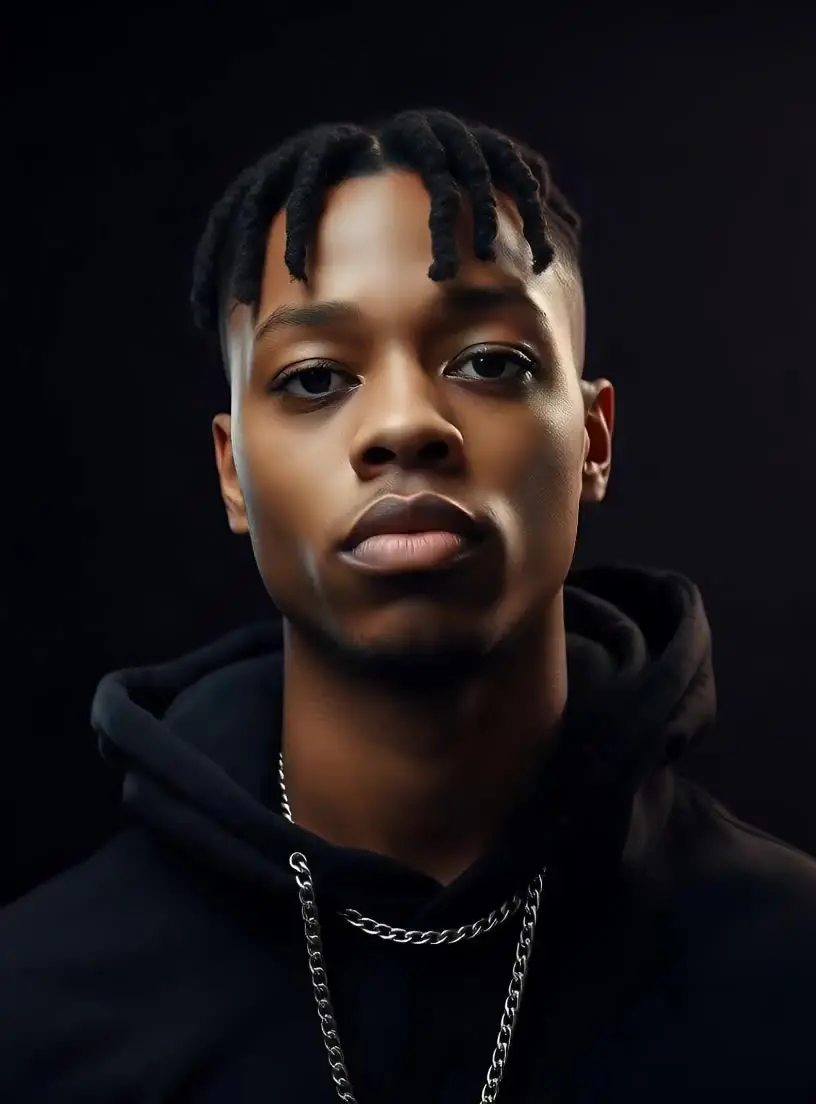
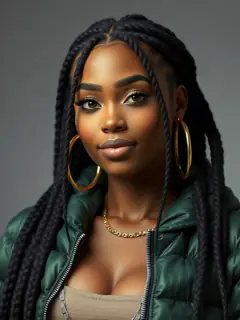
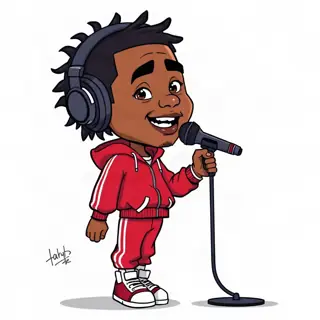
- Wanting a cover image for the post: the AI Rapper Generator makes a press-style portrait of a fictional rapper and the Cartoon Rapper Maker draws an original full-body cartoon character, each for 1 credit. They are new characters, not likenesses of you or anyone famous.