What travels on the app
A song spreads when other people use its sound in their own videos. That happens most with a short, repeatable phrase of four to eight words, a moment of space where something can happen on screen, and a line people want to quote in a caption.
Write for that moment on purpose. A call and response, a pause after the hook line or an open verse that others can rap over all invite reuse. A hook such as “Not today, I got somewhere to be”, said twice with a one-beat gap, leaves room for a gesture, a cut or a reaction.
Cut the clip around the hook
Start the clip on the hook, never on the intro. At 90 BPM four bars take about 11 seconds and eight bars about 21. At 140 BPM counted in half time, four bars take about 14 seconds. Pick the length that fits the whole hook with a beat to spare.
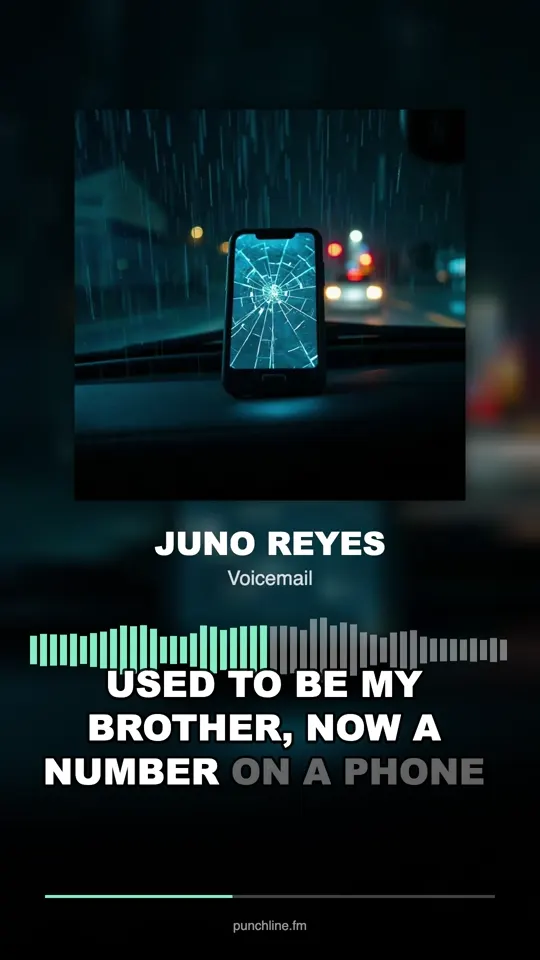
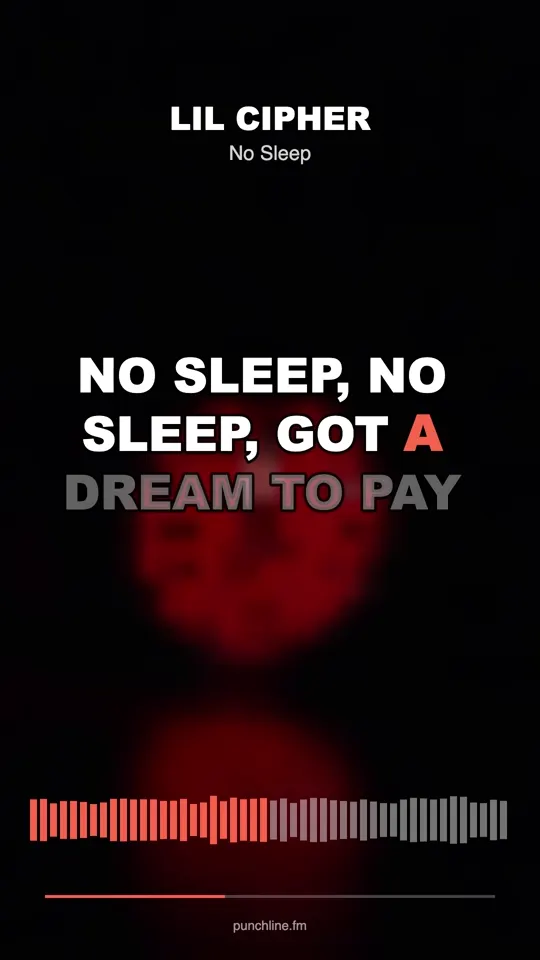
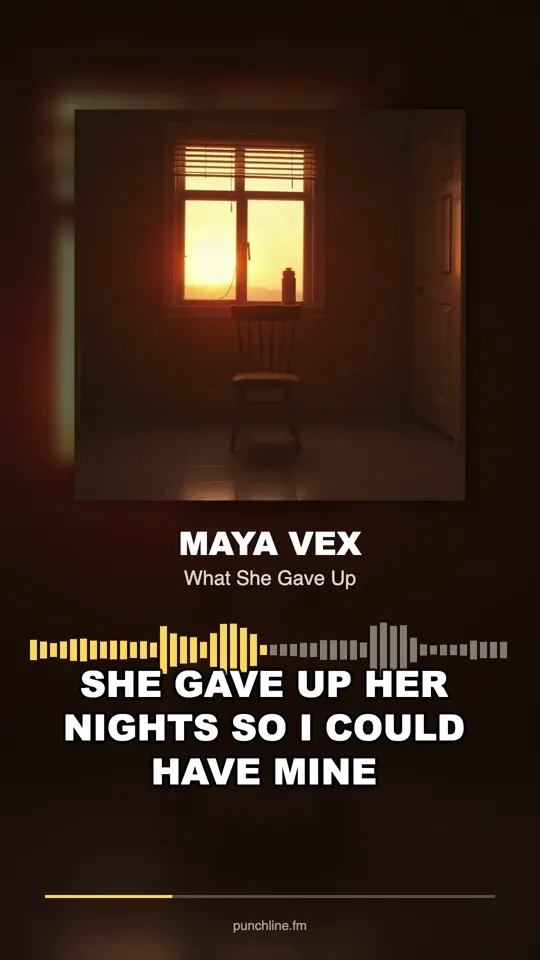
The Studio does this from your own recording. Record your take over the beat in the browser, mix it, and the clip step cuts 1080 × 1920 MP4 clips with your lyrics timed word by word. Choose a look (Cover, Big words or Your photo), a length (a 10-second loop, 15 or 30 seconds) and your handle. Each render gives you three clips: your cut, the same look on another section and a 10-second hook loop in a second look.
Post versions, not one perfect clip
Small artists who get found tend to post the same song many ways. A week of clips tests which look and which section people respond to, and it gives the sound more chances to be picked up. Here is a plan for one song.
- Day 1: the hook on the cover look, with the quotable line as the caption
- Day 2: the same hook in big words, asking viewers to finish the bar
- Day 3: your photo on the verse, with the story behind one line
- Day 4: the hook as an open verse, inviting others to rap on it
- Day 5: your raw take, then the mixed one
- Day 6: the clip that did well, reposted with a new first line on screen
- Day 7: release day, link in bio and the strongest clip pinned
Original sound or official sound
A clip you post becomes an “original sound” tied to your video. To have the song listed as an official sound and on streaming services, send the finished WAV through a distributor. The Studio’s release step exports a WAV for distributors and an MP3 for sharing, both mastered to streaming loudness.
Before you distribute, check the beat licence covers release, credit the producer, and use your artist name exactly as it appears on the clips. Do not use another artist’s voice, name or song: that is the quickest way to lose the upload.
Captions, a performance and a video
Describe your post in the Rap Caption Generator and get ten one-line captions under twelve words, free; pick the one that quotes or teases the hook. If you want a performance clip without filming, the AI Rap Video Generator takes your own photo and a clip of your own audio, ideally 10 to 15 seconds long, and returns a lip-synced MP4 in a few minutes for 20 credits up to 15 seconds (40 up to 30). The photo must be yours or used with permission, and everyone in it an adult.
For a filmed version, the Rap Music Video Guide plans a phone shoot on one page and shows how to cut on the drums. When people start asking about the song, Rapper Interview Questions shows what interviewers tend to ask, which is useful for preparing your own answers.
Mistakes with TikTok rap songs, and fixes
These are the habits that waste a good hook. Each fix costs time, not money. For the wider plan, Promote Rap Music lays out four weeks of free promotion, and Become a Rapper covers the open mics and collaborations that sit around the posting.
- Intro before the hook. Fix: start the clip on the first word of the hook.
- One post, then silence. Fix: plan seven clips before you post the first.
- No words on screen. Fix: use word-timed captions, since some viewers scroll with the sound down.
- Buying views. Fix: spend on a better cover; bought plays come from accounts that never return.