Bubble Letter Generator
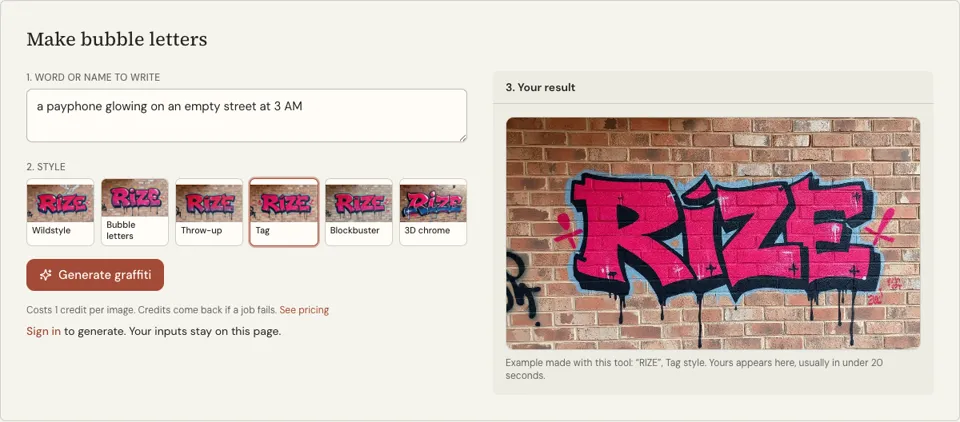
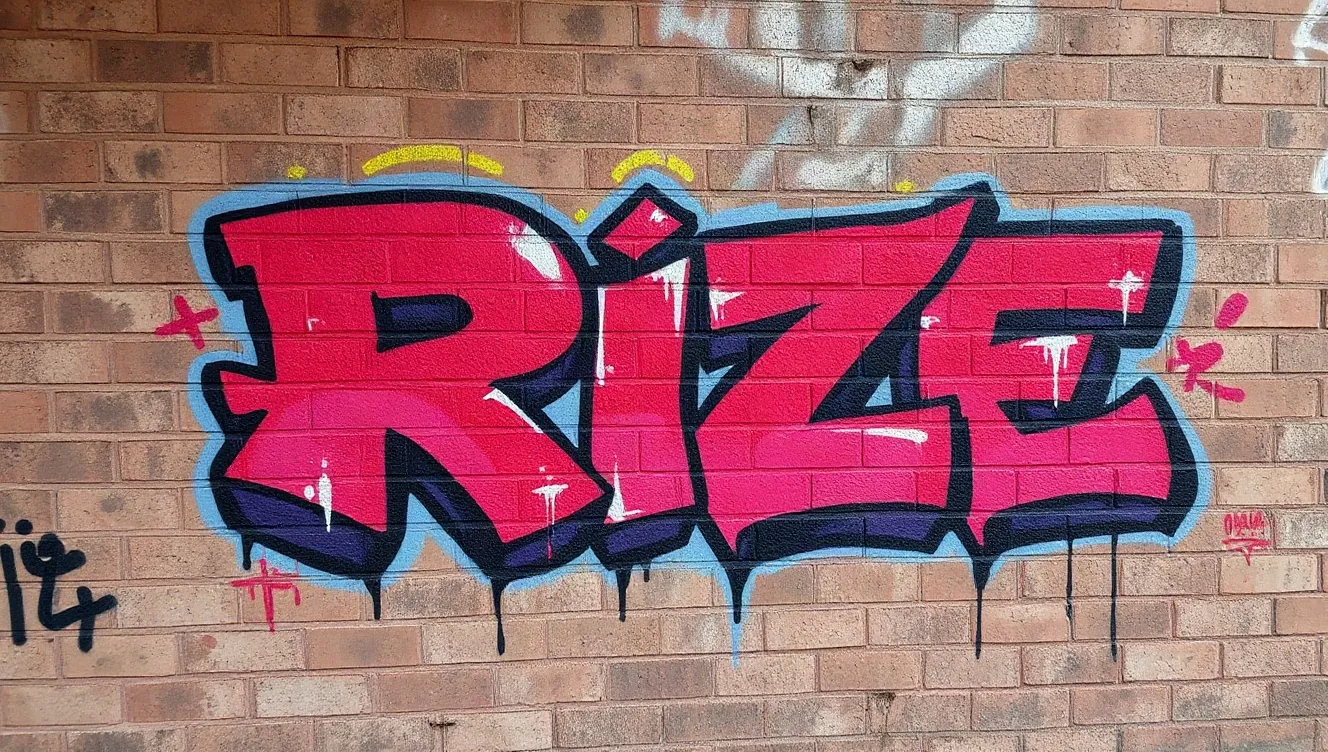
Type a word and get it in fat, rounded graffiti bubble letters with outlines and shine marks. The page opens on the Bubble letters style, the image takes roughly 20 seconds and costs 1 credit.
1 credit per image·Opens on Bubbles·Landscape format
Make bubble letters
See it in action
 3D chrome
 Blockbuster
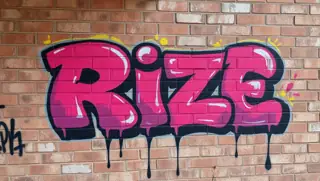 Bubble letters
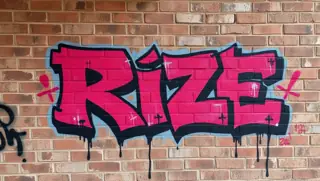 Tag
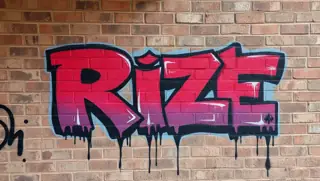 Throw-up
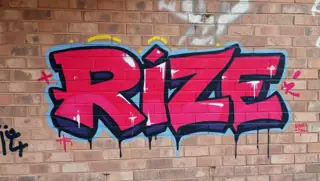 Wildstyle
What this bubble letter generator draws
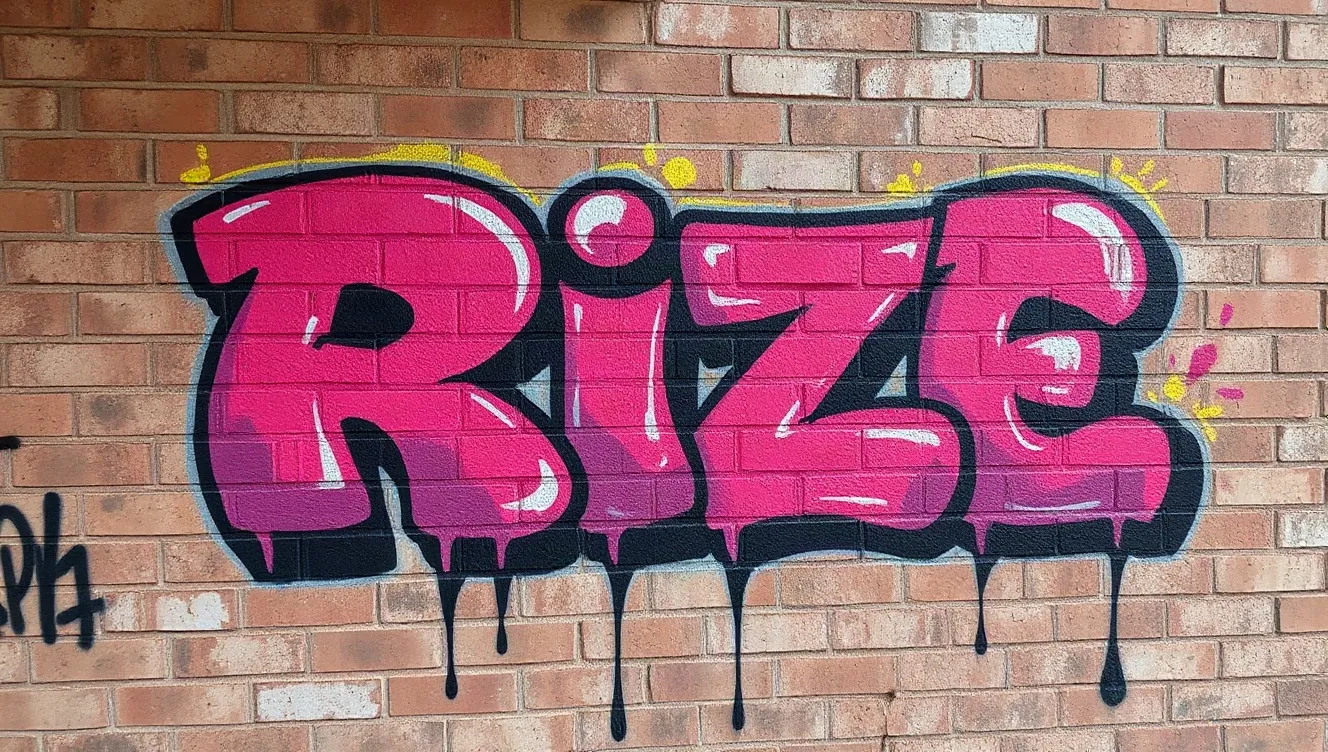
Bubble letters are the soft, inflated capitals that come from graffiti throw-ups and ended up on every school poster and birthday card. This page paints your word in that style: rounded shapes that overlap slightly, a dark outline, bright fills and small white shine marks.
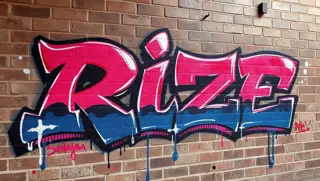
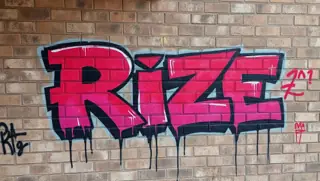
The page opens on the Bubble letters style; five other graffiti styles are one tap away if you want to see the same word as Wildstyle, a Throw-up, a Tag, a Blockbuster or 3D chrome. You type into the "Word or name to write" box and the picture comes back in landscape.
One thing to know before you spend a credit: the letters are shown spray-painted on a brick wall, in colour. This is not a black-and-white outline sheet for colouring in. It is a finished example to display, to print on a card, or to copy by hand.
Why use a bubble letters generator
A model to draw from
Learning bubble letters is easier with your own word in front of you than with a generic alphabet. The image shows how those particular letters overlap, which is the part beginners find hardest.
Readable from across a room
Of all graffiti styles, bubble letters are the most legible. That suits classroom displays, event posters, bedroom door signs and party banners where everyone, including small children, has to read the word.
Colour, outline and shine included
The render arrives fully painted with fills, outlines, highlights and drips. You see a complete colour scheme you can borrow for markers or paint, with no design decisions required up front.
How to use the bubble letter generator
- 01
Type one word
Enter a name or a short word in the box, in capitals. Bubble letters are wide, so four to seven letters fill the frame nicely. Split longer messages into separate images.
- 02
Check the style chip
Bubble letters is already selected when the page loads. You only need to touch the style row if you want to compare with one of the other five graffiti styles.
- 03
Generate and save
Sign in, then press "Generate graffiti". When the picture appears, make sure each letter is present and in order, then use the Download button to keep it.
Good words to put in bubble letters
Round letters make round bubbles. Words with O, B, P, D and S inflate beautifully, while words made of I, L and T need extra width added to each stroke. Names work well because the reader already knows what the word should say.
Type just the word. A greeting such as "Happy Birthday" is more reliable as two images, one per word, than as a single long line. Try inputs like these.
- POP
- BLOOM
- DREAM
- SOFIA
- WELCOME
How to draw bubble letters by hand from the image
Use the generated picture as your answer sheet and build the letters yourself in pencil. Start with plain stick capitals, spaced a little wider than normal. Then draw a rounded outline around each stick, as if the line had been pumped full of air, keeping the same thickness all the way round.
Let each letter tuck slightly behind the one before it, erase the sticks and any hidden lines, and go over the outline in marker. The finishing touches are what make it look like graffiti. Teachers can run this as a ten-minute warm-up with any spelling word.
- Stick letters first, in light pencil
- Rounded outline around every stroke, same thickness throughout
- Overlap each letter over the next, then erase what is hidden
- One shine mark near the top left of each letter
- A drop shadow on the lower right, all in the same direction
Bubble letter generator FAQ
Is the bubble letter generator free?
No. It is a credit tool: 1 credit per image, and you sign in before generating. A job that fails gives the credit back. Pack prices are on the pricing page.
Can I print the result as a colouring page?
Not as it comes. The image is full colour on a brick wall, not a black outline on white. For a colouring sheet, trace the letter outlines by hand or with a drawing app, using the image as your guide.
Can I copy and paste bubble letters into a message?
No. This tool makes a picture, not text characters. Sites that offer copy-and-paste bubble text use special Unicode symbols; here you get a drawn graffiti image of your word to download.
Is it suitable for classroom use?
The tool only draws the word you type, so the content is up to you. An adult needs to hold the account, since generating requires sign-in and credits. Always check the spelling in the image before printing for pupils.
Why did it draw the wrong letters?
AI image models sometimes misspell, add or drop letters, especially in longer words. Bubble letters are among the more accurate styles, but check the result and press Generate again if anything is off.
Can I pick the colours of the letters?
No colour picker is provided. The model chooses a bright spray-paint palette, and each new render tends to bring different colours. If you need exact colours, redraw the letters and fill them yourself.
Related reading
Related tools
Graffiti Generator
Type a word or a name and pick a graffiti style. You get a landscape image of it sprayed on a brick wall, with outlines, highlights and drips, in under 20 seconds on most runs. 1 credit each, sign-in required.
Graffiti Font Generator
Type a name or a word and get it back as graffiti lettering, as an image and not a font file. The page opens on the Tag style, a render takes about 20 seconds and uses 1 credit.
Graffiti Name Generator
Type your first name and get five graffiti tag names in about a second: short tags, tags with a writer’s suffix, and your own name with the vowels dropped. Free, no account.
Old English Font Generator
Type a word or short phrase and receive it in Old English blackletter, black ink on a white background. It is a picture, not an installable font, ready in about 20 seconds for 1 credit.
Last updated November 12, 2026