Tattoo Lettering Generator
Type the phrase you want tattooed and see it in flowing script. The page opens on Fine line cursive, each image is done in around 20 seconds for 1 credit, and it is a reference for your artist.
1 credit per image·Opens on cursive·Reference image
Write your phrase in script
3. Your result
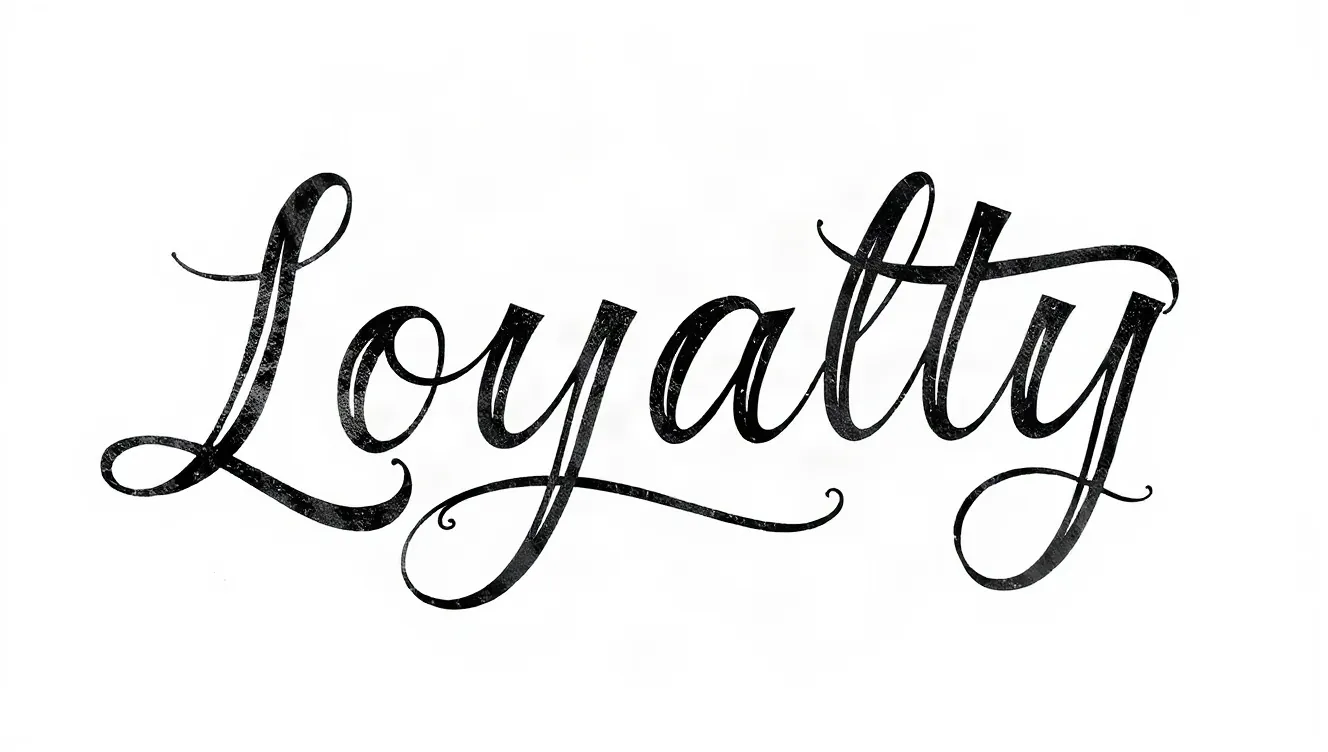
Example made with this tool: “Loyalty”, Fine line cursive style. Yours appears here, usually in under 20 seconds.
See it in action
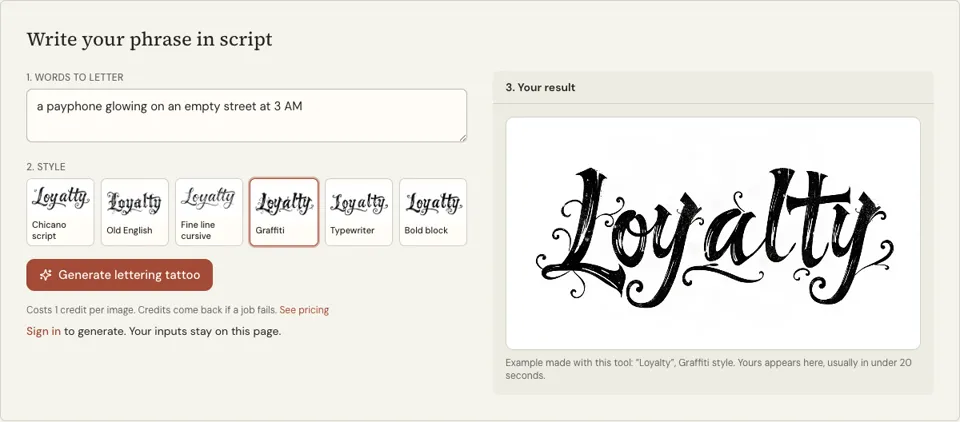
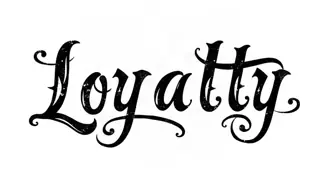 Bold block
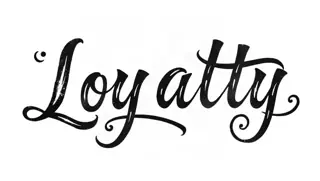 Chicano script
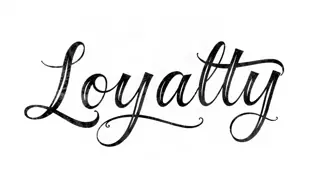 Fine line cursive
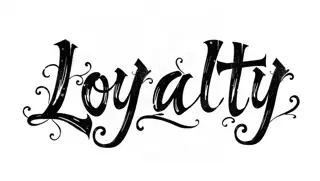 Graffiti
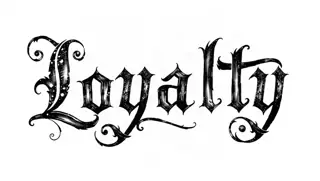 Old English
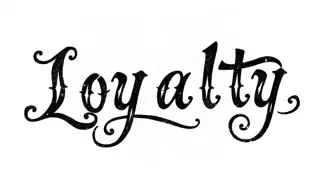 Typewriter
What this tattoo lettering generator is built for
This page is for phrases: a line from a parent, a motto, a few words in someone’s handwriting style. Script tattoos live or die on flow, the way one letter hands off to the next, and that is what an image model can show you that a list of fonts cannot.
It opens on the Fine line cursive style; five other lettering styles are one tap away, with Chicano script the natural second choice for a bolder, more ornamental hand. Old English, Graffiti, Typewriter and Bold block are there too. Your phrase goes in the "Words to letter" box.
The lettering is drawn in black on white, in a landscape frame, with swashes and tails that suit the chosen hand. Bring it to a consultation as a statement of taste: this slant, this much flourish, this weight. Your artist will write the final version themselves.
Why use a script tattoo lettering generator
Shows the flow of your exact phrase
Every phrase has awkward joins, such as an r into an s or a double t. Seeing your own words in cursive reveals where the rhythm breaks, before an artist spends an hour drawing it.
Two script hands to compare
Fine line cursive is light, even and modern. Chicano script is heavier, with contrast between thick and thin strokes and bigger capitals. One credit each tells you which family you belong to.
Plain background for honest judging
Nothing distracts from the letterforms: no arm, no shading, no colour. If the phrase is hard to read here, in perfect conditions, it will be harder on skin, and you know to simplify.
How to use the tattoo lettering generator
- 01
Type the phrase
Write it exactly as it should be inked, with capitals where you want them. Up to about five words renders reliably. Break a longer quote into lines and generate each line separately.
- 02
Start with Fine line cursive
That chip is selected for you on arrival. Generate once in it, then tap Chicano script and generate again if you want to see a heavier hand with the same wording.
- 03
Proofread and take it to your artist
Press "Generate lettering tattoo" when signed in. Read the result word by word against your text, download it, and note what you like about it for the consultation.
How to enter a phrase for script lettering
Cursive wants lowercase. Capitals in script are large and decorative, so one at the start of the phrase, or one per word at most, keeps the line calm. Punctuation is optional in tattoos, and most phrases look cleaner without the full stop.
If the words come from another language or from a religious text, get the wording confirmed by someone who reads it before you generate anything. Here are phrases sized well for a single line.
- Still I rise
- This too shall pass
- Para mi madre
- One day at a time
- Keep the faith
Script tattoo craft: baseline, line breaks and ageing
A phrase on a body is rarely set on a straight line. Artists curve the baseline to follow a collarbone, a rib or the edge of a forearm, and they decide line breaks by meaning, not by width. Tell your artist the placement first and let them reflow the words to suit it.
Fine script is the lettering that ages fastest. Hairline strokes can fade and tight loops can blur shut as ink settles under the skin over the years. The usual fixes are to go a little bigger, a little bolder and a little wider than feels necessary on paper.
- Choose placement before style: ribs, forearm and collarbone each bend the line
- Break lines where you would pause when speaking
- Ask for slightly heavier strokes than the reference shows
- Keep loops in e, l and a open enough to see skin through them
Tattoo lettering generator FAQ
How much does the tattoo lettering generator cost?
It costs 1 credit for each lettering image. Sign-in is required to generate, and the credit is returned whenever a job fails. You can see the credit packs on the pricing page.
How is this different from the tattoo font generator?
Both use the same six lettering styles. This page starts on Fine line cursive and is written for script phrases. The tattoo font generator starts on Chicano script and is aimed at comparing all the styles to pick one.
Can my artist tattoo the image exactly as generated?
Expect them to redraw it. The image is a reference, not a guaranteed skin-ready stencil. Script has to be resized, curved to the body and often thickened, and a lettering artist will do that in their own hand.
Does it get the spelling right?
Not every time. AI image models can misspell words, and cursive joins can disguise a missing letter. Check the image against your phrase before saving it, and generate again if it differs in any way.
Can it copy a loved one’s real handwriting?
No. There is no upload on this page and it cannot imitate a specific person’s writing. For that, take a photo of the handwritten note to your tattoo artist, who can trace it directly.
Which style should I pick for a long quote?
Fine line cursive or Typewriter, since both stay compact. Generate the quote one line at a time, and ask your artist about total size: long quotes need a large area such as ribs, back or thigh to stay readable.
Related reading
Related tools
Tattoo Font Generator
Type the words you want inked and choose a lettering style. In about 20 seconds you get a landscape image of the phrase in black on white, for 1 credit, to show your tattoo artist.
Name Tattoo Generator
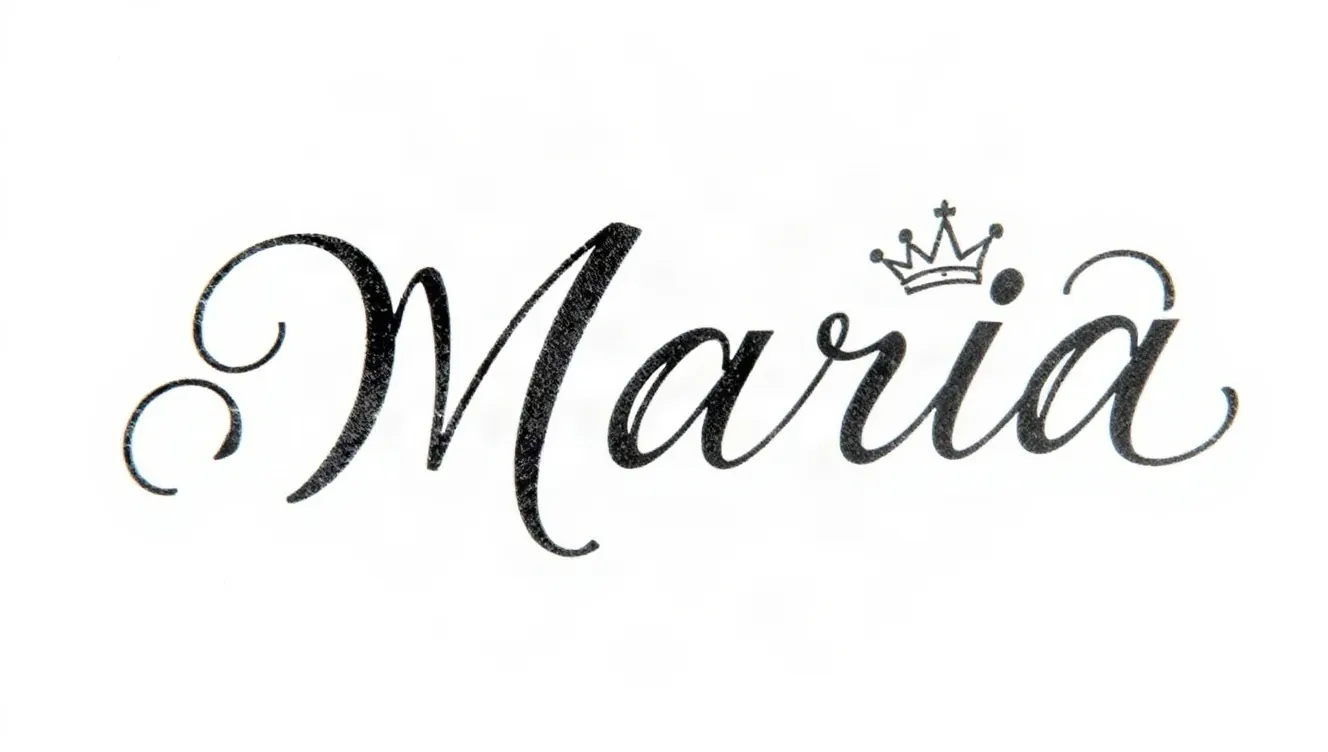
Enter a name, add an optional small element such as a crown, a date or a rose, and pick a script. A black-ink design on white arrives in around 20 seconds and costs 1 credit.
Old English Font Generator
Type a word or short phrase and receive it in Old English blackletter, black ink on a white background. It is a picture, not an installable font, ready in about 20 seconds for 1 credit.
AI Tattoo Generator
Describe the tattoo, choose an ink style and get a single design on a white background, usually in under 20 seconds. Each image costs 1 credit, and it is a reference for your artist, not a stencil.
Last updated November 12, 2026