Cover Art Maker demo
Watch a 7-second screen recording of the Cover Art Maker. Cover art maker for singles: one AI image or your own photo, the song title as editable text,…
7-second video
About this video
Give the song one image, from the AI or your own photo, and set the title as text that stays readable as a thumbnail. Export a JPG of up to 3000 px and promo posts. Only an AI image uses a credit.
Try the tool
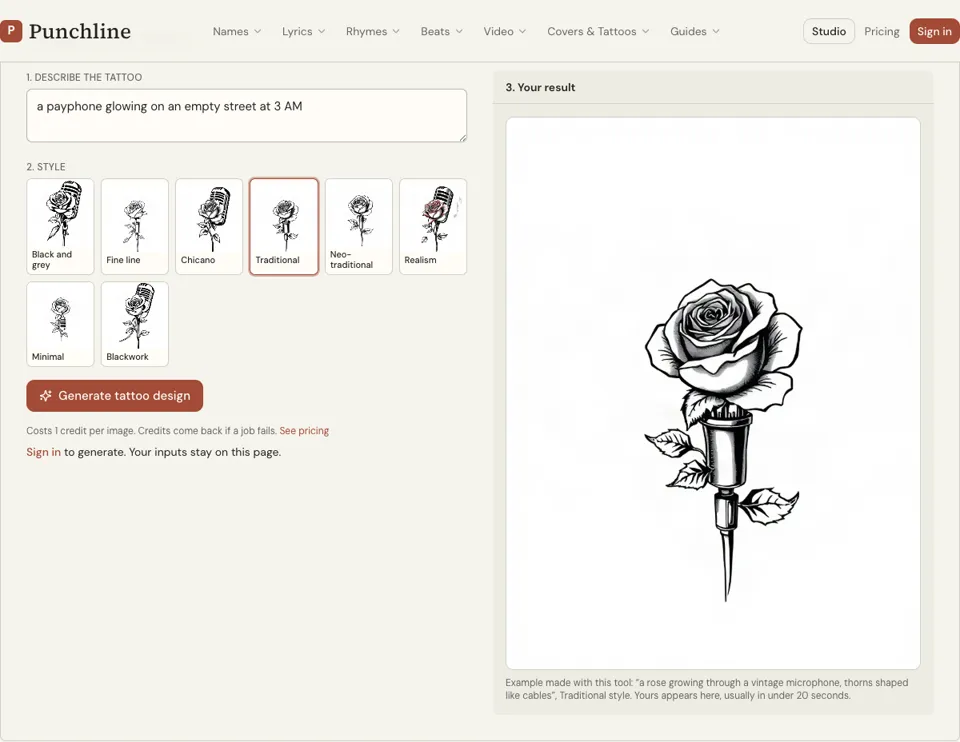
- Choose one image. Type the single object or moment the song is about, such as "a cracked phone face down on a bed in moonlight", and pick a style. Or use your own photo, which is free and stays in your browser.
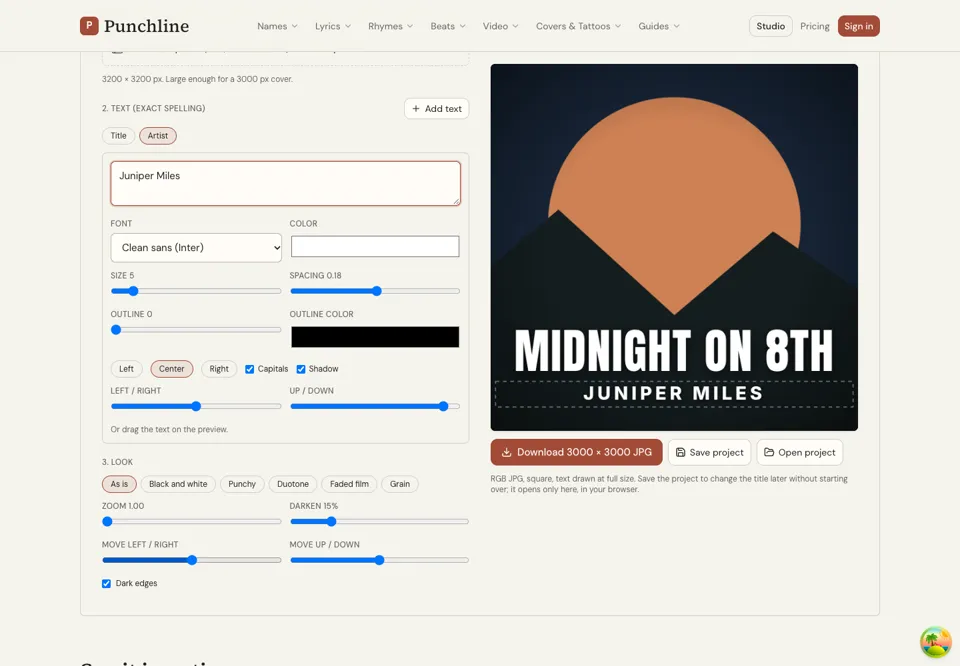
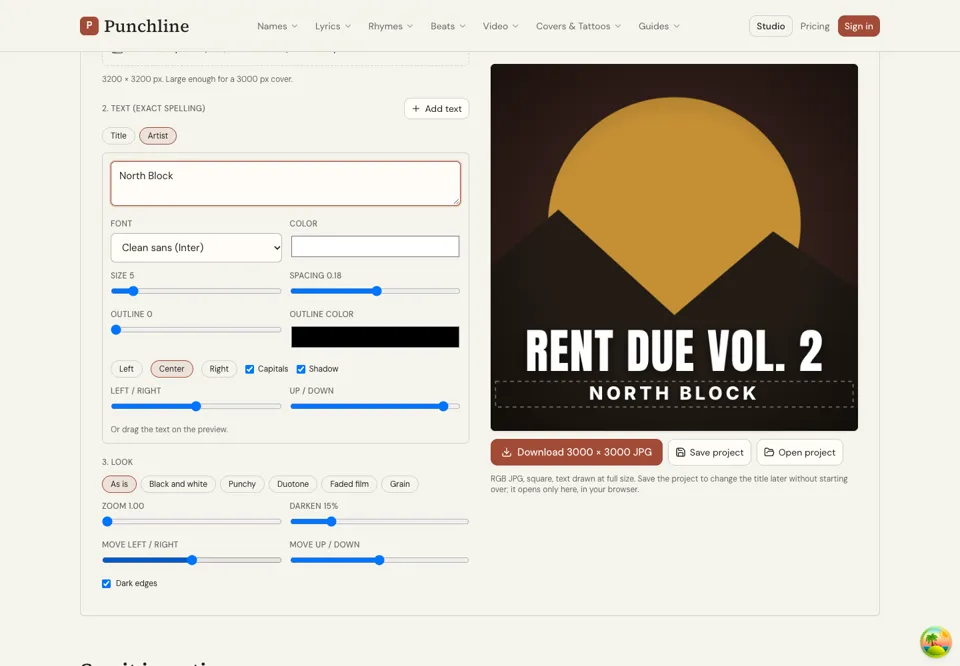
- Add the title as text. Type the title exactly as it appears in your release details. One to three words read best; pick a font and place it where the picture has empty space.
- Shrink it, then export. Look at the preview at phone-tile size. If the title still reads, export the JPG and open the promo kit for the release-day posts.