AI Rap Battle Video
Give two rappers a verse each. Lip-sync their portraits to separate recordings, then cut from the opener to the reply in a vertical MP4.
Two portraits, two verses·From 40 credits for both renders·Free MP4 export
Make your battleThe Last Slice
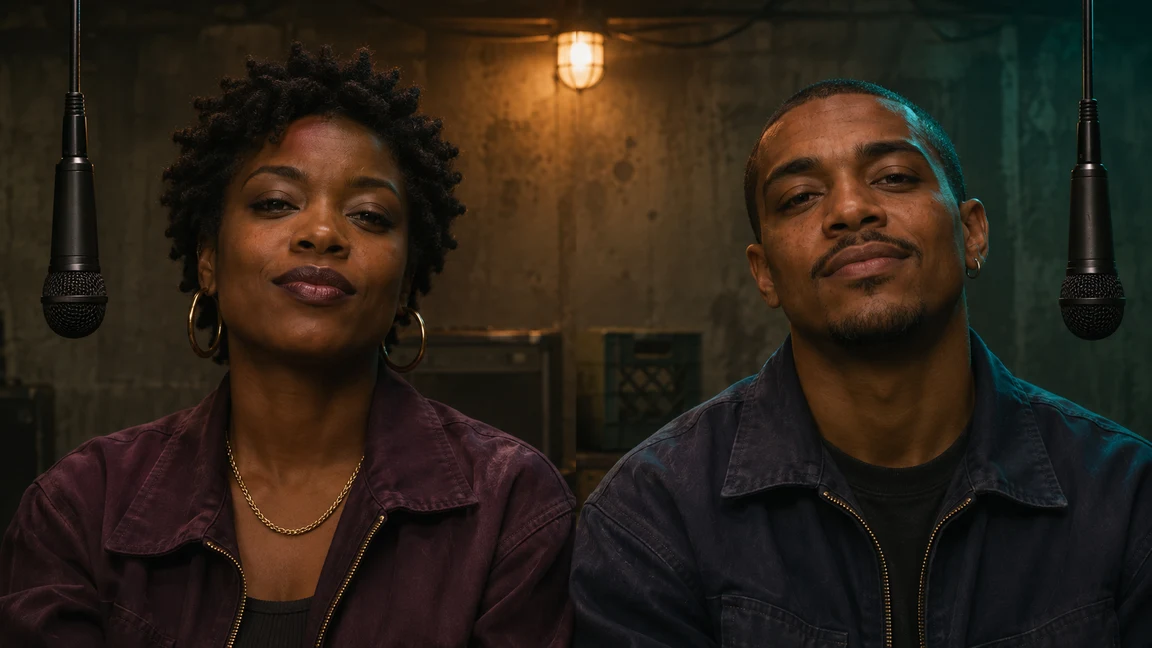
Two rappers, one slice left. Watch Mara claim it, then listen for Jules’s reply on the next downbeat.
- 0:00
Mara · Opening verse
You marked the box, I put the dough to flame. Last slice is mine. Go put respect on my name.
- 0:06
Jules · Reply verse
You burned the crust, I brought the sauce and spice. Keep the empty box. I’m taking back my slice.
Fictional AI-generated portraits and synthetic voices. Original lyrics and 80 BPM beat by Punchline Editors.
Make a two-person battle
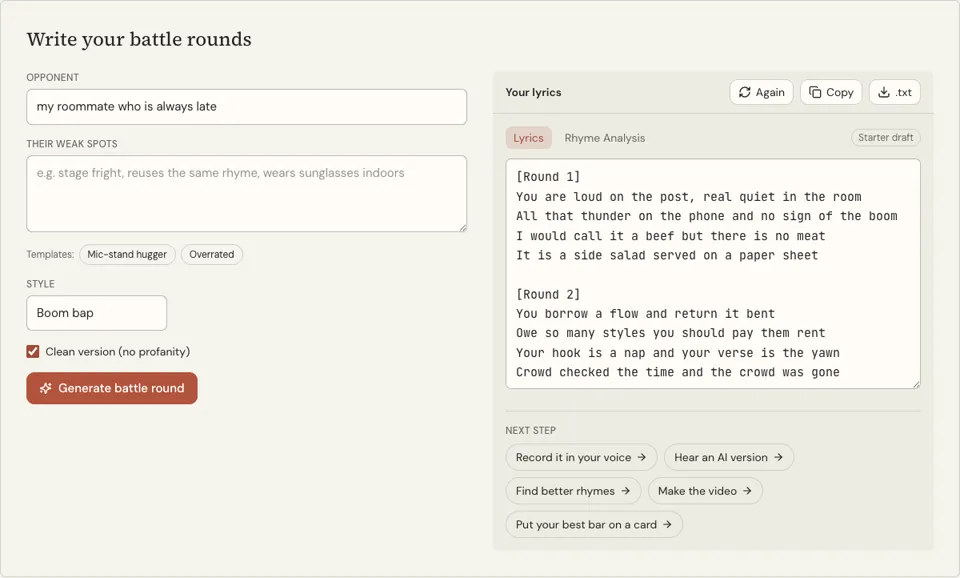
Try it: Rap Battle Generator
Recreate the sample
Both takes run for two bars. Hear the original uploads, then compare the mouth movements in each output. The hard cut lands at 0:06, after Mara’s last word.
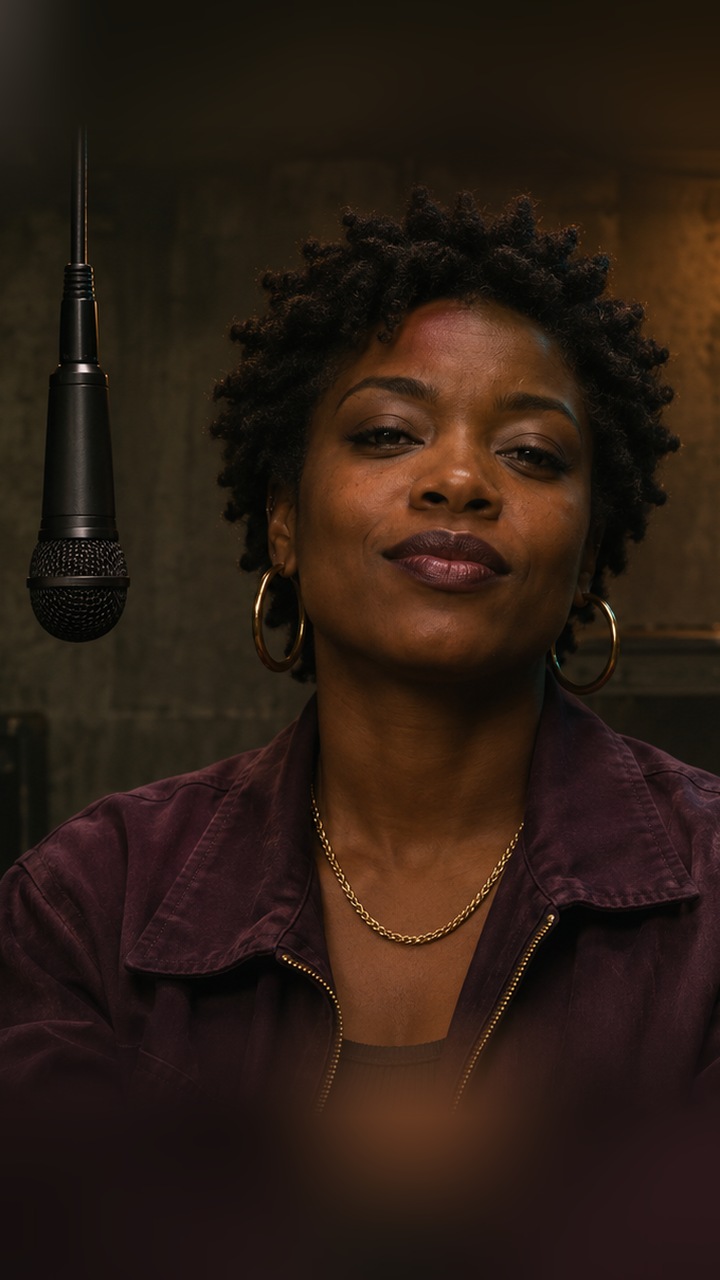
Mara · Opening verse
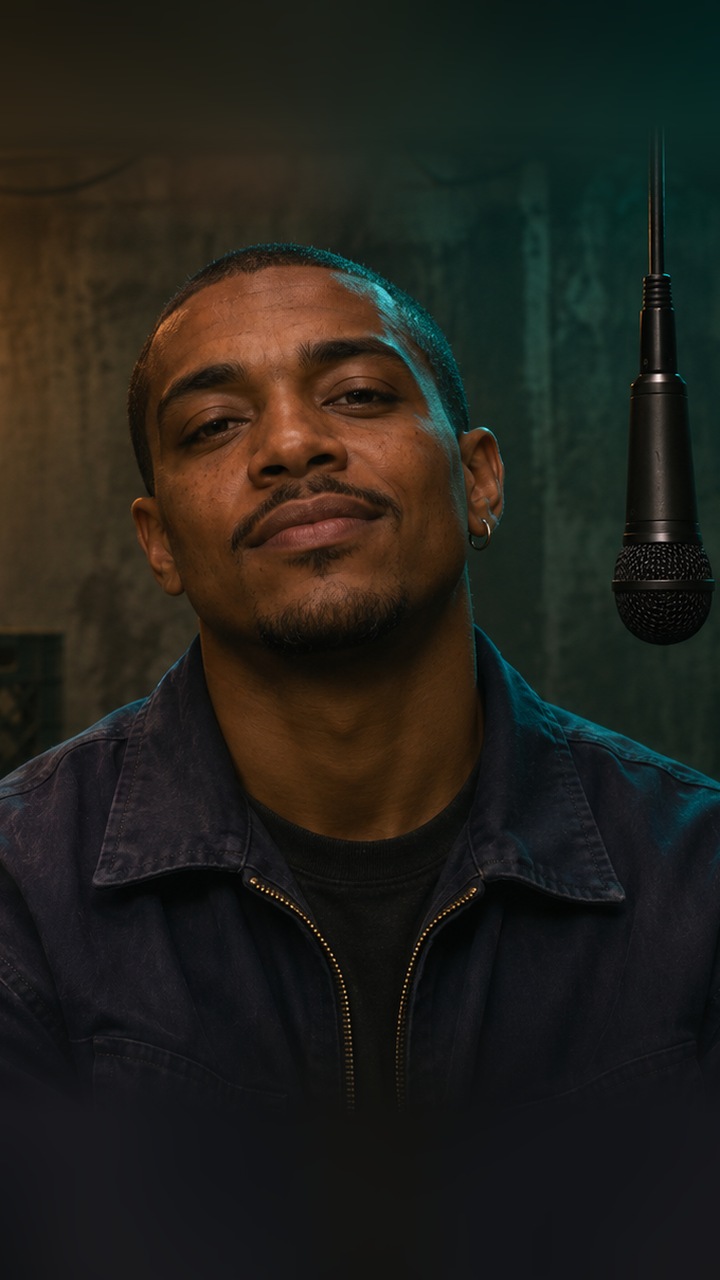
Jules · Reply verse
Two takes, one back-and-forth
Each face follows its own recording. The opening take plays first, then the reply starts on a hard cut. Use one portrait per rapper and give each rapper a separate audio file. If you already have two MP4s, you can join them here without a generation charge.
Bring original bars and your own beat, with permission from both adults shown. The video tool follows the voices in the uploaded files. It does not write the track or create a voice for either person.
What you can check before rendering
The handoff
Cut after a rhyme has landed and start the response on the next downbeat. The sample switches performers at 0:06.
The cost
A take costs 20 credits through 15 seconds or 40 through 30. A failed render returns its own credits. The final edit is free.
The format
The final video is a 720 × 1280 MP4. Start with vertical portraits so each face fills the frame. The editor adds black bars around wider clips to preserve the whole picture.
How to make a rap battle video from two photos
- 01
Write a claim and a reply
Give the opening rapper one clear claim. Have the second answer that specific line. Record two short files against the same beat and tempo.
- 02
Render each portrait
Give each take one front-facing photo and that performer’s audio. Confirm consent and preview each render with sound before moving on.
- 03
Join and download
Play the opener and then the reply, export the vertical MP4 on your device, and check the cut before sharing.
Ai rap battle video FAQ
Can each rapper say different words?
Yes. Upload one audio file per performer. The tool renders them as separate shots and cuts from the opening verse to the response.
Can I upload two people in one photo?
For a battle, use a separate crop or portrait for each person. For two people performing the same audio together, use the Rap Duo Video Maker.
Does the battle maker generate voices or beats?
The battle maker uses your existing audio. Record each take yourself or bring tracks you generated and have the rights to use. The Rap Battle Generator helps draft the text.
How much does the full battle cost?
Two renders cost 40 credits if both audio files are 15 seconds or shorter. Each separate take can go up to 30 seconds. A failed take returns its credits. Joining finished MP4s is free.
Can I use an artist’s face or recreate a movie battle?
Use original lines, audio and visuals. The tool is for your own photo or other adults who agreed to be in your video. A public figure’s likeness, film footage or a commercial backing track is not an input for this workflow.
Related reading
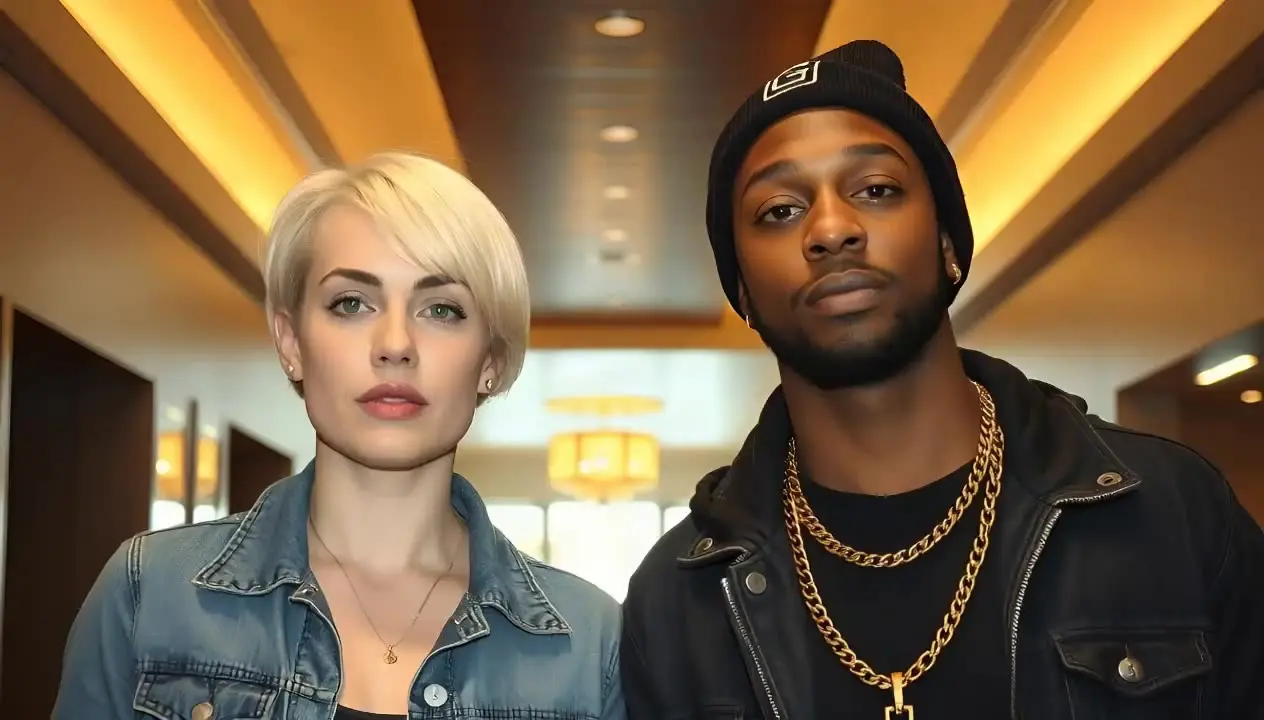 The Rap Duo AI Trend: How to Make the Hotel Lobby ClipRecreate the rap duo AI trend with a lobby-style photo and your own shared verse. See the in-sync duo sample and the difference between a duo and a battle.
 8 Mile Rap Battle AI: How to Make an Original Face-OffSee how an 8 Mile-style AI rap battle is put together. Hear the original beat, watch the six-second handoff, and reuse the two-portrait editing workflow.
Related tools
Rap Battle Generator
Name an opponent, list a few weak spots and get three rounds of four bars aimed at them, written in seconds. Free to use, and the jabs stay on habits and choices.
Rap Duo Video Maker
Upload one photo of two people and a clip of your rap, and get a lip-synced MP4 in a few minutes. Both of you perform the clip together. For a call and response, use the separate rap battle editor. 20 credits up to 15 seconds, 40 up to 30.
AI Rap Video Generator
Upload a photo of yourself and a clip of your rap, and get a lip-synced MP4 of you performing it in a few minutes. Each video costs 20 credits up to 15 seconds, 40 up to 30.
Free Beat Maker
Open the page, press Play and tap squares to build a beat from six drum sounds. Nothing to install, no account and no cost. A starter beat is already loaded.
Last updated November 22, 2026