Mixtape Cover Maker demo
Watch a 6-second screen recording of the Mixtape Cover Maker. Mixtape cover maker: a loud AI scene in 5 tape styles or your own photo, with the tape title,…
6-second video
About this video
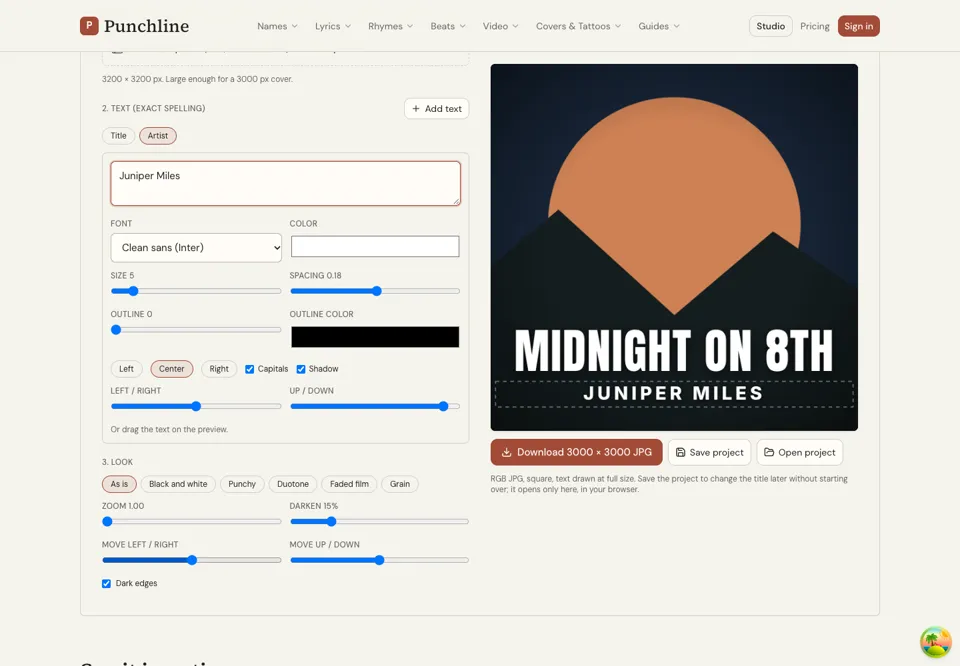
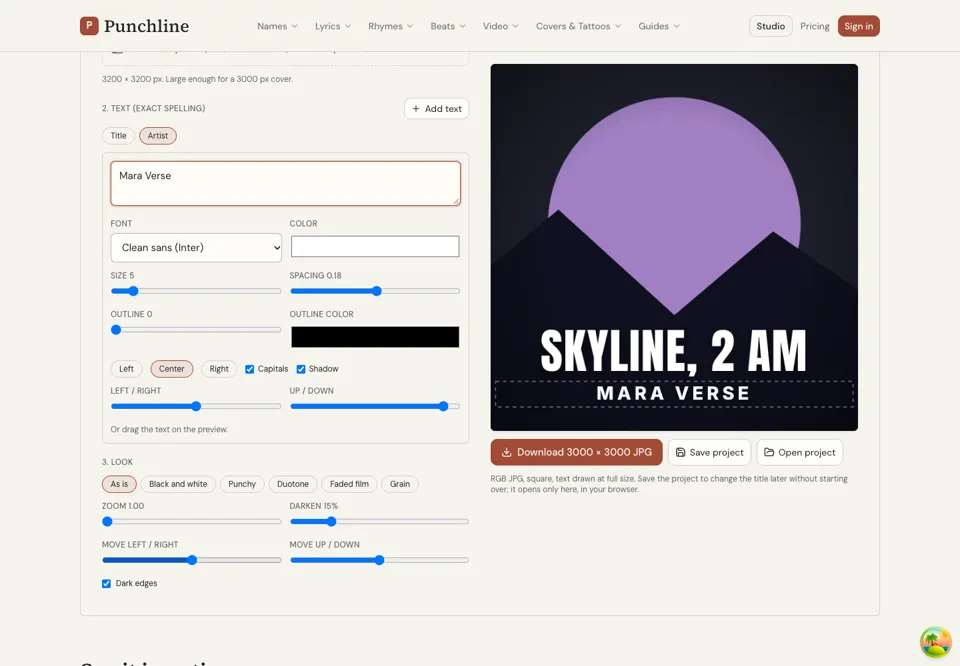
Get a crowded tape-era scene from the AI or start from your own photo, then stack your name, tape title and volume number as text you can edit. The AI background is 1 credit; everything else is free.
Try the tool
- Build the scene. List two or three things from your world, such as cash on a bare kitchen table, a single bulb and storm clouds outside, then pick a tape style. Or press "Use my photo" instead.
- Stack the words. Type the artist name and tape title, then add a layer for the volume number or host line. Give the title the heaviest font and the host credit the smallest size.
- Push the look and export. Punchy or grain suits most tapes. Darken the scene until the title pops, export the JPG, and use the promo kit for the drop-date posts.