Tattoo Font Generator demo
Watch a 8-second screen recording of the Tattoo Font Generator. Tattoo font generator: type your words, pick Chicano script, Old English, cursive, graffiti…
8-second video
About this video
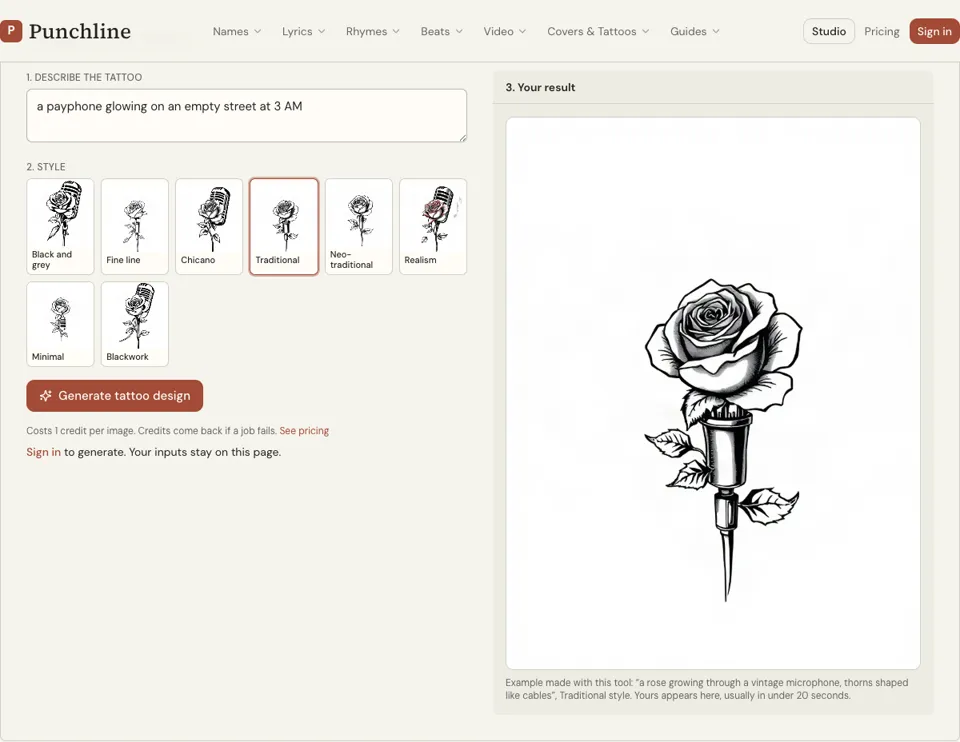
Type the words you want inked and choose a lettering style. In about 20 seconds you get a landscape image of the phrase in black on white, for 1 credit, to show your tattoo artist.
Try the tool
- Type the words. Enter the phrase with the capitals and punctuation you want. Short phrases of one to four words come out most accurately. For longer quotes, generate one line at a time.
- Choose a lettering style. Tap one of the six buttons. Chicano script is the default. If the phrase will be small, lean towards Typewriter or Bold block, which stay readable at sizes where script closes up.
- Generate and proofread twice. Press "Generate lettering tattoo" after signing in. Compare the image with what you typed, letter by letter, then have someone else read it aloud before it goes anywhere near a studio.