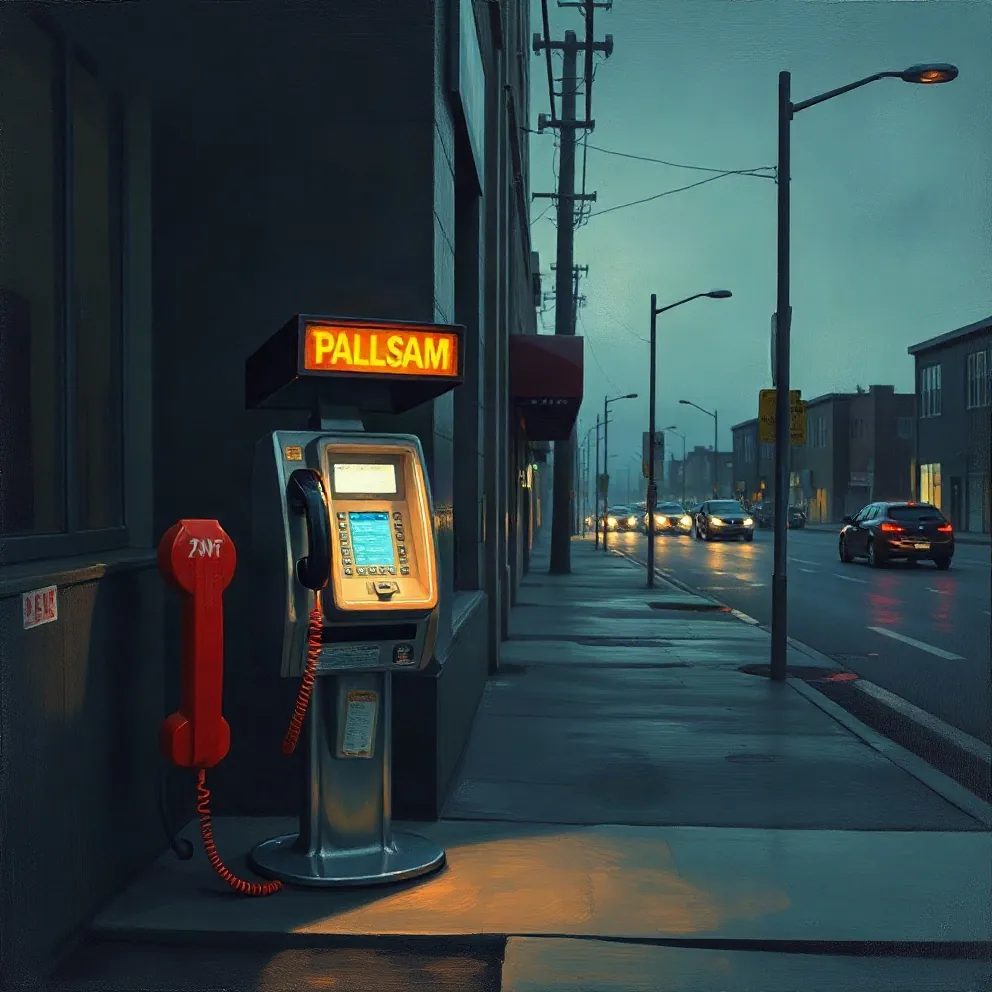
Twelve album cover ideas to start from
Each idea is one image with one mood. That restraint is deliberate: most people first see a cover the width of a thumb, next to dozens of others, and only shape, contrast and colour survive at that size.
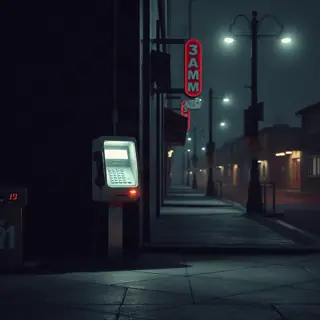
- A payphone glowing on an empty street at 3 AM, for songs about calls that never came
- An empty kitchen chair facing a window at sunset, for a record about someone who left
- Your work shoes on a bus seat, for a come-up story
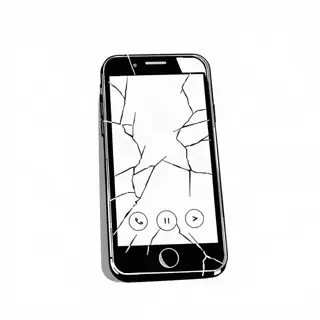
- A cracked phone face down on a dashboard in the rain
- A stack of unpaid parking tickets under a windshield wiper, for a funny or frustrated project
- A single trophy in a laundromat, for a record about winning small
- A hand-written setlist taped to a bedroom wall
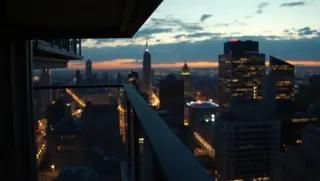
- Your block at dawn, shot from the roof, with one light still on
- A pair of headphones on a hospital chair, for a record made through hard months
- A birthday cake with one candle in an empty room
- Only the title, huge, in one colour on black
- An oil-painting portrait of a family pet wearing a chain, for a project that does not take itself seriously
Pull the idea from your lyrics
The covers people remember usually show something from inside the music. Read through your hook and verses and underline every physical object: a phone, a car, a chair, a jacket. Then pick the one that turns up in the song people will hear first.
Write a one-sentence brief with three parts: the object, the place, and the time or light. “A payphone glowing on an empty street at 3 AM” has all three. Leave out what a cover cannot show, such as feelings, backstory or the title itself. The light and the setting carry the feeling for you.
Album, single or mixtape: three tools, three briefs
The Album Cover Generator takes up to 300 characters describing the scene, an optional artist and title, and one of eight looks: Film photo, Pen & Pixel bling, Minimal type, Oil painting, Collage, Anime, 3D render or Black and white. Leave the title box empty and the model is told to draw no text, which gives you clean art to letter yourself.
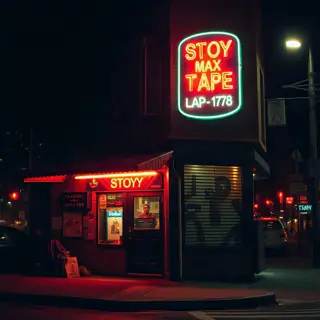
A single needs less. The Cover Art Maker asks for one image for the song and a title if you want it, and briefs the model to stay readable at thumbnail size, with five styles that start on Minimal type. For a tape, the Mixtape Cover Maker goes the other way: crowded, dramatic and loud, with styles such as 2000s street mixtape, Chrome type and Comic.
Each image costs 1 credit, comes back square, and usually takes under 20 seconds. Credits return if a job fails.
Check it small, check the spelling
Shrink the cover until it is about the size of your thumbnail on a phone and ask a friend what it shows. If they cannot say in three words, simplify: remove the second subject, darken the background, or crop closer. The Design an Album Cover guide adds the rest of the rules: one focal point, at most two type sizes, and a palette of two or three colours.
AI image models misspell words, and they sometimes add stray lettering to signs or shop fronts even when you asked for none. Zoom in on every sign, label and title before you upload. Look at the payphone cover above: the lit sign reads as nonsense letters, which is fine as texture but wrong if it were meant to be your title.
Mistakes and fixes
Most weak covers fail for one of a few reasons, and each has a quick fix.
- Too many elements: keep one subject and let the background go dark or plain
- Tiny title: either make the type large enough to read small, or leave it off the art
- Busy style on a busy scene: pair a crowded scene with Minimal type or Black and white
- Another artist’s name, logo or face on your cover: remove it; distributors refuse it and it misleads listeners
- A cover that fights the music: a sad record in bright Pen & Pixel bling confuses people before they press play
Carry one look across the whole release
A project looks finished when every image shares one idea. Make the album cover first, then keep its colours and subject for the singles and the channel art. On the YouTube Banner Maker you describe the scene, add your rap name, and get a wide landscape banner with the subject kept in the centre third so it survives the crop, for 1 credit.
If you are packaging a tape rather than an album, the Make a Mixtape guide covers the planning around the cover: choosing the 8 to 12 strongest songs, ordering them and naming the project. Decide the title before you brief the art, because the strongest album cover ideas often come from the title track.