What the trend borrows from 8 Mile
The 2002 film uses live, one-on-one rap battles to build tension. For a short video, the part that travels is the structure. Let one person make a claim and have the other turn the same detail against them. You can do that with two friends, a new setting and a beat of your own.
If you want to find the film or its cast, Universal’s film page is in the sources below. The footage, soundtrack, characters and artist likenesses belong to the film and are absent from our example.
The Last Slice, shot by shot
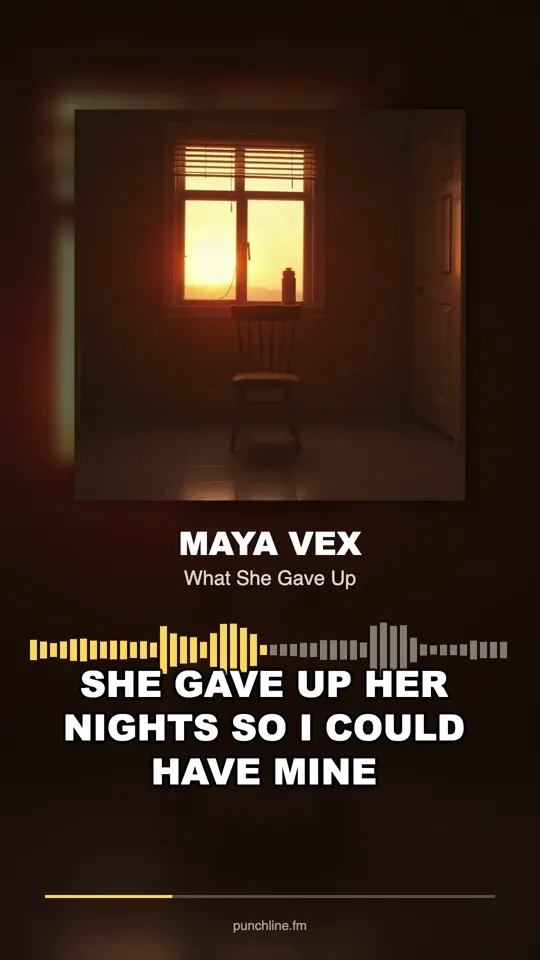
We picked a dispute you can understand in a second: who gets the last slice of pizza? Mara’s opener takes credit for making the dough. Jules replies by accusing Mara of burning it. Each line stays on that one subject, so the edit still works if someone catches only the second half.
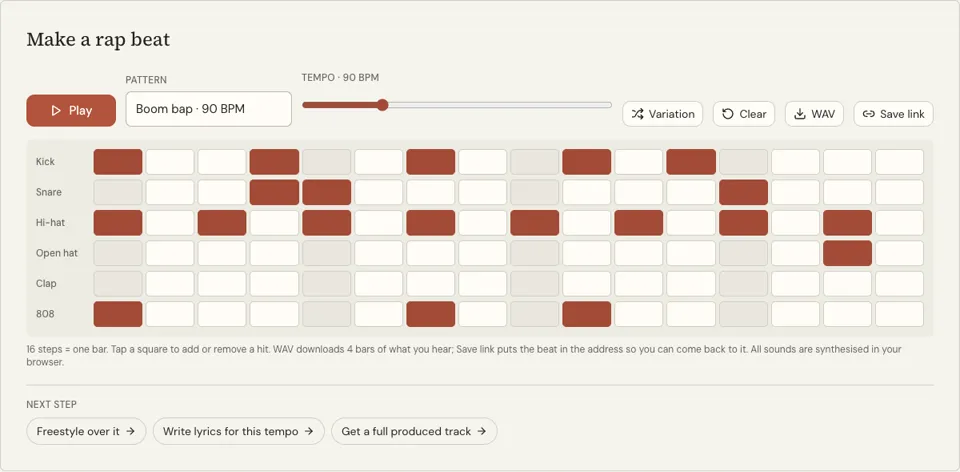
Both takes were built over the same loop. At 80 BPM one four-beat bar lasts three seconds. Mara gets two bars, then the edit cuts at six seconds on the next downbeat. Jules’s reply gets two bars of its own.
| Time | Performer | What to listen for |
|---|---|---|
| 0:00–0:03 | Mara | “Dough to flame” starts the dispute. |
| 0:03–0:06 | Mara | “Respect on my name” closes the opening take. |
| 0:06–0:09 | Jules | “Burned the crust” answers the dough boast. |
| 0:09–0:12 | Jules | “Taking back my slice” closes the reply. |
How to do the edit yourself
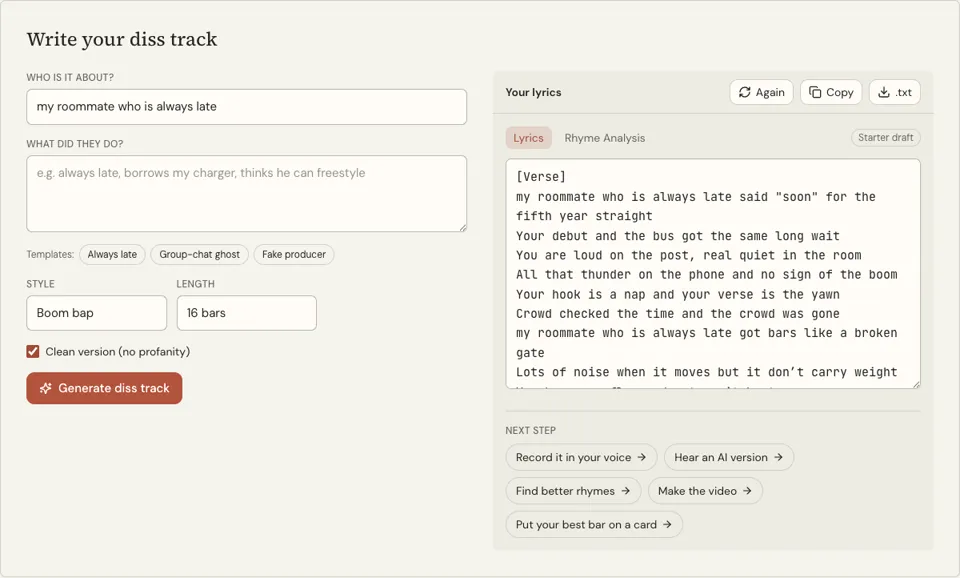
Write the reply around one word or claim from the opener before you record. Leave a little space after the rhyme and export each person’s audio separately, both beginning at bar one. If the two recordings drift from the same tempo, fix them before rendering.
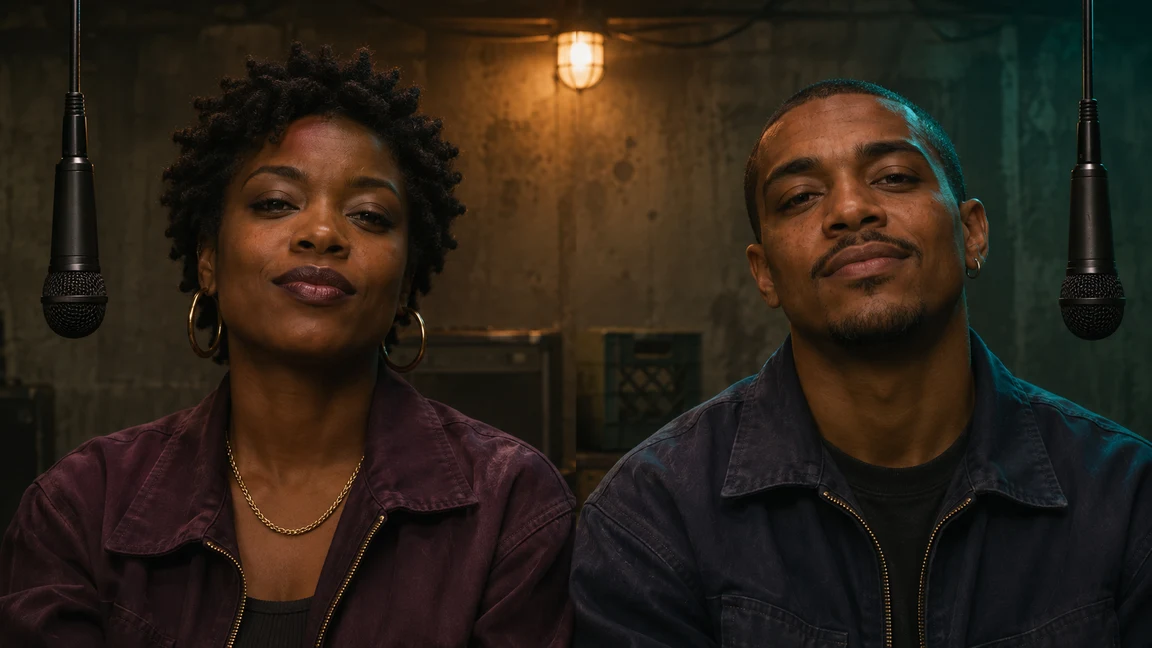
Use a separate clear, front-facing photo for each consenting adult. Our source portraits are fictional and the voices are synthetic. Set the mic beside the face, where it can stay in frame without obscuring the mouth.
Render each take with the same inputs you would use for a solo clip. At the cut, listen for the first word of the reply and watch that only the performer in that take speaks. For the sample, we joined the two rendered clips into a 720 × 1280 file and included the audio and portraits so you can repeat the check.
Check before you spend on a second take
Listen once for the words and once for the beat. If the first syllable is cut off, add a breath before recording again. If the sound is right but the mouth looks stiff, start with a tighter photo and keep the microphone outside the lip line. Our edit swaps between separate close-ups, so it cannot show a live face-to-face reaction in one shot.
Punchline charges 20 credits for each take up to 15 seconds and returns the credits on a failed render. Joining two completed MP4s is free. Use the sample edit to check browser export before rendering your own photos.