What you need before you press record
Three things: a browser, a microphone and headphones. Chrome, Edge and Safari all work, on a laptop or a phone. The mic built into a laptop or a pair of wired earbuds is enough for a first song. A USB mic sounds cleaner, but it is an upgrade, not an entry ticket.
Headphones are the part people skip, and it costs them the take. If the beat plays through speakers, the mic records the beat a second time, a fraction late, and no mix can pull the two apart afterwards. Wired is better than Bluetooth, because Bluetooth adds a delay between what you hear and what you say.
- A beat file (MP3, WAV or M4A, up to 15 MB), or two minutes to set up drums
- Lyrics written one line per bar, so you can see where each breath goes
- A room with soft things in it: a wardrobe full of clothes beats a bare kitchen
Pick a beat you are allowed to use
The Studio’s beat step has three tabs. My beat takes a file you made or leased: you tick a box confirming you have the rights, and the tempo is measured on upload so you can correct it if it reads wrong. Drum machine renders a free pattern made on Punchline, which you may use in anything you release with no credit needed. AI beat writes an instrumental from a sound description for 4 credits and needs an account.
To program your own drums first, go to the Free Beat Maker: six sounds on a 16-step grid, tempo from 60 to 180 BPM, and a WAV download of four bars that you can bring back through My beat. For a full arranged instrumental without programming anything, the AI Beat Maker returns one in about a minute from a style menu, also 4 credits.
A YouTube beat marked “free for non-profit” is fine for practice. It is not fine for a release, so read the licence before the song goes anywhere public.
Record the take: sync, sections, keep the good one
Before the first take, run the sync test. You clap eight times on the clicks and the Studio measures the delay between what you hear and what the mic receives. Wired headphones usually measure low. A high number, often from Bluetooth, is corrected in every take, but you will still feel the lag while performing.
Then record. The lyrics scroll with the beat and the current line lights up, so there is no need for a second screen. You do not have to do the whole song in one pass: the Start from menu drops you in one bar before the hook or a verse, so you can redo verse two without touching verse one. Every take is saved on your device. Star the one you want to mix.
If you want to hear the flow first, the Studio can make an AI version of your lyrics over a new beat in your style (20 credits, kept private); listen to it before you record.
- Words blur together: cut one word per bar instead of rapping slower
- P and B sounds pop: turn the mic slightly to the side of your mouth
- The level meter turns red: step back; “Too loud” means the take will distort
- You run out of air by bar 12: mark a breath at the end of bars 4 and 8
Mix it without leaving the page
The Mix step works on your starred take straight away. The default is the Radio voice preset, light pitch correction at 35 percent and the beat pulled down 3 dB, so most voices sit on top without any changes. Four other presets change the character: Clean, Dark, Airy and Rage.
Use Before and After to hear what changed. If the voice sits under the beat, raise Voice level by one or two steps before touching anything else. If the take feels slightly late, the Timing slider moves it up to 200 ms either way, and “Line it up with the beat for me” suggests an offset when the beat’s tempo is known. The finished mix is mastered to about -14 LUFS, a common streaming loudness, without clipping.
Download it, then post it
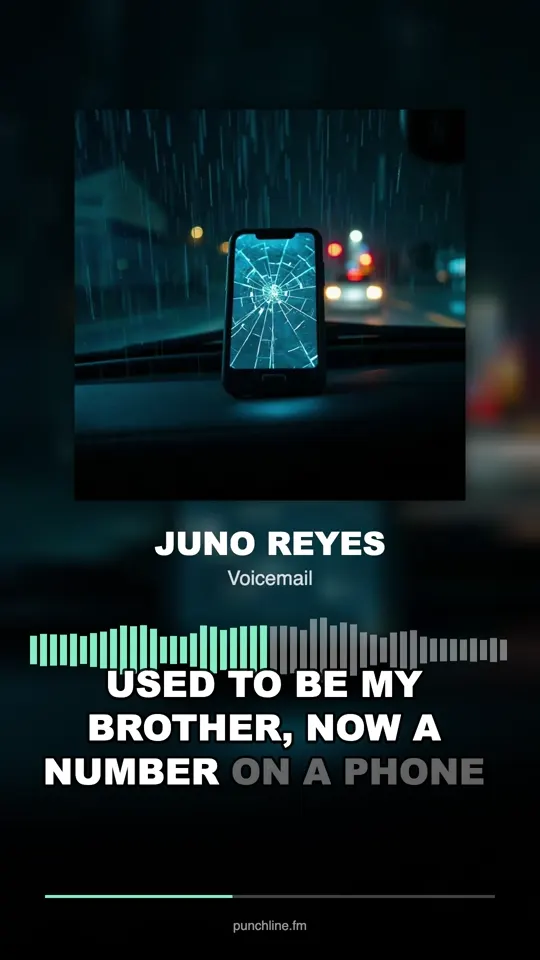
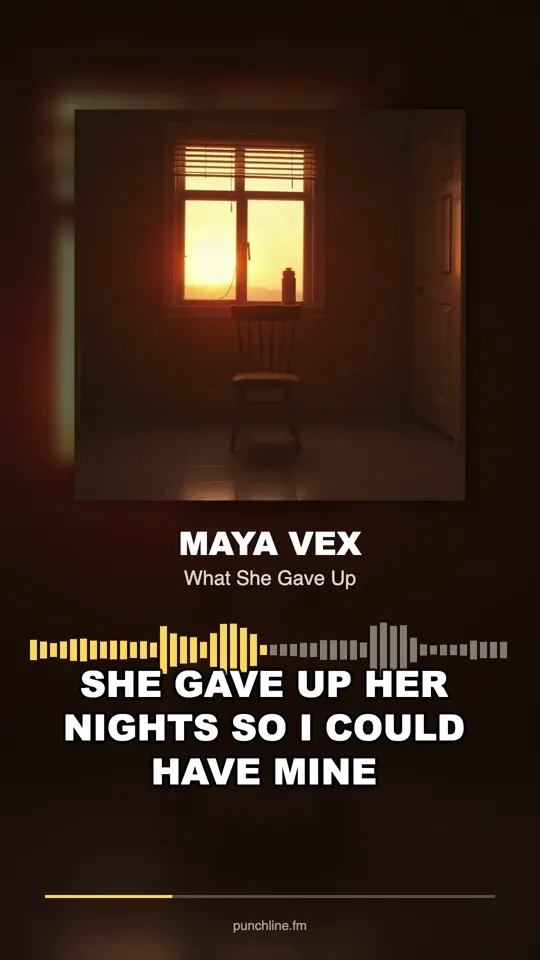
The Release step saves a WAV for a distributor, an MP3 for sharing and the lyrics as a text file. The Clips step cuts 9:16 videos with your words timed to your voice for TikTok, Reels and Shorts. Timing the captions is free but needs you to sign in. If the beat is not yours, credit the producer in every caption.
Recording, mixing and the downloads cost nothing. The only paid parts are the AI beat and the AI version of your song, and credits come back if either job fails.
If this is your first song
Most first recordings go wrong in the writing, not the gear. The Make a Rap Song guide maps a whole track in 64 bars, a hook and two verses, so you know exactly what you are recording before you open the mic. The Make Rap Music guide covers the wider chain from beat to release and tells you which stage to learn first.
A practical first session: record the hook four times in a row, star the cleanest, and stop there. Come back the next day for the verses. Your voice is fresher, and you will hear the hook with new ears.