IONE reused a photograph for “Tell Me”
Two released singles show where those decisions happen. IONE found the photo for “Tell Me” in her own archive. Jeff Finley changed direction on “24th of January” after an email from bandmate Adam Wagner. The examples below show what those choices looked like and how to apply them to your own cover.
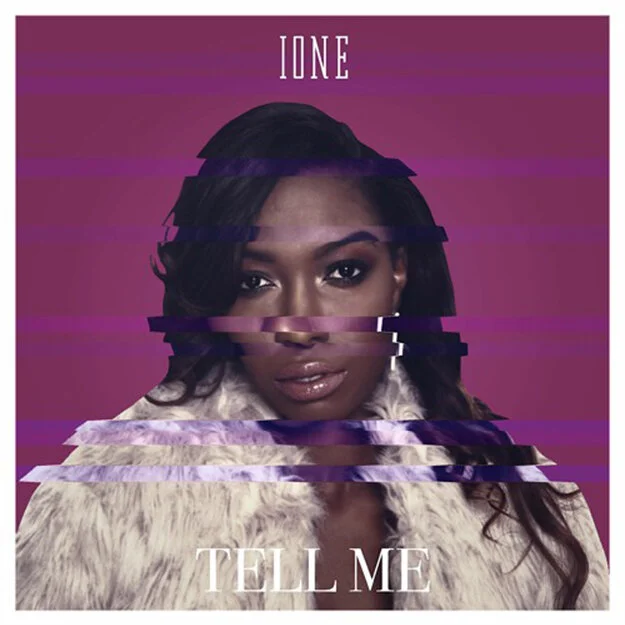
In her own blog, IONE says she had spent about two weeks deciding on the artwork after mastering her EP. A new shoot would have added costs, so she pulled an unused image from a shoot four years earlier. She worked with a designer recommended by a friend, exchanged ideas mostly over Instagram, and recalls that she had to offer to send the song herself. Her music page records the single’s release on July 10, 2020.
The published cover is a purple close-up broken into horizontal strips. IONE’s face fills the middle, with the lettering toward the edges. Try the archive before you book a shoot. Pull a few full-resolution photos you have permission to use on the release and in promotion. Put each in a square crop, see which still reads at thumbnail size, and send the source photo and the track to your designer with the exact artist credit and title.
Jeff Finley changed the concept for “24th of January”
Parachute Journalists credits drummer Jeff Finley for the artwork on its Bandcamp release. His first design put a frosty “24” at the center. Finley wrote that the stock imagery and type treatments felt familiar and lacked meaning for him. Wagner’s email about identity and perception gave him a different image to build around. The final cover shows a face in profile and a silhouetted figure, with lines connecting the figure to the eyes, ear, and mouth.
If your first design feels generic, ask the performer or songwriter which scene, object, or tension sits at the center of the track. Make a rough version from their answer. Put it alongside the first draft and ask which picture carries the idea when both are small. For the final layout, put the important type where it stays readable at roughly 64 pixels wide.
Worked example with the Night Platform release kit
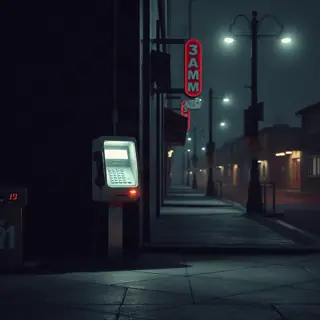
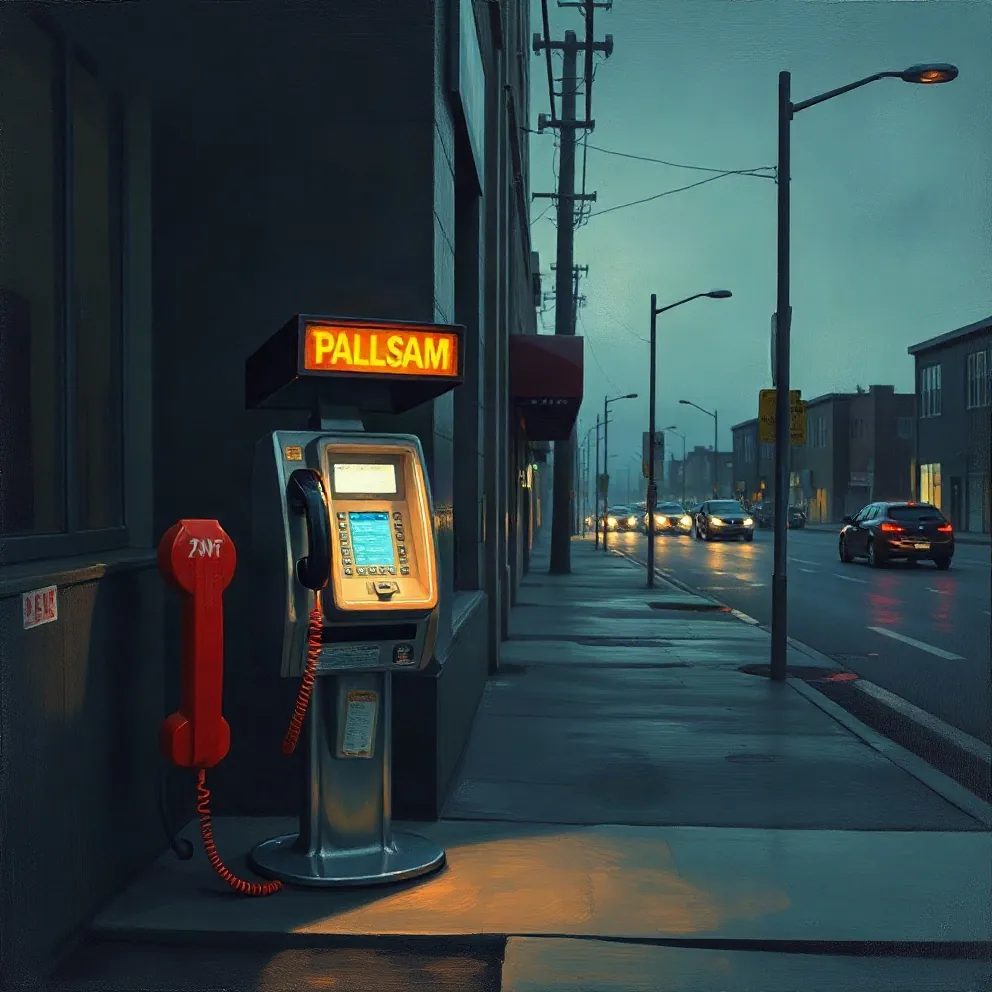
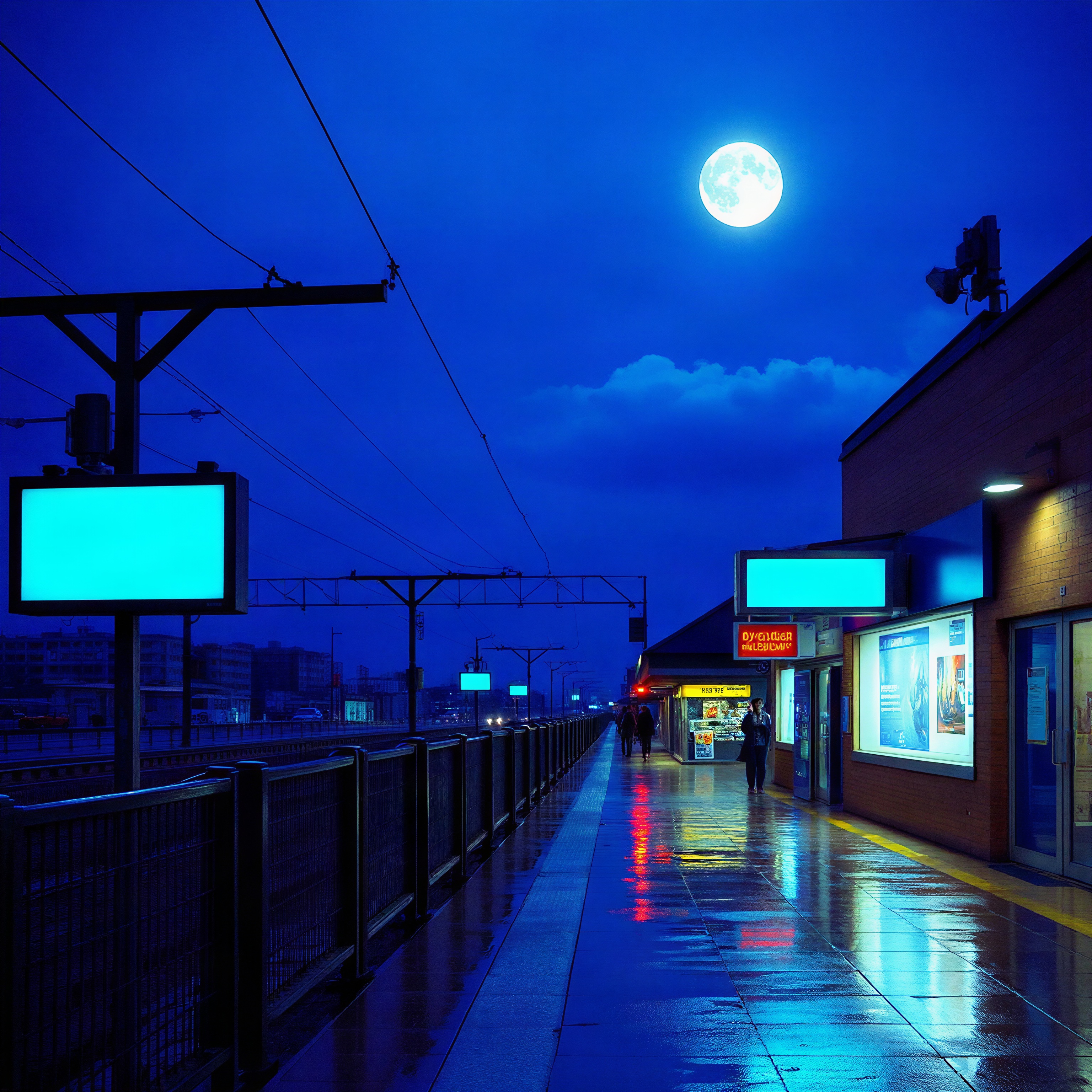
Night Platform is a Punchline demonstration. We imported a 3072 × 3072 background from an earlier test, made from a 1024 × 1024 AI image and upscaled. The demo tests layout, project reopening, and exports. For a release going to a service with a no-upscaling rule, start with a source that has the resolution you need.
1. Import the background
Open the Album Cover Generator, select Use my photo, and confirm the rights. Use Choose a photo to import the image. The demo’s visual brief is a late-night wait at a station. The moon and the vanishing point make the scene readable as a square.
2. Set the title and artist as text
Open the Title and Artist layers and type the credits exactly as you will submit them. In this project, Night Platform is the larger line across the dark foreground, with the artist credit smaller beneath it. Click Save project, then Download 3000 × 3000 JPG. The JPG and editable project are separate files.
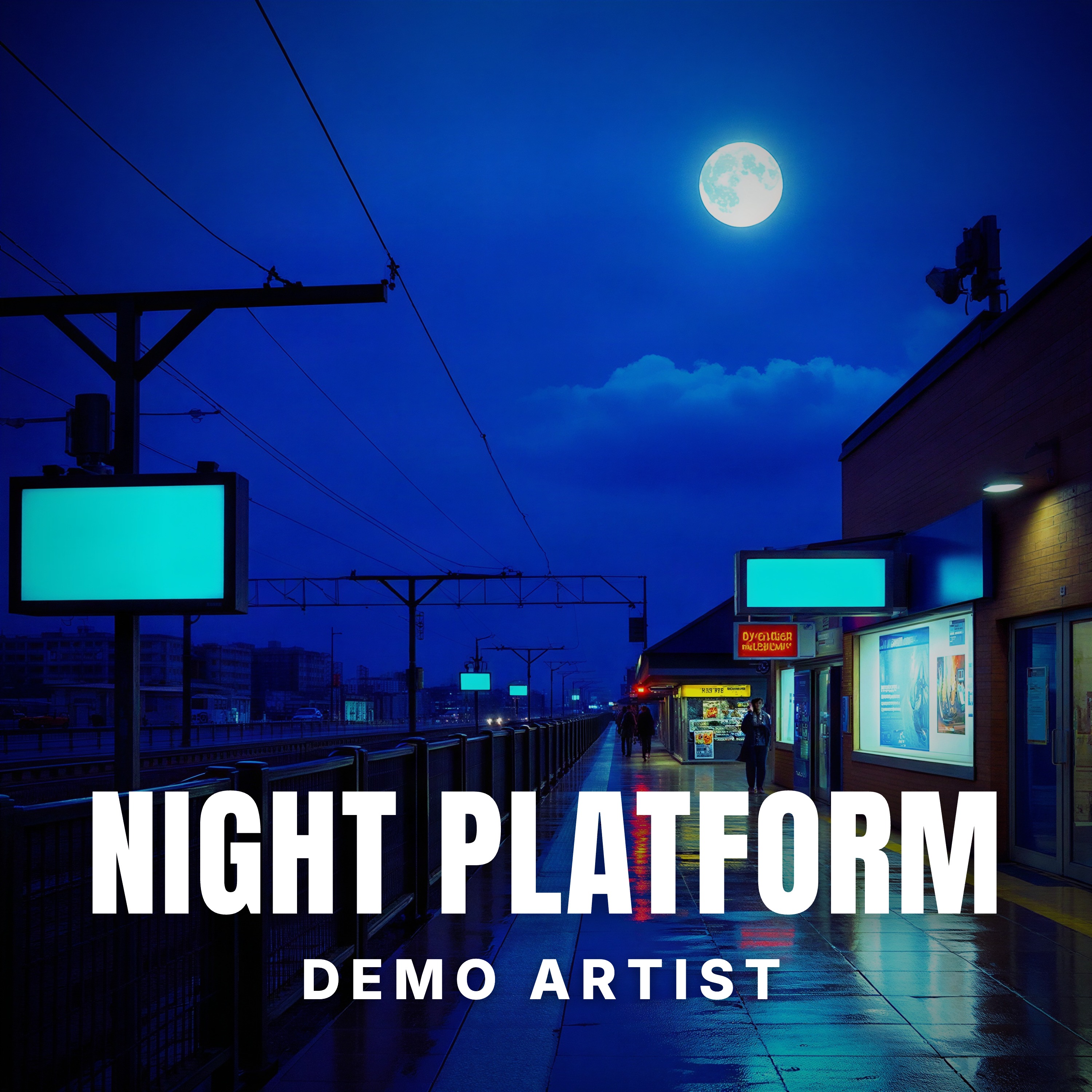
3. Build the announcement
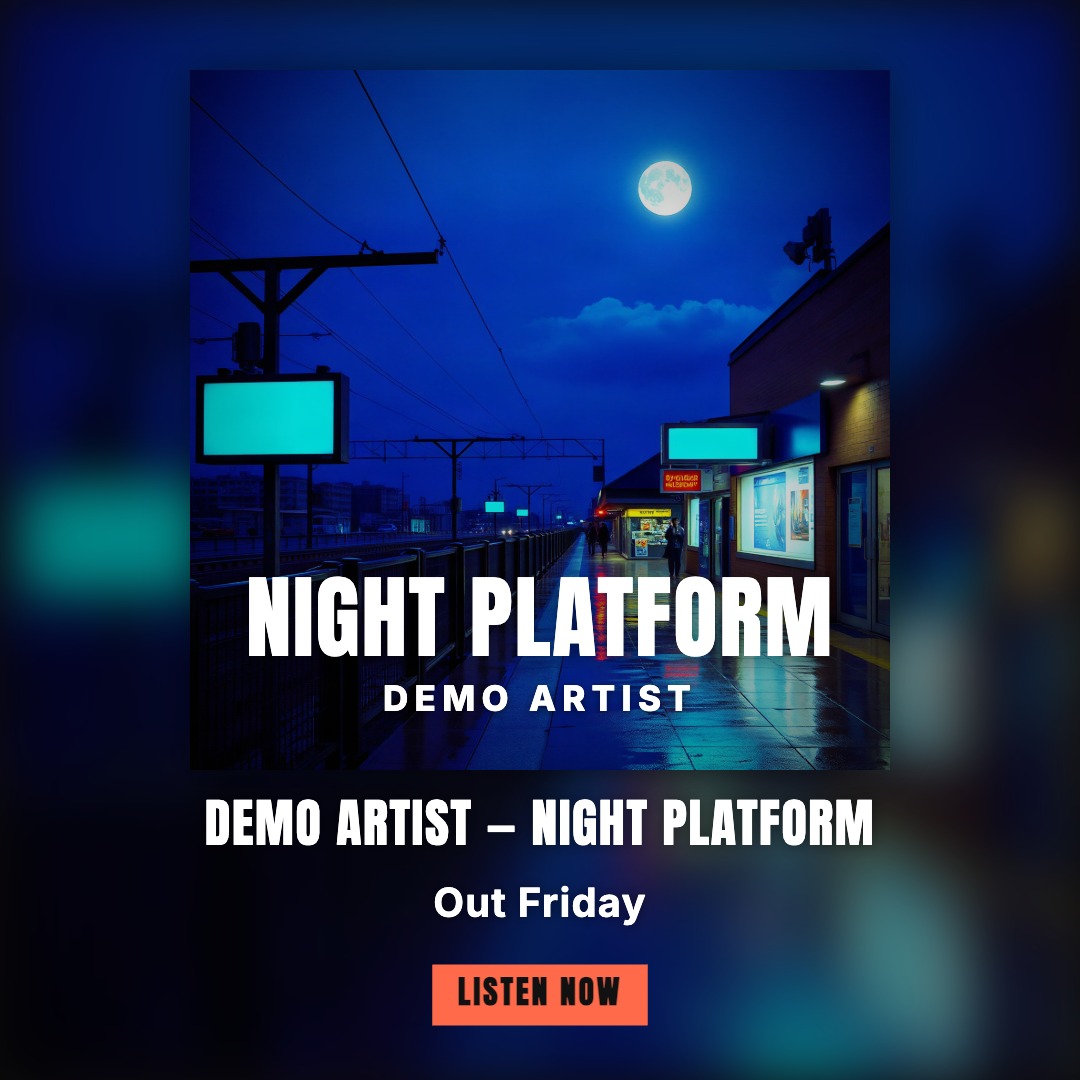
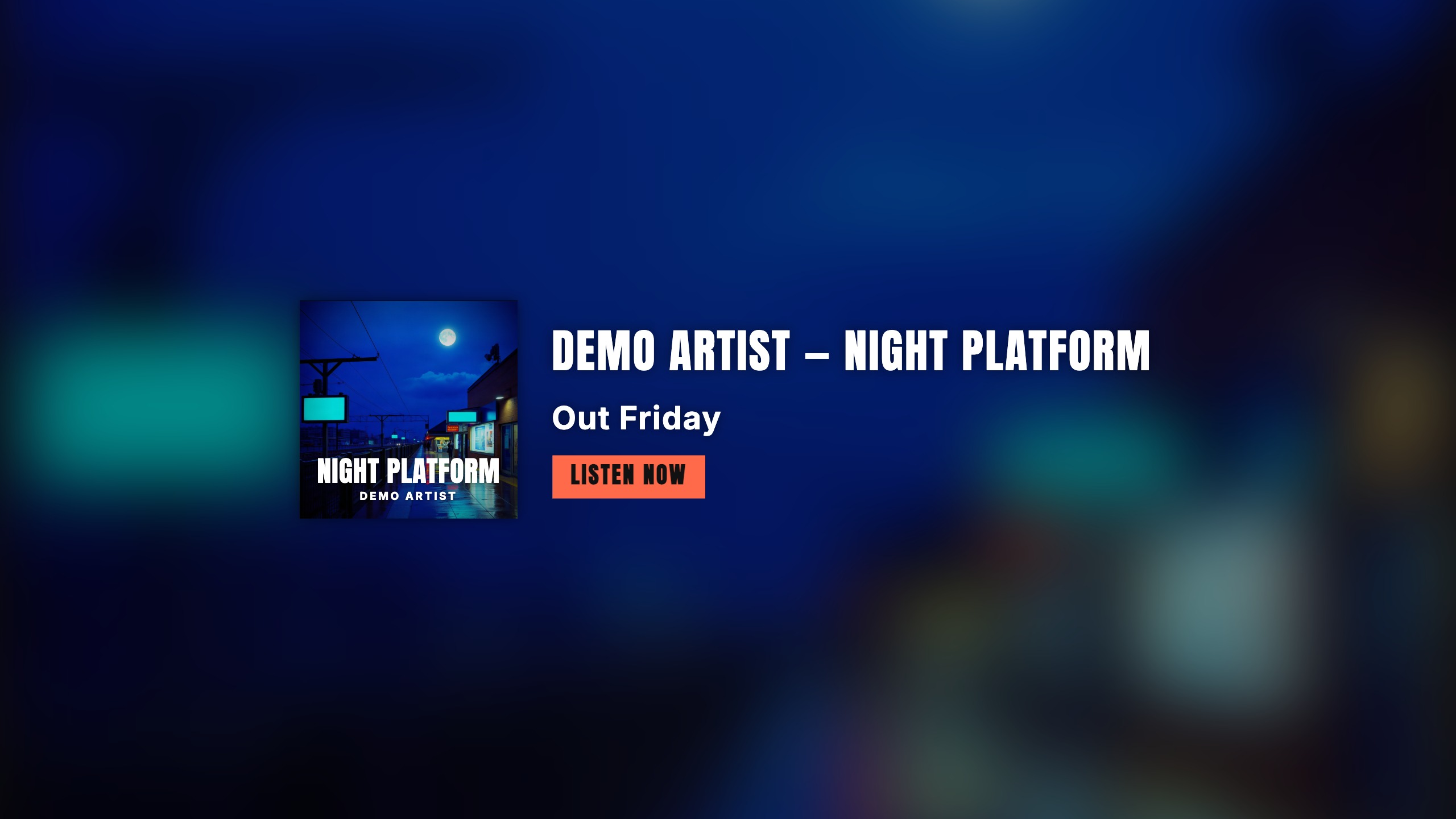
Open Promo kit. Use Headline, Date, and Button to set the promo copy. The sample uses the automatic artist-and-title headline, “Out Friday,” and “Listen now.” Check where the Story and YouTube guides sit, then choose Download cover + all three (ZIP). The button in the JPG is graphic text. Add the actual listening link when you compose the post.
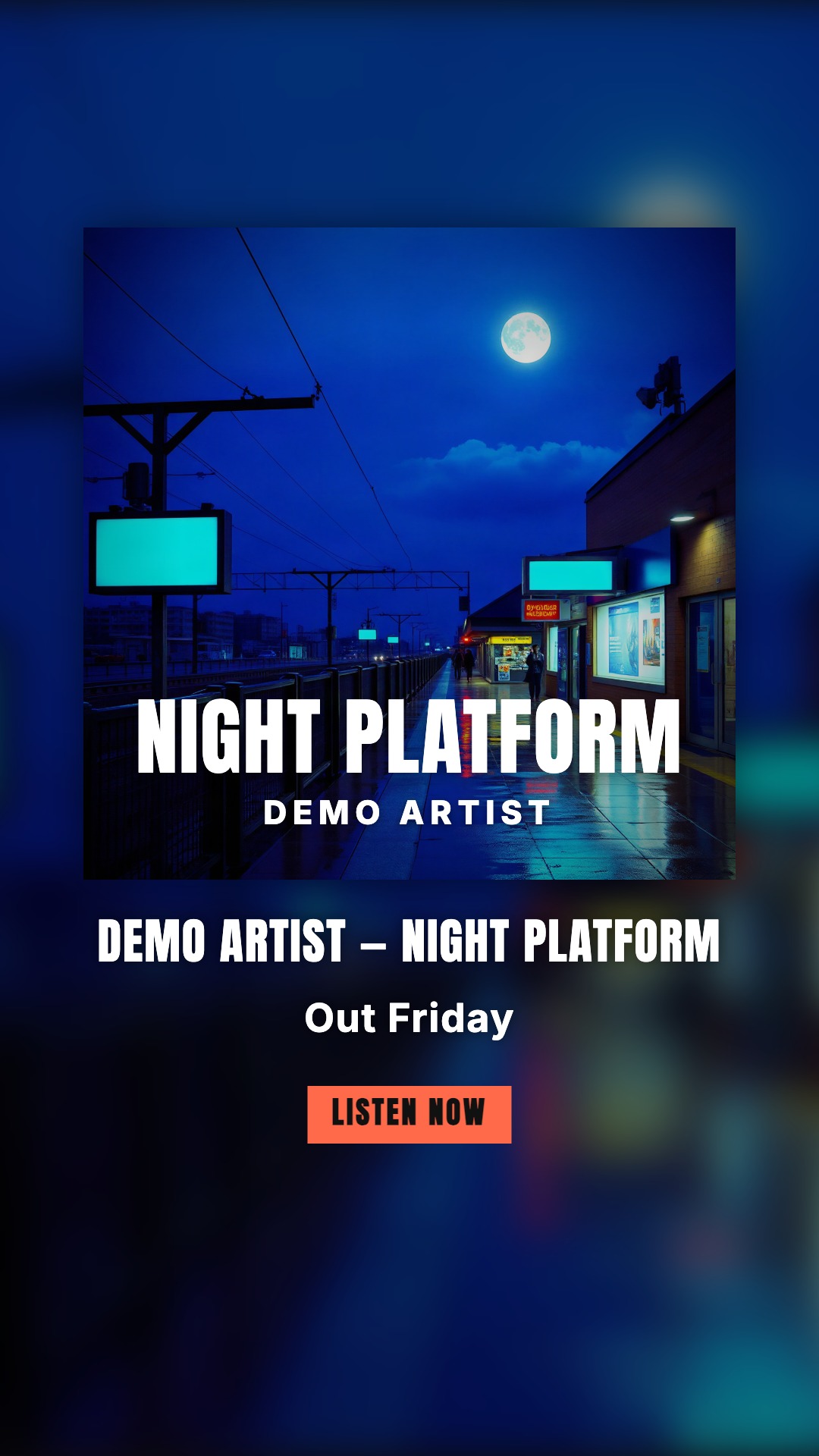
4. Reopen and test a late change
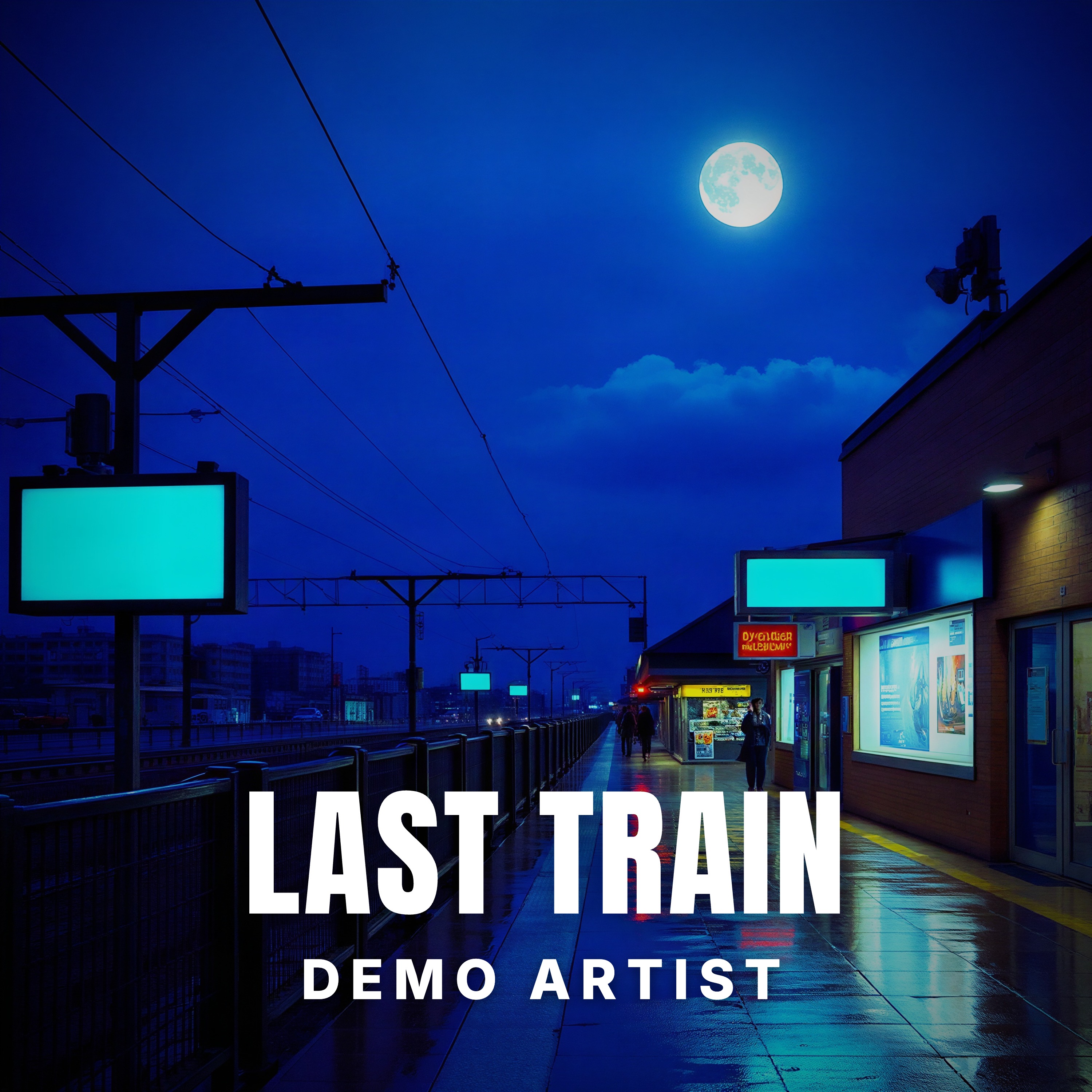
Use Open project with the example project, then change the Title to LAST TRAIN. In Chrome the background stayed in place and the new 3000 px JPG downloaded. We had entered a custom promo headline, and it kept the old title until we edited it in Promo kit. Check that field before exporting the new ZIP.
Check the files you’re about to send
Look at the actual exported file. In a November 18 Punchline crop test, a 1400 × 1100 PNG produced a 1100 × 1100 RGB JPG. It met DistroKid’s 1000 px minimum and was 300 pixels too small for CD Baby. DistroKid recommends a 3000 × 3000 RGB JPG and will adjust a rectangular upload. CD Baby requires a square between 1400 and 3000 px and lists under 25 MB and 72–300 DPI separately. The Night Platform JPG had no explicit DPI value in its metadata. If your distributor asks for a DPI setting, set it with resampling off and check the pixel dimensions again.
Confirm the title and artist on the cover against the release form. DistroKid lists URLs, QR codes, prices, and streaming or social logos among the things to leave off the artwork. Keep the square cover you selected next to the project, and check the Story in your posting app before adding the live link.
Punchline Editors checked the release sources, distributor documentation, and browser exports on November 19, 2026. Browser testing ended at file export.