Album Cover Size Checker
The standard album cover size is 3000 × 3000 pixels, a square RGB JPG. Drop your cover here to see its real size, format and color mode, and save a fixed square copy. Free, nothing uploaded.
Free·No sign-up·File stays on your device
Check your album cover file
See it in action
Album cover size, format and color: the short answer
Make the cover a square JPG of 3000 × 3000 pixels in RGB. DistroKid’s artwork requirements name that as the ideal and set 1000 × 1000 as the minimum. Spotify’s cover art requirements ask for TIFF, PNG or JPG “using lossless encoding”, 640 to 10,000 pixels per side, 1:1, sRGB at 24 bits per pixel, and say not to upscale. DistroKid asks for JPG and delivers the cover to Spotify for you.
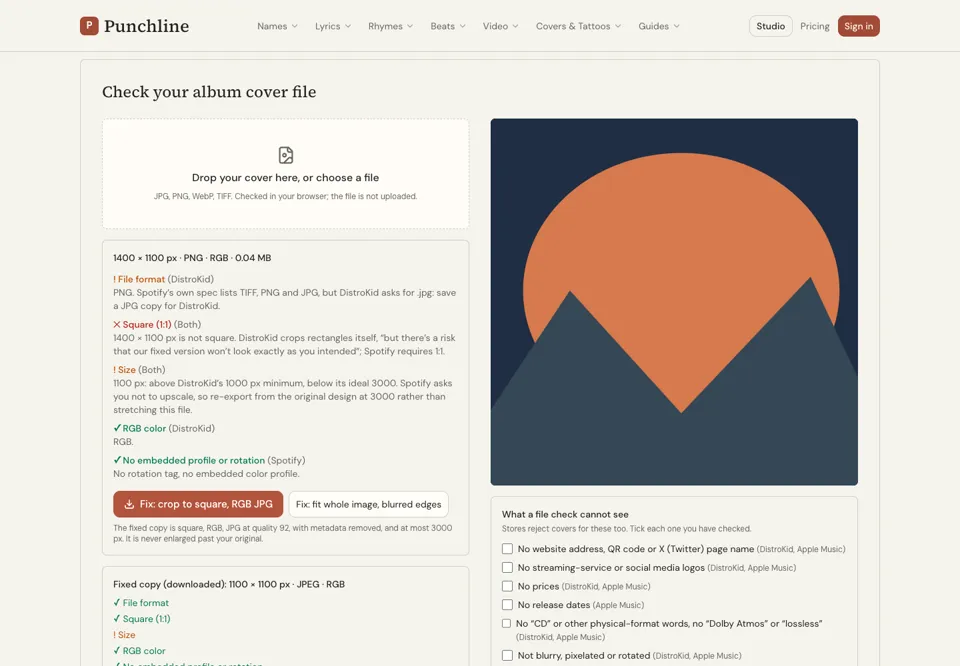
The checker reads those facts from the file itself rather than from its name: the real format from the first bytes, the width and height, whether it is square, whether the color is RGB, CMYK or grayscale, and whether a color profile or a rotation tag is embedded. Each result names the rule it comes from.
Fix makes a square RGB JPG of up to 3000 pixels, cropped to the center or padded with a blurred fill, with transparency flattened and the metadata removed. It does not enlarge a picture past its own size: a file under 3000 pixels is saved at its own size and flagged, so you can export again from the original, since stretched covers look blurry and Spotify asks for no upscaling.
Why check the album artwork size before you upload
Rejections cost days
A rejected cover has to be replaced before the release can go out. Catching a CMYK file, a 900 px export or a rectangular crop takes a few seconds here and nothing at the distributor.
The file says what the name hides
A file called cover.jpg can be a PNG, and a print designer’s export can be CMYK. The checker reads the bytes, so it reports what the store will see, not what the file name claims.
Private by design
Unreleased artwork stays unreleased. The file is opened by your browser, measured and fixed on your device, and never sent to our servers. There is nothing to sign up for.
How to check your album cover size
- 01
Drop the cover file
Drag the exported cover onto the box or tap to choose it. JPG, PNG and WebP open; convert HEIC phone photos to JPG first. The report shows the format, pixel size and color mode within a second.
- 02
Read each result
Green means it meets the rule, amber means it works but is below the ideal, red means a store is likely to refuse it. Then tick the content checklist, which no file check can see.
- 03
Save the fixed copy
Choose crop to square or pad with a blurred fill, then save the RGB JPG at up to 3000 px. If the original is too small, rebuild it at full size in the album cover generator instead.
Album cover dimensions by service
You do not upload to Spotify or Apple Music directly; your distributor delivers the cover, so the distributor’s rule comes first. DistroKid asks for a square RGB JPG and delivers it to the stores below; their own published rules are listed for reference.
Apple’s Music Style Guide does not list a pixel minimum, so we do not quote one for Apple Music. Its content rules are listed in the next section.
- DistroKid: .jpg, minimum 1000 × 1000 px, ideally 3000 × 3000, perfectly square, RGB, one image (source: DistroKid artwork requirements)
- Spotify: TIFF, PNG or JPG using lossless encoding, 640 to 10,000 px wide and tall, 1:1, sRGB, 24 bits per pixel, no upscaling, no embedded color profile or orientation metadata (source: Spotify for Artists cover art requirements)
- Apple Music: no pixel minimum in the style guide; art must not be low quality, pixelated, misaligned or rotated (source: Apple Music Style Guide 7.2)
- For DistroKid uploads: 3000 × 3000 px, square, RGB JPG, no embedded metadata
Why album covers get rejected, and the fix for each
DistroKid says streaming services reject artwork that contains a web address, a QR code, the name of an X page, prices, streaming or social media logos, nudity or a reference to physical media such as "CD", and art that is blurry, pixelated, rotated or uses unlicensed stock photography. It may also reject the same artwork used for two releases. The Apple Music Style Guide adds release dates and references to formats such as Dolby Atmos or lossless.
Each cause has a direct fix. Size, shape and color problems are fixed by the checker above. Content problems need an edit in the design: remove the link or logo, move a release date to your promo posts, or replace a photo you do not have rights to.
- Under 1000 px or blurry: export again from the original at 3000 × 3000
- Not square: crop to square or pad with a fill, then check the crop
- CMYK or grayscale: save a copy in RGB
- URL, QR code, handle, price or logo: delete it from the artwork
- Release date (Apple Music bans it): move it to the promo images
- Stock photo or someone else’s picture: replace it with your own
- Same art as an earlier release: change it
- Title on the art differs from the release title: make them match
Fixing a rejected cover on DistroKid
DistroKid’s help page on rejected releases says most rejections need the release deleted and uploaded again, but not artwork rejections. If only the art was rejected, open the album page and click Replace Artwork on the right side of the Artwork section, then upload the corrected file. The rejection email explains the reason; reply to it if you think it was a mistake.
For a release that is already live, open the album page, click Edit Release in the upper right, drop the new image into the Album cover section and press Submit Edit Request. DistroKid says services usually process edits within a few days, and artwork changes can take up to one to two weeks to show everywhere.
Album cover size FAQ
What size should an album cover be?
A square of 3000 × 3000 pixels, saved as an RGB JPG. DistroKid names that as ideal and accepts 1000 × 1000 at minimum, and Spotify accepts 640 to 10,000 pixels per side. DistroKid takes the JPG and delivers it to the stores; Spotify’s own spec also asks for no upscaling, so start from a large original.
Is album artwork size the same for singles, EPs and mixtapes?
Yes. DistroKid’s artwork requirements are the same whether the release is a single, an EP or an album, and ask for one image per release, so there are no extra pages or back covers in a digital release.
My cover is 1500 × 1500. Should I upscale it to 3000?
Better not. 1500 px is above DistroKid’s minimum, so it can be accepted as it is, and Spotify asks for no upscaling. If you can, export again from the original design at 3000 px. The fixer here will not stretch it.
How do I know if my cover is CMYK?
Drop it in the checker. It reads the color components from the JPG itself and shows RGB, CMYK or grayscale. DistroKid says a CMYK or grayscale file may give an error and asks you to save it again in RGB, which Fix does.
Is my cover uploaded when I check it?
No. The check and the fix run in your browser. The file is read from your device, the fixed copy is made on your device, and nothing is sent to Punchline.
Does passing this check mean my distributor will accept the cover?
The checker inspects the file’s format, pixel dimensions, color data and selected metadata. Review the artwork for rights, logos, URLs and misleading text yourself. The distributor makes the final decision.
Try the checker with a real file
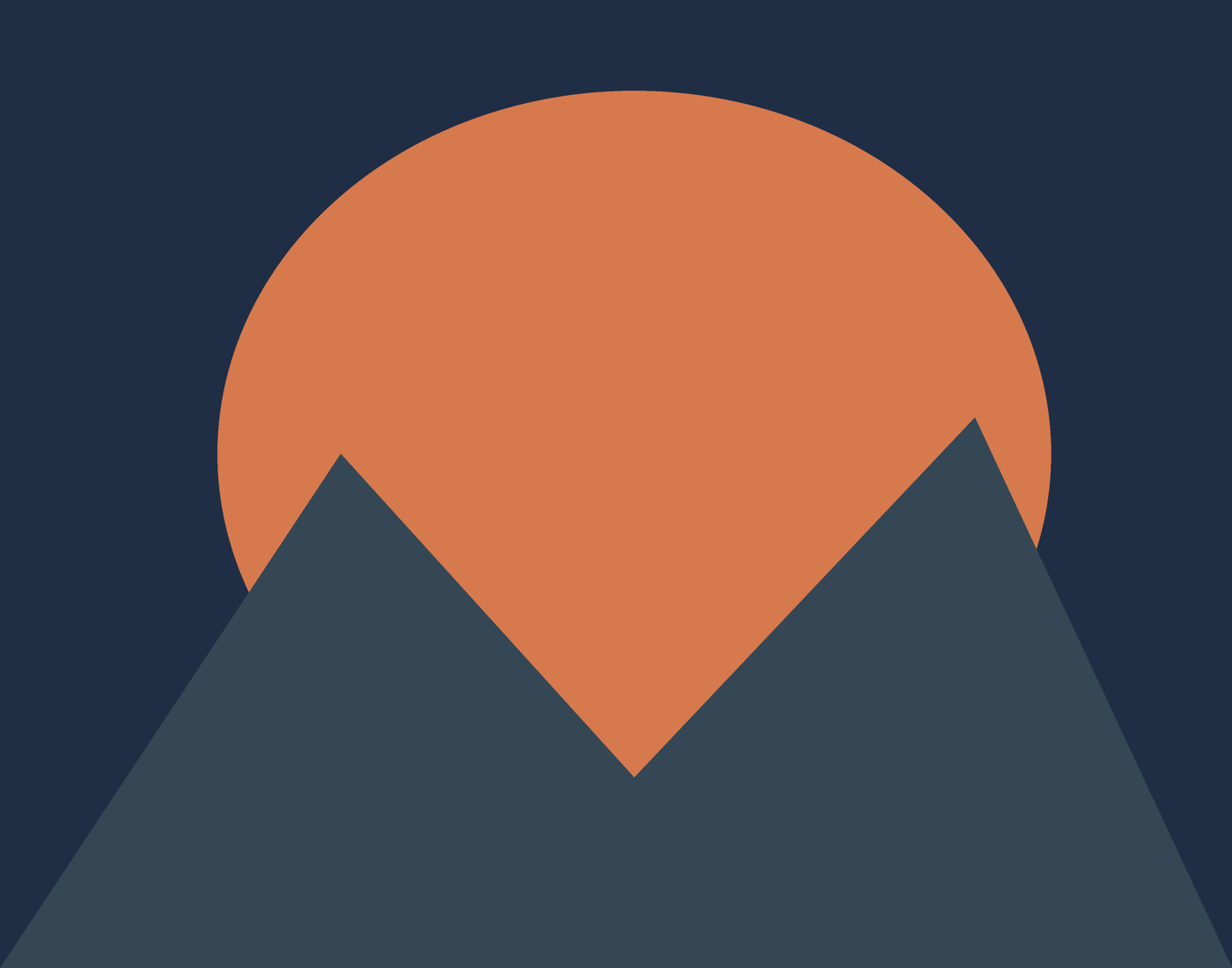
Our test started with a 1400 × 1100 RGB PNG. The checker flagged the format and shape. We chose Crop to square and downloaded a 1100 × 1100 RGB JPG. It clears the size minimum DistroKid lists for album artwork. The 3000 × 3000 recommendation still applies when you have a larger original. In a separate check, the file reader still identified the original as PNG when we gave it a .jpg filename.
Download the original PNG to try above, or inspect the JPG we exported.

Already have a rejection email? Replace rejected artwork on DistroKid. If your original is too small, rebuild the cover from a larger source.
Reusing a cover on another distributor? Compare DistroKid and CD Baby’s cover art requirements.
Related reading
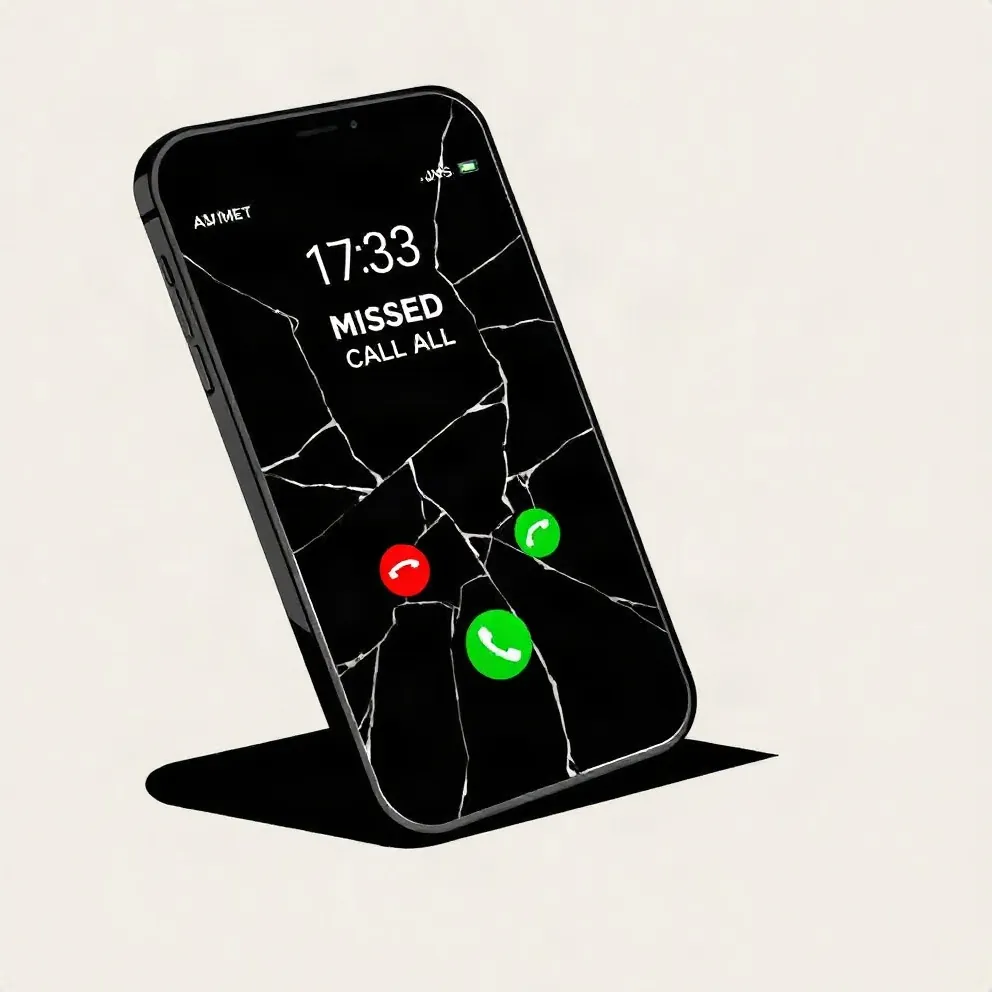 DistroKid Album Art Rejected: How to Fix ItDistroKid album art rejected: what each reason means, how to fix the file, and how Replace Artwork saves you from deleting and re-uploading the release.
- DistroKid vs CD Baby Cover Art RequirementsCompare DistroKid vs CD Baby cover art requirements before reusing a release image. See a tested 1100 px JPG and how to prepare a file that meets both specs.
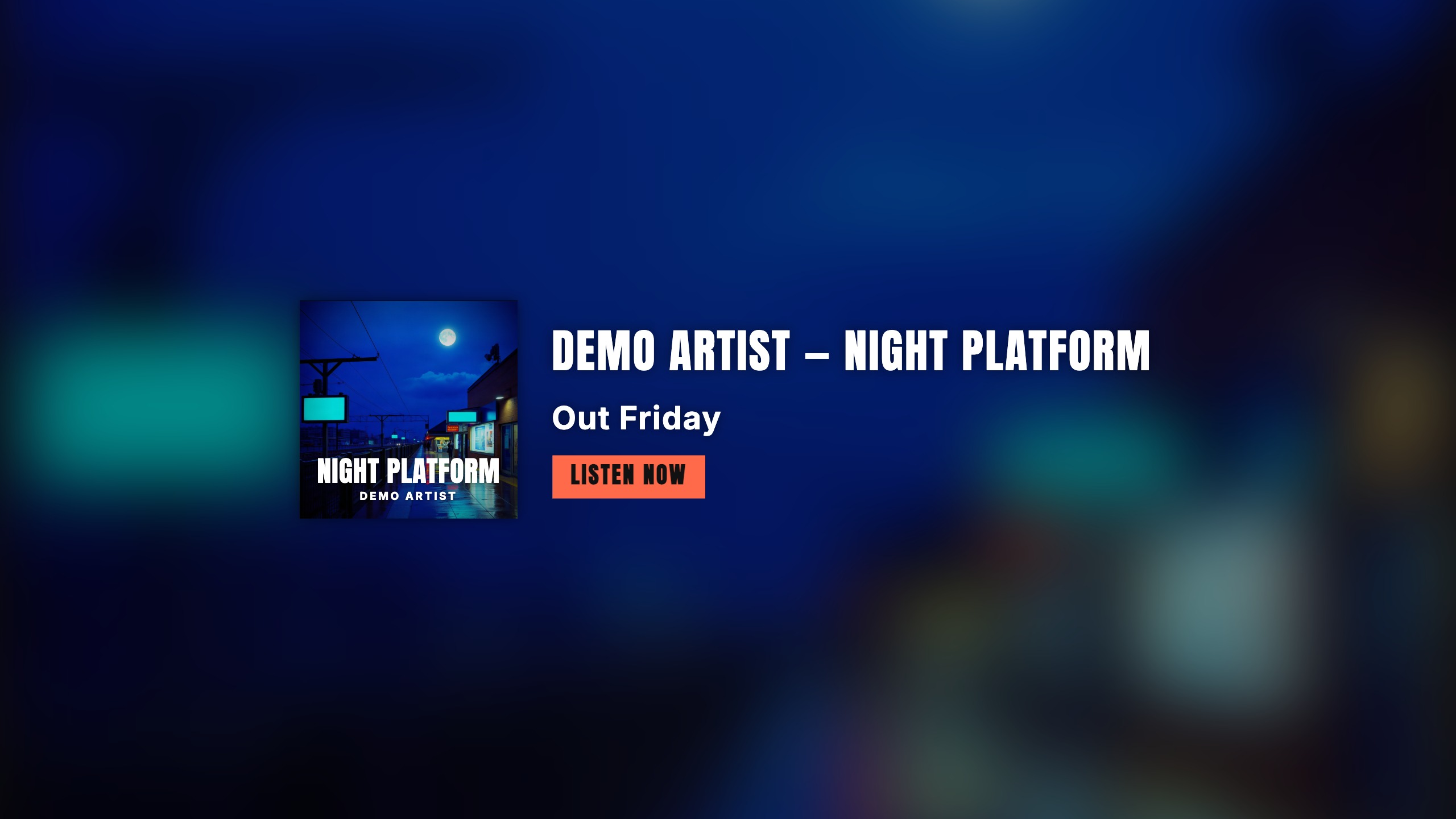 How to Make Cover Art for a SongLearn how to make cover art for a song with two real single covers and a worked example. Download the editable project, cover and promo images.
Related tools
Album Cover Generator
Start from an AI background or your own photo, then set your artist name and title as real text you can edit any time. Export a JPG of up to 3000 × 3000. Only the AI background costs anything: 1 credit.
Cover Art Maker
Give the song one image, from the AI or your own photo, and set the title as text that stays readable as a thumbnail. Export a JPG of up to 3000 px and promo posts. Only an AI image uses a credit.
Design an Album Cover
You will be able to brief or build a cover that reads at phone size: one image idea, clear type, a limited palette and a file your distributor will accept.
YouTube Banner Maker
Describe what the banner should show, add your rap name and pick a style. A wide landscape image with the subject held in the centre arrives in about 20 seconds. Each banner is 1 credit.
Official artwork requirements
Reviewed November 18, 2026. Your distributor makes the final decision on each release.
Last updated November 18, 2026